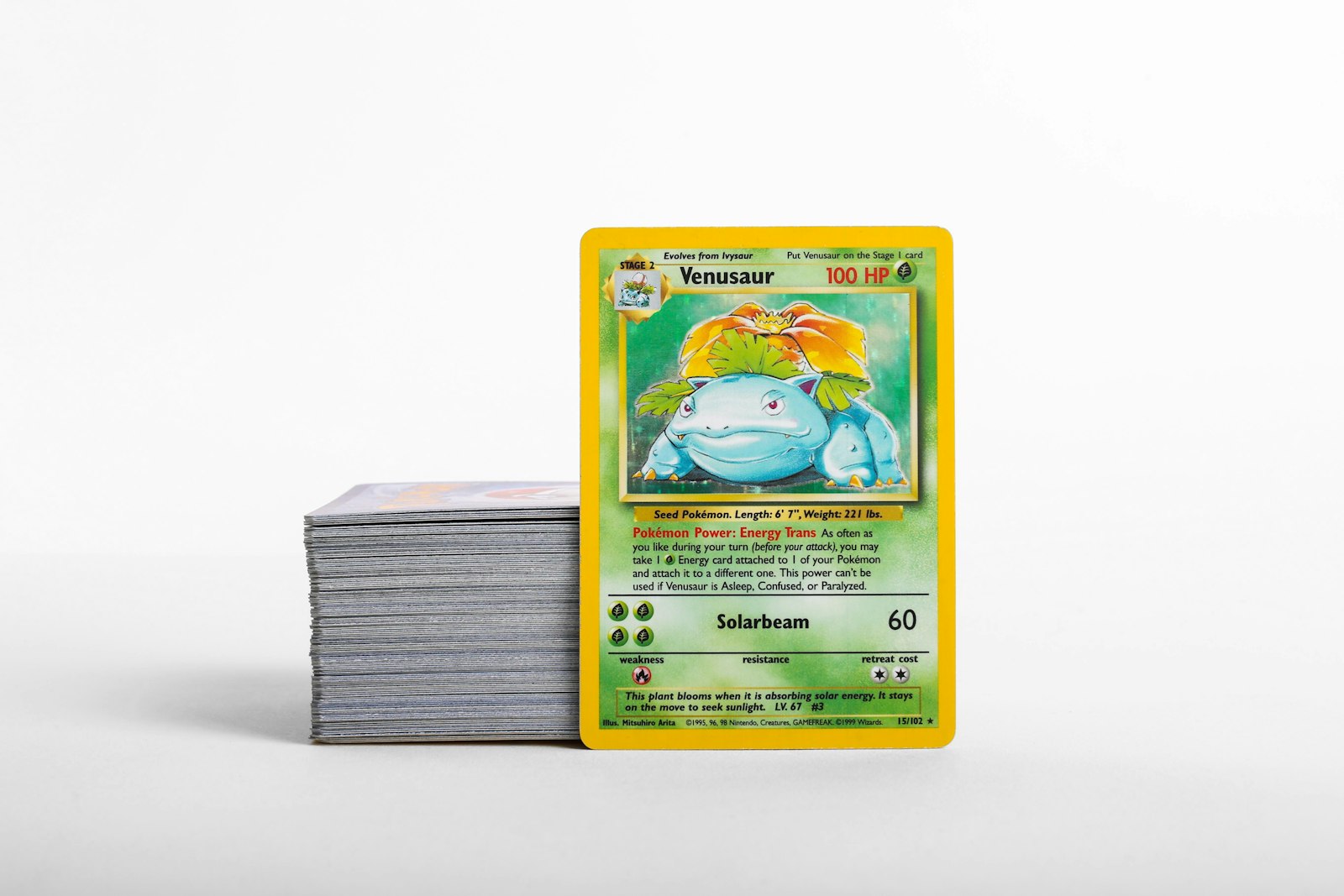
Even inside protective gear, raw Pokemon cards can suffer gradual wear if storage supplies deteriorate or fit incorrectly. Dust intrusion, sleeve haze, pocket sagging, and interior plastic friction cause minor surface scratches and corner softening over time without an obvious single incident.
To keep your cards in true raw condition, you must periodically audit the physical supplies holding your collection. Matching card vulnerabilities to fresh, acid-free protection prevents condition degradation before you decide to grade, trade, or store your singles.
The Hidden Risks of Aging Protection Gear
Many collectors assume that once a Pokemon card enters a penny sleeve or binder, it remains safe forever. However, protective supplies are consumable items. Over time, plastic compounds degrade under environmental pressure, environmental dust settles into pocket openings, and repeated handling creates friction inside sleeves.
Silent storage wear typically manifests in three main forms:
- Surface Haze and Micro-Scratches: Degraded or dirty polypropylene sleeves trap microscopic grit that rubs against delicate holofoil surfaces during movement.
- Edge and Corner Compression: Oversized, tight, or sagged binder pockets force card edges against seam welds or cause bowing along bottom borders.
- Foil Clouding: Excess humidity or non-archival plastics break down surface oils, creating a dull film over holofoil layers.
Recognizing these early warning signs allows you to replace compromised gear before your cards experience permanent condition loss.
Inspecting Polypropylene Sleeves for Clouding and Friction
Card sleeves serve as the primary defensive barrier against dust, moisture, and oils. However, cheap or aging penny sleeves develop texture changes that actively scratch card surfaces.
Inspect your sleeved singles under a direct desk light every few months. Look closely for these red flags:
- Sleeve Haze: If the transparent plastic looks cloudy, milky, or textured rather than crystal clear, plasticizer breakdown or surface grime is occurring. Replace the sleeve immediately.
- Lip Curling: Worn sleeve openings that flare outward lose their seal, allowing dust to enter and settle directly onto the card's top edge.
- Seam Splitting: Check side seals for micro-tears. A split seam allows the card to shift unevenly, exposing corners to outer container walls.
Always use archival-grade, PVC-free polypropylene or polyethylene sleeves. When sliding a card into a new sleeve, never force a dry or resistant fit. If you feel drag, discard the sleeve and grab a fresh one.
Auditing Binder Pocket Sag, Tension, and Page Weld Failures
Nine-pocket and twelve-pocket binders are ideal for set completion, but page material wears down with heavy browsing. Oversuffed or low-quality binder pages create tension points that permanently warp raw cards.
Examine your binder pages for mechanical failure points:
- Pocket Distortion (Sagging): When binder pages sag under their own weight, cards in bottom rows sit at an angle. This puts continuous leverage on top-left and top-right corners.
- Ring Dent Hazards: If you use ringed binders, inspect the inner column near the spine. Ensure cards never catch on the metal rings when pages turn. Upgrading to ringless, side-loading binders eliminates ring dent risk entirely.
- Weld Separation: Check the heat-sealed seams between pockets. Flawed welds allow cards to slip out of alignment, sliding into adjacent pockets or catching on page borders.
If a binder page shows loose pockets or seam wear, retire that page to lower-value bulk storage rather than keeping rare singles inside it.
Evaluating Toploaders for Dust Trap Hazards and Interior Scratches
Toploaders offer rigid impact protection, but their open top design invites ambient debris. A raw card inserted into a dirty toploader acts like sandpaper against fine dust particles.
Before inserting any sleeved card into a hard loader, perform a quick three-point inspection:
- Internal Debris: Hold the empty toploader up to a light source. Discard any toploader with visible plastic flakes, dust, or factory residue inside the chamber.
- Interior Scratching: Repeatedly inserting and removing cards scratches the inside walls of plastic loaders. Deep internal gouges reduce display clarity and drag across inner penny sleeves.
- Flex Warping: Storing toploaders tightly squeezed inside over-packed storage boxes forces rigid walls inward, pinching card borders.
Always combine a toploader with a fitted penny sleeve. Never slide a raw, unsleeved Pokemon card directly into a rigid plastic toploader, as hard edges will scrape the card's borders and holofoil finish.
Matching Card Condition to the Right Protective Enclosure
Not every raw card requires maximum rigid protection, but high-value hits and fragile holofoils demand specific storage tiers to preserve condition.
Use this practical guide to assign storage formats based on card vulnerability:
| Card Type / Condition | Primary Protection | Secondary Storage | Key Storage Goal | | :--- | :--- | :--- | :--- | | Near Mint Ultra Rares & Holos | Standard Penny Sleeve + Toploader | Toploader Box | Block UV light, prevent surface friction, stop foil curl | | Complete Binder Sets (Near Mint) | Perfect Fit / Standard Sleeve | Side-Loading Zipper Binder | Prevent dust entry, stop ring pinch, limit page sag | | Playable Staples & Mid-Tier Rares | Standard Deck Protector Sleeve | Deck Box or Storage Tray | Fast access, protection against handling wear | | Lightly Worn / Vintage Cards | Soft Penny Sleeve | Card Saver / Semi-Rigid Case | Avoid corner snags, keep card flat without edge pressure |
Standardizing your protection tiers ensures you don't waste expensive hard cases on bulk while keeping your best raw cards completely safe.
Establishing a Quarterly Preservation Audit for Raw Cards
Protection gear degrades slowly, making routine checks essential. Incorporate a quick maintenance audit into your regular collecting routine every three to six months.
Follow this simple five-minute checklist during collection reviews:
- Sample Sleeve Clarity: Pull three to five sleeved cards from different sections of your collection and inspect the plastic under strong light for haze.
- Check Container Spacing: Ensure storage boxes have enough clearance so toploaders sit upright without crushed tops or side compression.
- Rotate Binder Storage: Store binders laying flat or standing strictly upright with supportive page dividers to prevent page warping.
- Monitor Ambient Environment: Keep storage containers away from direct sunlight, exterior walls, and sources of moisture or heat.
- Digitize Inventory Records: Log card condition, protective gear types, and physical binder locations in your collection app so you can track where every card lives.
By staying proactive, you eliminate preventable storage damage and preserve the condition of your collection for years to come.
Keep Your Collection Documented and Protected
Maintaining raw card condition requires combining quality physical storage with clear inventory tracking. Knowing exactly which binder, box, or toploader holds each card makes physical preservation audits simple and stress-free.
Using a dedicated Pokemon card scanner lets you capture card details instantly, while a reliable Pokemon card price checker helps you prioritize high-value singles that need upgraded storage. Pair your physical preservation setup with a comprehensive Pokemon collection app to record condition notes, log binder locations, and keep your growing collection organized effortlessly.