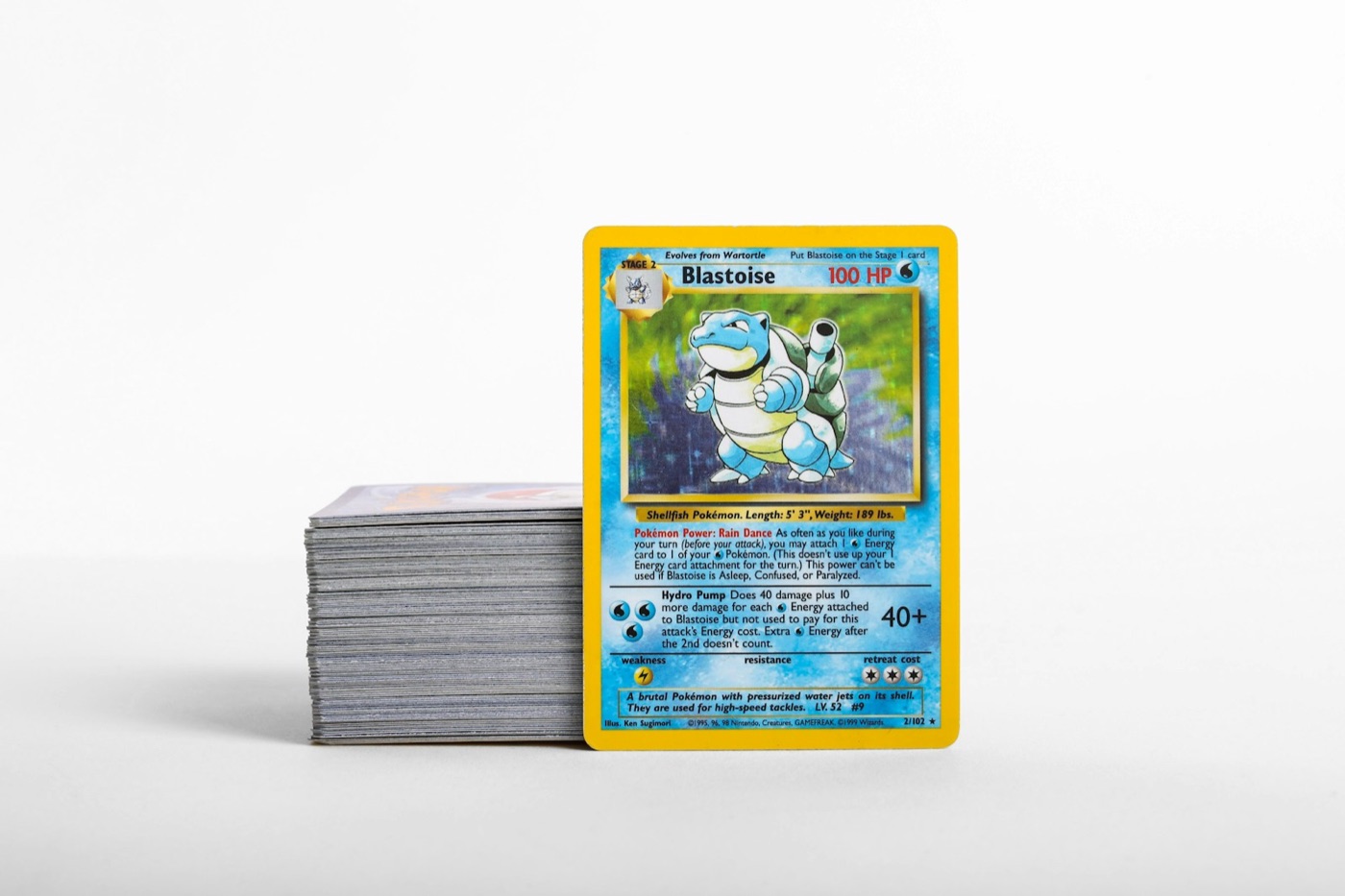
Every Pokemon collector knows the feeling: a successful mail day, a few cracked booster packs, or a local trade meet ends, and suddenly your desk is buried under a fresh pile of unsorted cards. It starts as a small stack, but within weeks, it turns into an intimidating backlog of raw cardboard.
The key to maintaining a clean, searchable collection isn't spending hours sorting every weekend—it's building a zero-backlog intake routine. By establishing a structured physical-to-digital workflow, you can catalog your cards the moment they enter your house.
Using a dedicated Pokemon collection app alongside a high-speed Pokemon card scanner allows you to keep your inventory perfectly accurate with minimal effort. Here is how to set up a zero-friction cataloging routine that keeps your binders organized, your boxes sorted, and your digital database up to date.
The Hidden Cost of the "Sort It Later" Backlog
Leaving cards in temporary piles is a recipe for collection chaos. When your physical cards aren't matched to your digital records, several problems occur:
- Accidental Duplication: You buy singles you already own because your tracker is missing your latest pickups.
- Condition Degradation: Raw cards sitting in loose, unprotected stacks are highly vulnerable to edge wear, surface scratches, dust, and accidental spills.
- Missed Trade Opportunities: You cannot confidently agree to a trade if you are not sure whether a specific card is in your trade binder or buried in an unsorted bulk box.
- Unnecessary Stress: A cluttered workspace makes organizing feel like a chore rather than a relaxing hobby.
A zero-backlog workflow ensures that every card has a defined path from the moment it crosses your threshold to its final home in a binder, top loader, or storage box.
Phase 1: Set Up Your Physical Intake Zone
The biggest mistake collectors make is letting new arrivals mingle with their main collection immediately. To prevent this, set up a physical "Intake Zone" on your desk or sorting table. Keep this zone clean and ready to use at all times.
Your intake zone should consist of three physical items:
- The Intake Tray: A small, shallow plastic tray or an empty Elite Trainer Box (ETB) lid where all new cards are placed immediately upon arrival. No card enters a binder or storage box without passing through this tray first.
- Pre-sorted Protection Gear: Keep a fresh pack of penny sleeves, top loaders, and binder dividers directly next to your intake tray.
- A Clean Playmat: Always handle raw cards on a clean, soft neoprene playmat to protect their surfaces and corners during processing.
Phase 2: The Rapid Scan and Triage Routine
Once you have a stack of cards in your intake tray, it is time to digitize them. Do not wait until you have hundreds of cards; process your intake tray whenever it reaches 10 to 15 cards. This keeps the task under five minutes.
First, clear your playmat and place your phone on a stand or hold it steady under good, indirect lighting. Avoid harsh overhead lights that cause glare on holographic surfaces.
Next, use a fast Pokemon card scanner to identify each card instantly. This eliminates the need to manually type in card numbers, set symbols, or variant names. As you scan, use a reliable Pokemon card price checker built into your app to understand the approximate market value of each card.
Finally, triage your cards into three immediate physical piles as you scan them:
- The Binder Pile: High-value cards, chase cards, or specific set needs that belong in your display binders.
- The Trade/Sell Pile: Valuable duplicates or cards that do not fit your personal collecting goals.
- The Bulk Pile: Low-value commons, uncommons, and basic energy cards.
Phase 3: Route Cards to Their Permanent Storage
Now that your cards are scanned and triaged, route them to their permanent physical homes immediately. Letting them sit on your desk after scanning defeats the purpose of a zero-backlog system.
For Binder Cards, slide them immediately into penny sleeves and place them into your dedicated set or binder pages. If you are building a master set, place them directly into their designated slots to easily visualize your progress.
For Trade Singles, place them in top loaders or side-loading trade binders. Keeping your trade binder updated digitally makes it incredibly easy to share your trade list with other collectors online or at local events without having to carry physical binders everywhere.
For Bulk Storage, place them into cardboard storage boxes (such as 3,200-count monster boxes). To keep your digital tracker clean, you can choose to group bulk by set or simply track them as a bulk quantity in your app.
Syncing Your Physical Zones with Your Digital Tracker
A digital inventory is only useful if it accurately reflects your physical storage. When you catalog cards using your Pokemon collection app, use custom lists or folders to mirror your physical setup.
Consider organizing your digital folders to match your physical storage layout:
- "Binder: Scarlet & Violet Base Set" (Matches your physical binder)
- "Top Loader Box: Hits over $10" (Matches your physical acrylic top loader box)
- "Trade Binder" (Matches your physical trade binder)
By organizing your digital lists to match your physical storage, you can find any card in your collection within seconds. If you sell, trade, or grade a card, delete or move it in your digital inventory immediately to prevent your records from drifting.
The 15-Minute Weekly Inventory Maintenance Routine
To maintain a zero-backlog system over the long term, schedule a 15-minute weekly cleanout. Pick a consistent day—such as Sunday evening—to run through this quick checklist:
- [ ] Empty the physical intake tray: Scan and catalog any remaining loose cards that accumulated during the week.
- [ ] Sleeve and store: Place all scanned cards into their correct physical binders or boxes.
- [ ] Clean up digital records: Remove any cards you traded or sold during the week from your active digital inventory.
- [ ] Restock supplies: Ensure you have enough penny sleeves and top loaders next to your intake tray for the upcoming week.
By breaking your cataloging into small, manageable weekly increments, you completely avoid the dread of facing a massive, unsorted box of hundreds of cards.
Take Control of Your Collection with PokeSnap
Organizing your Pokemon card collection does not have to feel like a chore. By setting up a simple physical intake zone and processing new cards in small batches, you can keep your collection pristine, organized, and perfectly cataloged.
Ready to simplify your inventory workflow? Download PokeSnap today to experience the fastest Pokemon card scanner, real-time price checker, and collection app designed specifically for active collectors. Keep your binders organized, your trades fair, and your backlog at absolute zero.