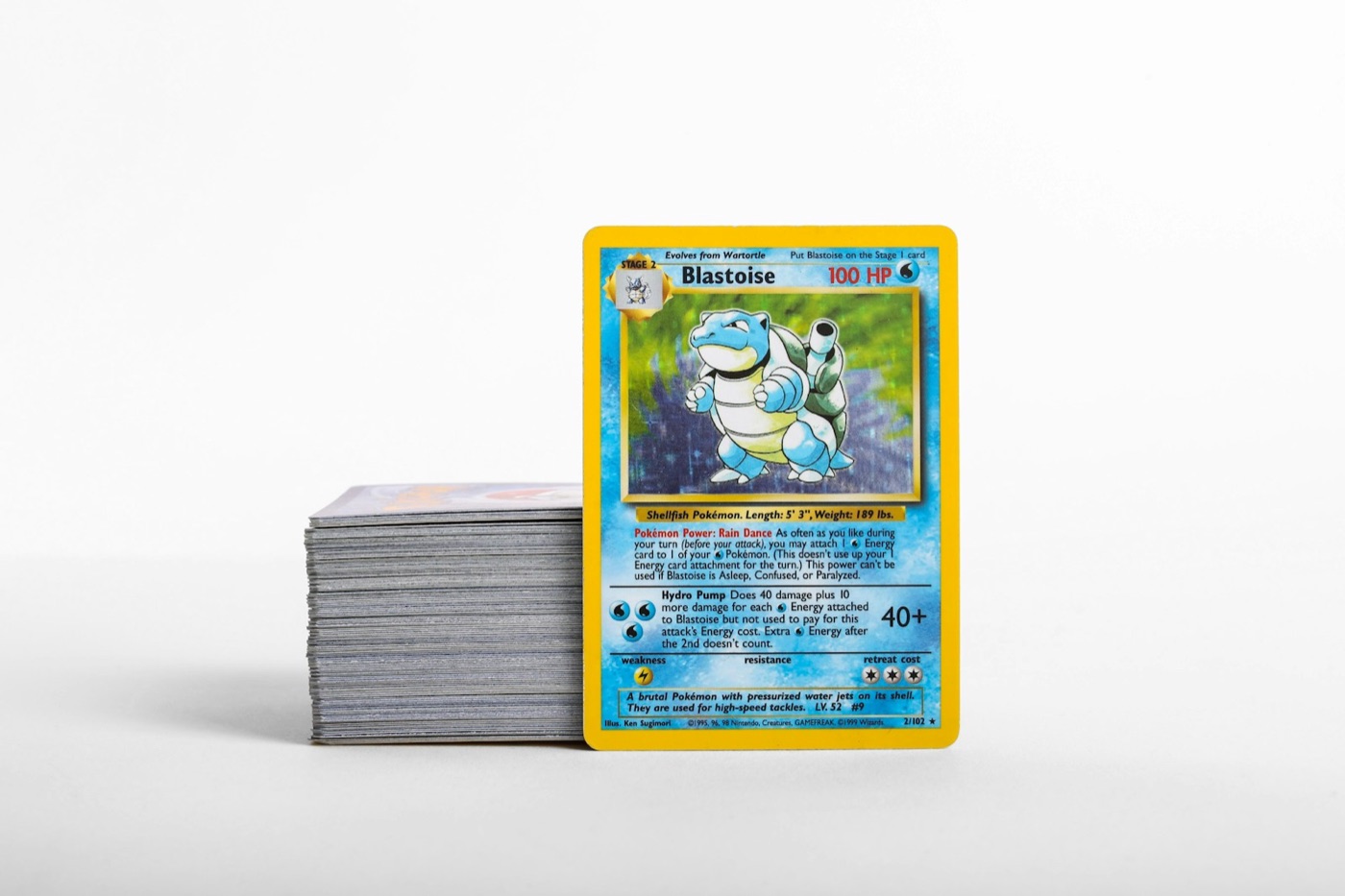
Many collectors know the feeling of the "doom stack"—those growing piles of raw cards, recent pulls, and mail-day arrivals sitting on desks, playmats, or shelves. Without a clear system, organizing your collection can quickly feel like a chore, leading to delayed cataloging, misplaced duplicates, and accidental rebuying.
A simplified inventory workflow bridges the gap between your physical cards and your digital records. By establishing a repeatable routine, you can transition cards from raw piles to protected binders and boxes while keeping your digital tracker perfectly up to date.
Here is a step-by-step guide to building an efficient, friction-free inventory workflow for your Pokemon cards.
1. Establish Your Three-Zone Sorting Station
Before you open your digital tracker or grab a stack of sleeves, you need a dedicated physical workspace. Trying to sort, scan, and sleeve cards in a cramped area is a recipe for clutter and bent corners. Clear off a clean table or desk and divide it into three distinct zones:
- The Intake Zone: This is where all unsorted cards land. Whether they are fresh pulls from a booster box, cards from a local trade night, or recent mail-day packages, they stay in this zone until you are ready to process them.
- The Processing Zone: This is your active workspace. Keep your sleeves, toploaders, sorting trays, and phone stand here. You will work on one small stack of cards at a time in this zone.
- The Outgoing Zone: This area holds sorted stacks that are fully cataloged and ready to go to their final storage locations (such as set binders, trade binders, or bulk boxes).
By physically separating these steps, you prevent unsorted cards from getting mixed back into your completed sets.
2. Sort Physically Before You Scan
One of the biggest workflow bottlenecks is scanning cards one by one as you pull them from packs or boxes. To speed up the process, always perform a rough physical sort in your processing zone before you begin digital cataloging.
For modern sets, sorting by rarity or card type is usually the fastest method:
- Group 1 (Hits & Ultra Rares): Secret rares, full arts, illustration rares, and valuable holo cards.
- Group 2 (Low-Value Holos & Reverse Holos): Holo rares and reverse holo cards that you want to track for set completion.
- Group 3 (Bulk): Regular commons, uncommons, and non-holo rares.
Sorting your cards into these groups first allows you to process them in batches, which dramatically increases your scanning speed.
3. Use High-Speed Scanning to Build Your Digital Record
Once your cards are sorted, it is time to digitize them. Manual entry is slow and prone to errors, especially when dealing with similar-looking card variants. Utilizing a reliable Pokemon card scanner allows you to log entire stacks in minutes.
To get the best results during your scanning session:
- Set Up Consistent Lighting: Overhead glare from sleeves or shiny foil surfaces can interfere with card recognition. Set up your station under indirect, natural light, or use a desk lamp angled away from the camera lens.
- Keep Your Camera Steady: Use a phone stand or mount to keep your phone at a fixed height above your cards. This keeps your hands free to slide cards in and out of the camera's view.
- Scan by Language: If you collect international releases, group them together. For example, you can easily scan Japanese Pokemon cards in a single batch before switching back to your English piles.
As you scan each card, verify the set symbol and variant in your app, then place the physical card into your outgoing stack.
4. Route Your Cards to the Right Protective Storage
Not every card requires a rigid toploader, but every card does deserve a safe storage format. A smart inventory workflow routes cards to their final storage destinations based on their rarity, condition, and purpose:
| Card Group | Physical Storage Format | Purpose / Role | | :--- | :--- | :--- | | High-Value Hits | Penny sleeve + Toploader + Storage Box | Long-term preservation, potential grading | | Set Completion Cards | Side-loading pocket binder | Easy viewing, display, set tracking | | Trade Duplicates | Side-loading trade binder | Portability for trade nights, local meetups | | Common/Uncommon Bulk | Archival-safe cardboard bulk box | Sorted by set and type for easy retrieval |
By routing cards immediately after scanning, you ensure that your high-value cards are protected before they can suffer any accidental surface or edge wear.
5. Keep Your Physical and Digital Records in Sync
An inventory system is only useful if it matches reality. To prevent your digital tracker from drifting over time, integrate these simple habits into your collecting routine:
- Organize by Physical Location: Within your Pokemon collection app, organize your digital lists to match your physical storage. Create custom lists named after specific binders (e.g., "Scarlet & Violet Master Binder") or boxes (e.g., "Trade Box A").
- Log Departures Immediately: When you sell a card, trade it away, or send a batch out for grading, remove those cards from your digital inventory immediately. Do not wait until the end of the month, or you may forget which specific variants left your collection.
- Perform Mini-Audits: Every few weeks, pick a random page in one of your binders and cross-reference it with your digital list. If you find a discrepancy, update it on the spot to keep your records clean.
6. Tips for a Friction-Free Inventory Session
To keep your inventory sessions productive and stress-free, keep these practical tips in mind:
- Batch Your Pack Openings: Resist the urge to catalog cards mid-opening. Enjoy the experience of ripping packs first, place all your pulls into your Intake Zone, and schedule a separate session for sorting and scanning.
- Keep Supplies Stocked: Never start a sorting session without a fresh pack of penny sleeves and toploaders nearby. Having to stop mid-workflow to find more sleeves breaks your momentum.
- Label Your Storage Boxes: Use sticky notes or printable labels on your bulk boxes and binders to clearly state which sets, card types, or rarities live inside. This makes finding a physical card from your digital list incredibly simple.
Streamline Your Collection with PokeSnap
Designing a simplified inventory workflow keeps your collection organized, searchable, and safe from accidental damage. By combining a structured physical sorting desk with a fast, reliable digital tracker, you spend less time managing messy stacks and more time enjoying your favorite cards.
Ready to get your binders and boxes organized? Download PokeSnap today to scan, price, and track your Pokemon card collection with ease.