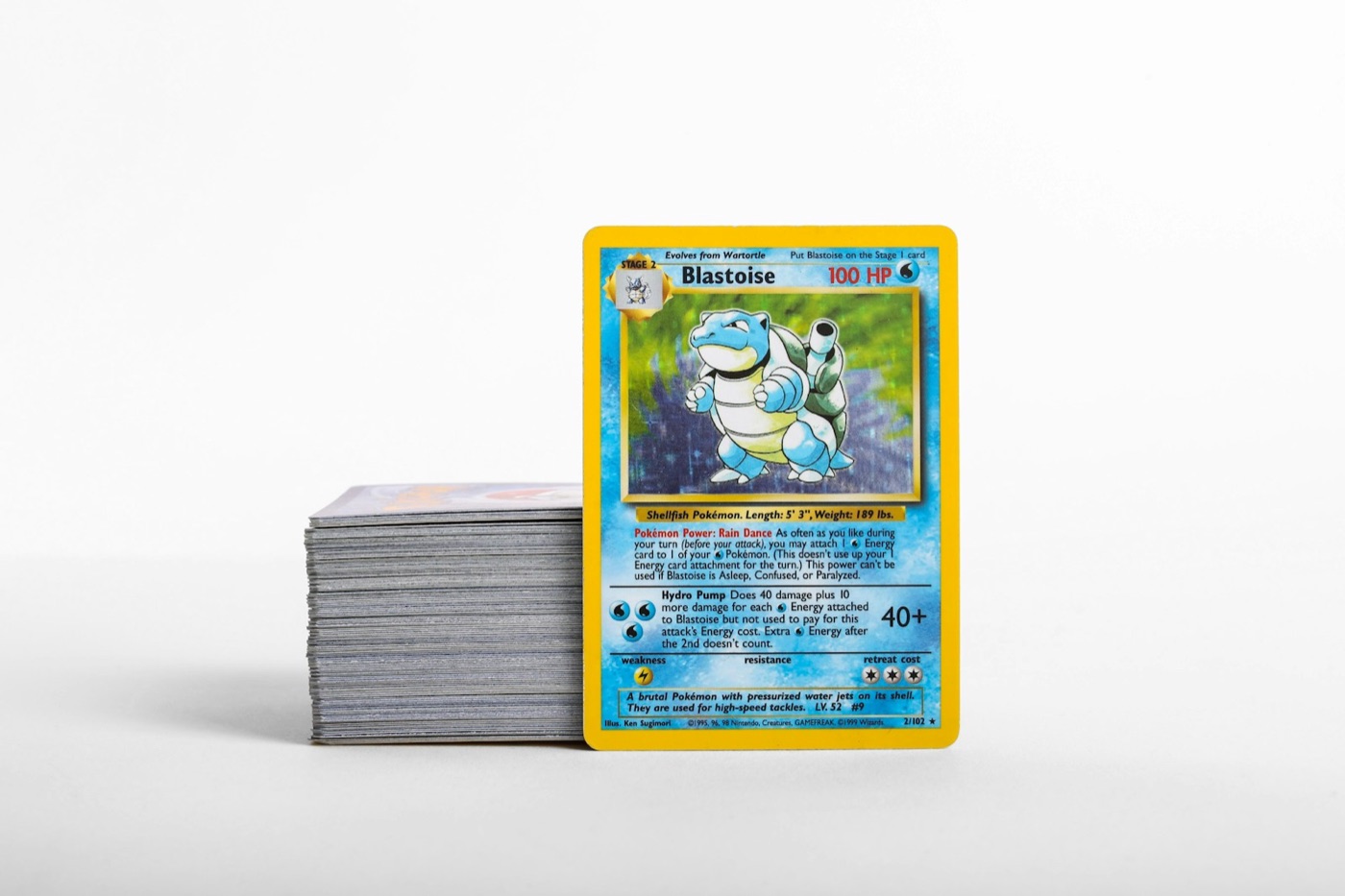
Every Pokemon card collector eventually hits the same wall: the unsorted pile. It starts as a few booster packs opened on a weekend, grows into a stack of loose cards on a desk, and eventually turns into boxes of mixed duplicates, hits, and bulk. Without a structured system, you end up buying cards you already own, losing track of your rarest pulls, and spending hours searching through binders for a single card.
A scalable inventory workflow bridges the gap between your physical storage and your digital records. By establishing a repeatable pipeline for how cards enter, move through, and settle into your collection, you can maintain an immaculate catalog with minimal effort.
Here is a step-by-step guide to building a friction-free Pokemon card inventory workflow that keeps your binders, boxes, and digital trackers perfectly aligned.
1. Establish an Intake Zone
The biggest mistake collectors make is filing new acquisitions away immediately. Whether you just brought home a haul from a local card show, opened a booster box, or received a delivery in the mail, do not put these cards directly into your permanent binders.
Instead, create a dedicated Intake Zone. This should be a physical tray, a small box, or a designated corner of your desk where all unsorted cards land.
- Keep it contained: Only allow cards in this zone if they have not yet been sorted, graded, or cataloged.
- Prevent damage: Ensure the Intake Zone is clean, dry, and away from high-traffic areas. Keep penny sleeves nearby so high-value pulls are protected the second they land in the zone.
- Set an intake limit: Decide on a threshold (e.g., once the pile reaches 50 cards, or at the end of every week) to trigger your sorting and scanning routine. This prevents the backlog from becoming overwhelming.
2. Pre-Sort Before You Scan
Trying to scan cards one by one as you pull them from a random stack is highly inefficient. You will constantly switch between sleeving, scanning, and filing, which breaks your concentration and slows down the process. Sorting your cards before you open your digital tracker makes the actual cataloging phase incredibly fast.
For the most efficient workflow, sort your intake pile using this three-step hierarchy:
- By Language and Era: Separate English cards from Japanese cards. If you collect foreign sets, knowing how to scan Japanese Pokemon cards with the right settings will save you from accidental misidentifications later. Group modern sets separately from vintage prints.
- By Set: Group cards together by their set symbol or set code.
- By Card Number: Within each set group, arrange the cards in numerical order.
This pre-sorting step ensures that when you begin digitizing, you can move through a single set sequentially, which matches the natural layout of your physical binders.
3. The Batch-Scanning Routine
Once your cards are neatly ordered, it is time to build your digital record. Relying on manual typing is a recipe for spreadsheet fatigue. Instead, use a dedicated pokemon card scanner to process your sorted stacks in batches.
To get the cleanest, fastest matches during your scanning session, optimize your environment:
- Lighting: Use indirect, neutral light. Avoid direct overhead lights that create harsh glare on holographic foil, as this can confuse the scanner's image recognition.
- Background: Place your cards on a flat, high-contrast, non-reflective surface (such as a black playmat for light-bordered cards).
- Sleeve Handling: While modern scanners can read through clear penny sleeves, remove cards from highly reflective art sleeves or cloudy top loaders before scanning to ensure maximum clarity.
Move through your pre-sorted stack, scanning each card and confirming the set match. Because your cards are already in order, you can quickly verify that the scanner is pulling the correct variant (such as reverse holos vs. standard holos) without searching through menus.
4. Tier Your Physical Storage
With your cards scanned and logged in your pokemon collection app, you must assign them to their permanent physical homes. A scalable workflow relies on tiering your storage based on card type, rarity, and purpose.
| Storage Tier | Card Types Included | Physical Container | Protection Level | | :--- | :--- | :--- | :--- | | Tier 1: Master Sets & Hits | Secret Rares, Ultra Rares, Favorite Holos | Side-loading, strap-closed binders | Penny sleeve + binder pocket | | Tier 2: Playable Staples | Competitive Trainer cards, key Pokemon | Deck boxes or dedicated utility binders | Penny sleeve | | Tier 3: Trades & Duplicates | Extra holos, valuable duplicates | Dedicated trade binder or storage box | Penny sleeve + top loader (for higher values) | | Tier 4: Bulk | Common, Uncommon, non-holo Rare duplicates | Archival-safe cardboard or plastic bulk boxes | Bare or paper-divided groups | | Tier 5: Graded Slabs | Certified cards | Slab cases or specialized storage boxes | Fitted slab sleeves |
By keeping these tiers physically distinct, you always know exactly where a card should go the moment it is logged in your system.
5. Sync Digital Locations to Physical Storage
The most common failure point in any inventory system is "location drift"—knowing you own a card digitally but having no idea which binder or box holds it in real life.
To prevent this, use your digital collection tracker to mirror your physical setup. Create custom folders, lists, or tags within your app that correspond directly to your physical storage containers. For example, you can create digital folders named:
Binder: Scarlet & Violet Base SetBox A: Modern Trade DuplicatesSlab Case 1
When you scan a card and assign it to a digital folder, immediately place it into the corresponding physical binder slot or box. If you trade a card away or move it to a different binder, update the digital folder first. Keeping your digital and physical locations in lockstep ensures your inventory remains highly accurate over time.
6. Establish a Maintenance and Audit Cycle
Even the best workflows can drift if left unattended. Cards get pulled out of binders for local trades, new packs are opened in a hurry, or cards are moved between boxes without being updated.
To keep your inventory pristine, schedule a regular audit. Depending on the size of your collection and how active you are, a monthly or quarterly review is usually sufficient. Use your audit to:
- Reconcile Gaps: Check your digital wantlists against your physical binders to ensure you haven't missed filing any recent acquisitions.
- Clean Up Duplicates: Move accumulated duplicates from your intake or trade binders into your bulk boxes to keep your primary binders clean and focused.
- Verify Condition: Ensure that high-value cards haven't suffered any warping or edge wear, and upgrade their sleeves or cases if necessary.
For more organizational tips, checklists, and guides on managing your cards, check out our comprehensive library of resources on the PokeSnap blog.
Streamline Your Workflow with PokeSnap
Building a scalable inventory system does not have to feel like a second job. The key is using the right tools to eliminate manual data entry and keep your physical and digital collections perfectly aligned.
With PokeSnap, you can scan your cards instantly, identify variants without guessing, and organize your collection into custom folders that match your real-world binders and boxes. Download PokeSnap today on iOS or Android and take complete control of your Pokemon card inventory.