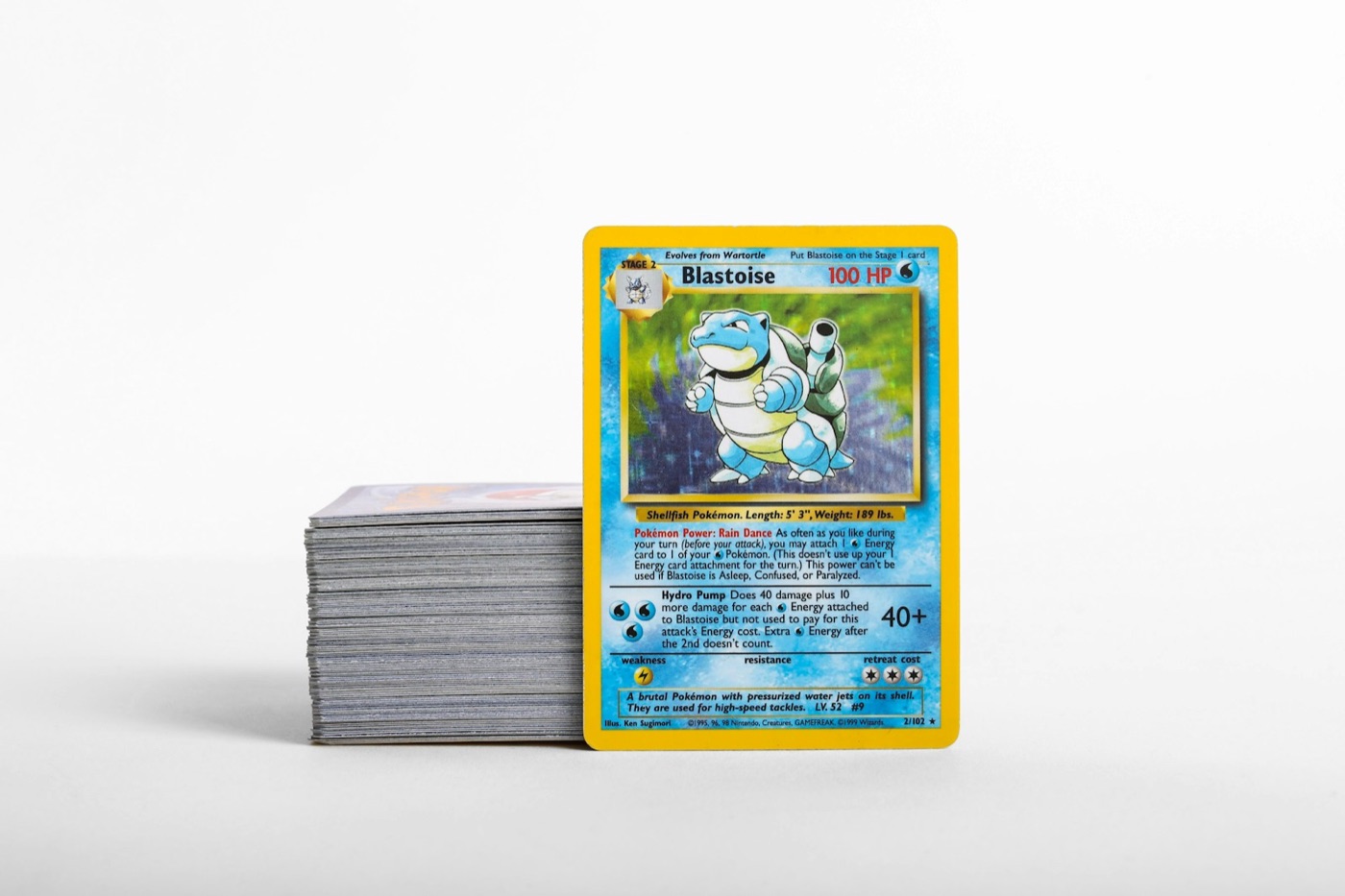
Adding new acquisitions to a Pokemon card collection is one of the most rewarding parts of the hobby, but without a clear intake process, raw pickups and mail day deliveries quickly turn into unsorted stacks on your desk. When fresh cards sit in loose sleeves or shipping envelopes for days, duplicates go untracked, condition wear increases, and your digital collection records fall out of sync with your physical storage.
A structured post-purchase inventory workflow solves this problem by breaking intake into three distinct steps: physical staging, batch scanning, and binder or box filing. By establishing a standard routine for every single, lot, or trade pickup, you can maintain perfect physical organization while keeping your digital tracker completely up to date.
Step 1: Establish a Dedicated Staging Tray for New Pickups
The primary cause of inventory chaos is mixing newly acquired cards with existing collection stacks before they are logged. Creating a designated staging area prevents incoming cards from getting lost or mistakenly cataloged twice.
- Use a dedicated intake tray: Keep a shallow plastic tray or card box on your sorting desk specifically for incoming mail, local card shop purchases, and trade pickups.
- Isolate unverified items: Never slide raw cards into binder pages or storage boxes directly out of the shipping envelope or trade sleeve.
- Group incoming items by source: Keep card lots or single purchases grouped together until you inspect condition and confirm the itemized manifest.
By giving new cards a single temporary home, you eliminate desk clutter and ensure that every card goes through your complete cataloging workflow before entering long-term storage.
Step 2: Perform Pre-Cataloging Inspection and Sleeve Uniformity
Before opening a mobile scanner or updating your records, each card should be removed from its temporary shipping packaging and prepped for safe handling.
- Check surface cleanliness and edges: Inspect corners, foil surfaces, and back borders for micro-dust or shipping debris that could scratch the surface during scanning.
- Standardize protective sleeves: Remove rigid shipping guards, worn penny sleeves, or sticky price-tagged sleeves. Place raw cards into fresh, non-glare clear sleeves.
- Separate condition tiers: Group cards that need extra protection—such as textured full arts, vintage holos, or potential grading candidates—into semi-rigid holders or clear toploaders immediately.
Standardizing your protective sleeves during staging makes card handling safer during the scanning phase and ensures consistent image capture across your entire inventory.
Step 3: Run High-Speed Batch Scans for Digital Synchronization
Manual data entry is the primary bottleneck when updating card collections. Using a dedicated mobile tool like PokeSnap allows you to log new arrivals in seconds without typing set numbers, variant details, or card names.
- Batch scan under clear lighting: Line up your staged cards under standard overhead light to avoid glare on sleeve plastic.
- Verify edition variants: Use a fast Pokemon card scanner to capture camera images and verify expansion set symbols, reverse holos, and promo marks automatically.
- Log condition notes instantly: Tag raw cards as Near Mint, Light Play, or Moderate Play in your app during the scan process so your digital collection accurately reflects physical condition.
Batch scanning creates a digital log immediately after intake, ensuring your collection tracker matches your physical storage before cards leave your sorting table.
Step 4: Route Cards to Binders, Toploaders, or Bulk Boxes
Once cards are digitally logged, they must be assigned to their permanent physical storage location based on condition, set completion goals, and rarity.
- Master set binders: Place main set cards directly into their numbered binder slots. If a binder gap is filled, update your missing card target lists accordingly.
- Trade binders: Route extra hits and duplicates to dedicated trade pages so they remain searchable for future swaps.
- Toploader storage bins: File high-value chase cards and vintage hits into upright, indexed toploader boxes.
- Bulk storage boxes: Place extra commons, uncommons, and non-holo rares into labeled storage bins sorted by set symbol or expansion era.
Using a strict routing system prevents binder overcrowding and ensures you can locate any specific card in your physical collection within seconds.
Step 5: Update Cost Basis and Cross-Check Market References
Maintaining an accurate record of purchase costs helps collectors track spending and evaluate fair values across their binder pages.
- Log acquisition price: Record what you paid for the single or lot in your digital ledger to track your net collection cost over time.
- Cross-check price benchmarks: Use a reliable Pokemon card price checker to view current market reference points and identify cards that require upgraded protective gear.
- Audit set progress: Review updated completion percentages for target expansions to decide which missing singles to prioritize for your next purchase.
Keeping financial notes and market benchmarks synchronized during post-purchase intake ensures your portfolio tracking stays grounded in real data.
Step 6: Maintain a Low-Friction Weekly Intake Schedule
Consistency is key to keeping your collection workspace organized. Rather than allowing loose pickups to accumulate over weeks, set a recurring window to process your staging tray.
- Set a 15-minute weekly intake window: Pick a specific day—such as Sunday evening or after mail delivery on Friday—to clear your staging box completely.
- Clean and replace supplies: Replenish clean penny sleeves, toploaders, and binder pages so your desk is always prepped for new additions.
- Backup collection data: Verify that your mobile app syncs local card records to cloud storage to safeguard your inventory against lost files or device changes.
By maintaining a simple 6-step post-purchase routine, you turn incoming card mail into an enjoyable, organized habit that keeps your collection secure, readable, and ready to browse. Explore more collecting guides on our blog to refine your inventory workflows.