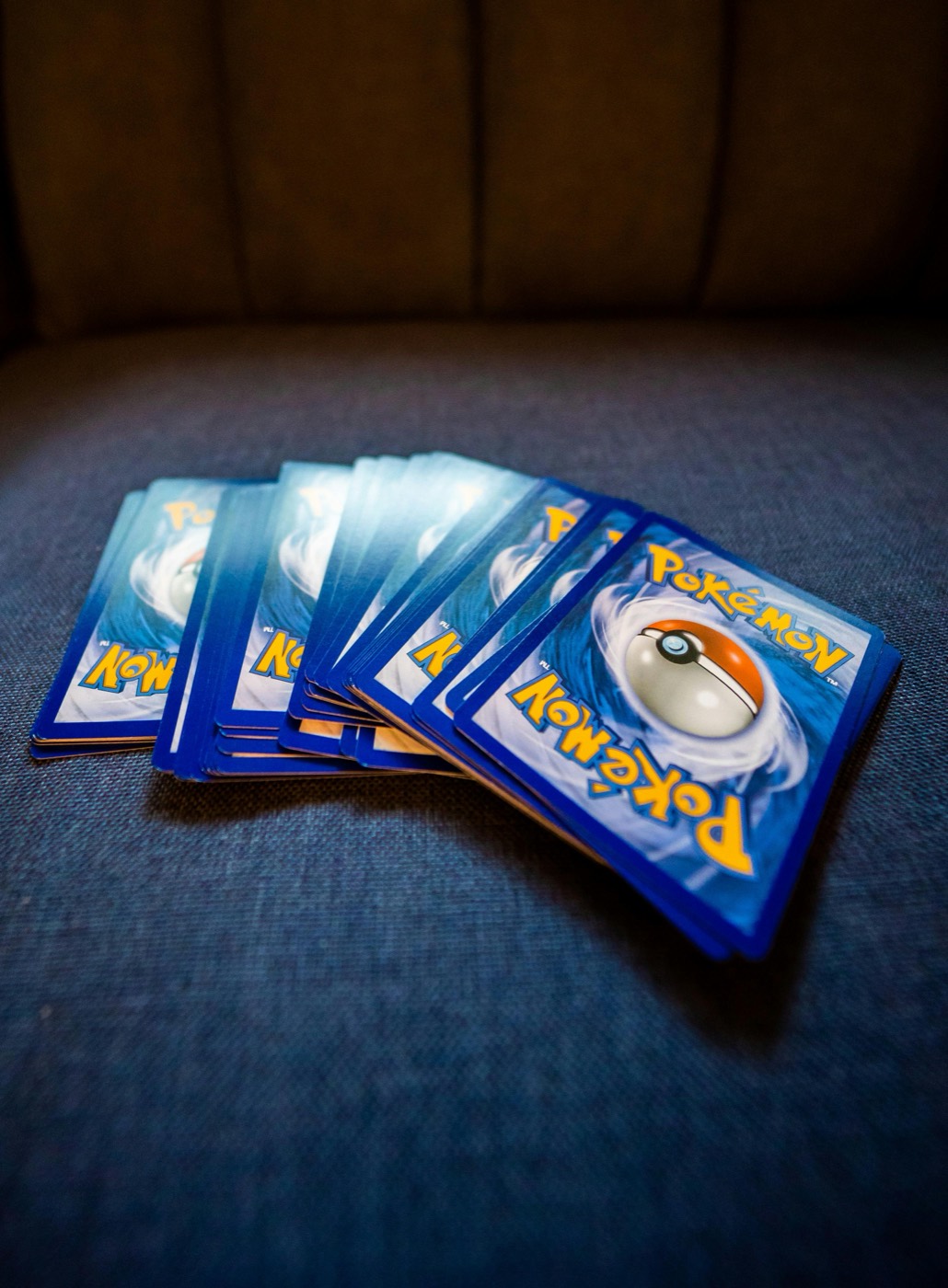
Every Pokemon collector eventually hits the "binder wall." You buy a beautiful 9-pocket binder for a specific set, but as you open more packs, you find yourself with duplicates, reverse holos, and extra hits that simply do not fit. Shoving multiple cards into a single pocket stretches the plastic and risks bending your cards, while stacking loose cards on your desk leads to clutter and damage.
To keep your collection safe and organized, you need a structured binder overflow workflow. By pairing a tiered physical storage system with a reliable Pokemon collection app, you can transition cards seamlessly from binders to sorted boxes without losing track of what you own. Here is a step-by-step guide to designing and maintaining a zero-stress overflow system.
Why Binder Overflow Happens (and Why Shoving Cards Fails)
Binders are excellent for display, but they are highly limited by physical space. A standard 360-pocket binder is designed to hold exactly 360 cards. When collectors try to double-stack or triple-stack pockets with duplicates, several problems arise:
- Ring Damage: Overstuffed binders put uneven pressure on the cards closest to the spine or rings, leading to permanent indentations.
- Pouch Stretching: Once a plastic pocket is stretched out by three or four cards, it will never hold a single card securely again.
- Surface Wear: Sliding multiple cards into a single pocket causes them to rub against each other, creating micro-scratches on the delicate foil surfaces.
The goal of an overflow workflow is to keep your binders clean, dedicated to single copies, and visually appealing, while routing everything else to a designated, safe overflow zone.
Step 1: Establish Your Physical Storage Tiers
To manage overflow, you must have clear physical destinations ready before you even open a pack. Group your collection into three distinct physical tiers:
- Tier 1: The Display Binder: Reserved strictly for master sets, favorite artwork, or high-value singles. One card per pocket, always sleeved.
- Tier 2: The Toploader Box: For valuable duplicates, trade bait, or potential grading candidates that do not fit in your primary binder. These cards should be sleeved, placed in a rigid toploader, and stored upright in a dedicated box.
- Tier 3: Sorted Bulk Boxes: For common, uncommon, and non-foil rare duplicates. Use multi-row cardboard storage boxes labeled by era or set.
By establishing these boundaries, you remove the decision fatigue of where a card should go when it does not fit into your main binder.
Step 2: Set Up an Intake and Scanning Station
Before you file any overflow card away, it must be digitized. Trying to manually type card names, set numbers, and conditions into a spreadsheet is a recipe for inventory fatigue. Instead, set up a permanent or semi-permanent intake station on a clean desk.
Make sure you have:
- A flat, clean playmat to protect raw cards.
- Good, indirect lighting to prevent glare on card surfaces.
- Penny sleeves and toploaders within arm's reach.
- Your smartphone mounted or held steady.
Using a fast Pokemon card scanner at this stage allows you to instantly catalog every duplicate before it gets tucked away in a box. This ensures your digital inventory always matches your physical reality.
Step 3: Route Your Cards Using Digital Location Tags
When you scan an overflow card, do not just dump it into a massive, unorganized digital list. Use the folders, lists, or tagging features in your collection tracker to assign each card a physical location.
Create digital lists that mirror your physical storage, such as:
Binder Overflow - Toploader Box ABinder Overflow - Scarlet & Violet Bulk Row 1Trade Binder - Holos
If you ever need to find a specific duplicate for a trade or to check its condition, you will not have to dig through thousands of loose cards. You can simply search your app, find the location tag, and walk directly to the correct physical box.
Step 4: Organize and Label Your Overflow Boxes
Never let an overflow box become a "mystery box." Use sturdy, acid-free cardboard storage boxes (such as 800-count or 1600-count rows) and clear physical labels.
Organize your physical overflow boxes chronologically or by set number. For example, group all your Scarlet & Violet era duplicates together, sorted by set number. If you collect international releases, keep a separate section or box for them. Utilizing a tool to scan Japanese Pokemon cards makes organizing foreign language duplicates just as simple as your English ones.
Write the exact set name and card number range on the outside of the box or on physical card dividers. This physical labeling should perfectly match the digital folders you created in Step 3.
Step 5: Run a Quick Value Check Before Filing
Before an overflow card is relegated to a bulk box, run a quick check on its current market standing. You do not want a highly sought-after reverse holo or a highly playable trainer card hiding in a box of pennies.
Use a mobile Pokemon card price checker during your scanning routine to instantly see if a card deserves a toploader (Tier 2) or can safely go into a bulk box (Tier 3). Setting a personal threshold—such as "any card worth over $2 goes into a toploader"—keeps your sorting process objective and fast.
Step 6: The Monthly Maintenance Routine
An inventory system is only as good as its upkeep. Without a regular routine, cards will inevitably pile up on your desk, and your digital records will drift away from your physical storage.
Set aside 15 to 30 minutes at the end of every month to perform a quick audit:
- Clear the Intake Pile: Scan and file any loose cards that accumulated over the month.
- Rebalance Binders: If you acquired a cleaner copy of a card in your display binder, swap it out and move the worn copy to your overflow or trade box.
- Update Digital Records: If you traded or sold any duplicates during local card nights, delete them from your collection app to keep your totals accurate.
Streamline Your Inventory with PokeSnap
Managing a growing collection does not have to feel like a second job. With PokeSnap, you can scan cards instantly, check up-to-date market prices, and organize your entire collection into custom lists right from your phone. Whether you are sorting high-value hits into toploaders or filing away bulk duplicates, PokeSnap keeps your physical and digital collections in perfect sync.
Download PokeSnap today on iOS or Android and take control of your binder overflow once and for all.