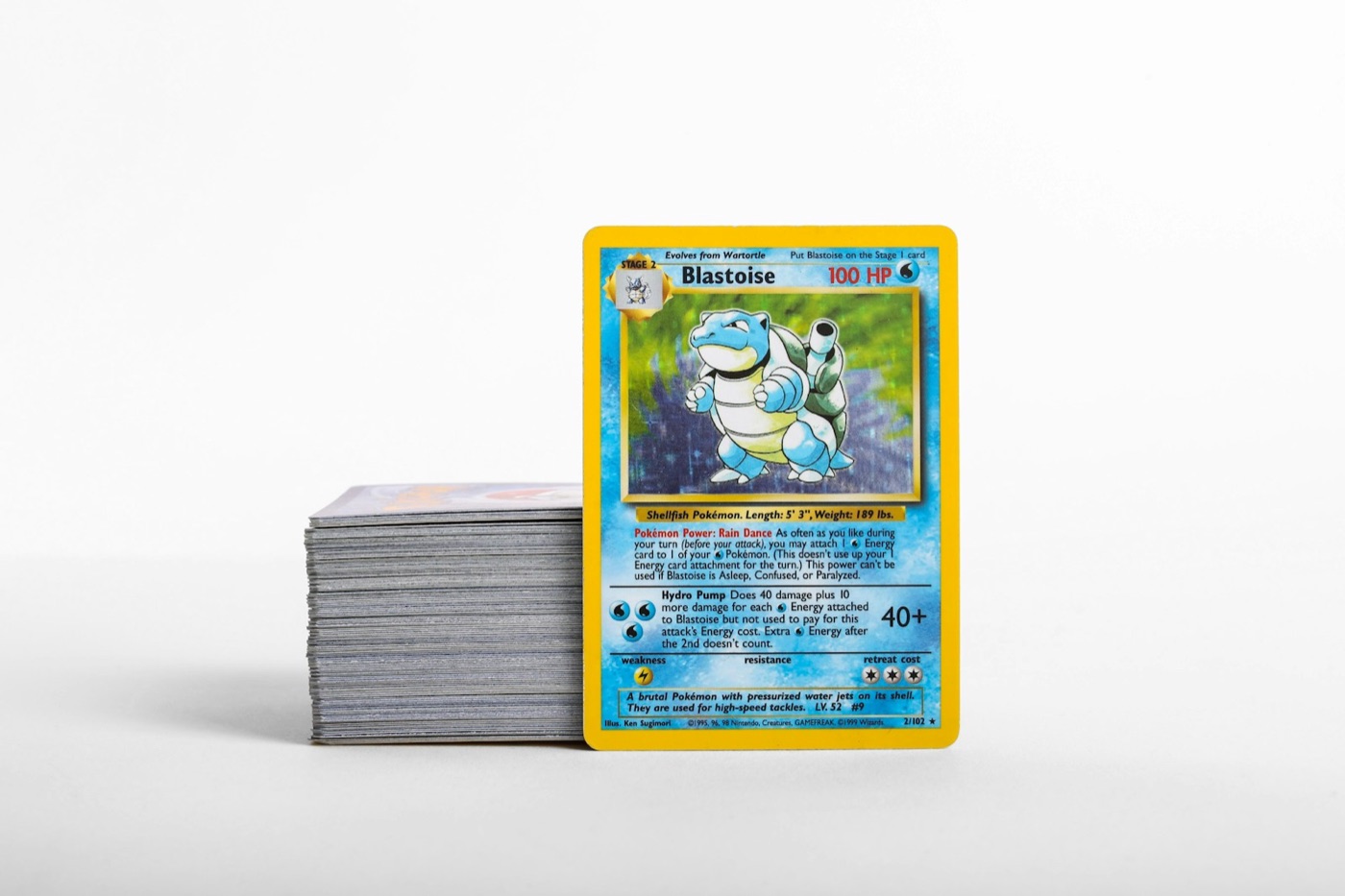
Every passionate Pokemon card collector knows the dread of the "unsorted pile." It starts innocently enough—a few booster packs ripped on a Friday night, a small trade at a local league, or a bubble mailer arriving from an online seller. But without a structured system, these small stacks quickly merge into a chaotic mountain of cardboard that takes over your desk, coffee table, or sorting area.
To keep your collection organized, searchable, and safe from physical wear, you need more than just binders and boxes. You need an active workflow.
The Hub-and-Spoke Pokemon Card Inventory System is a highly efficient organization framework designed to process incoming cards quickly, catalog them digitally, and route them to their permanent storage locations without creating a backlog.
Here is how to set up this system on your workspace and keep your collection running like a well-oiled machine.
1. Understanding the Hub-and-Spoke Concept
Traditional sorting methods usually involve waiting until you have hundreds of cards, spreading them across a giant table, and sorting them by set, rarity, or color all at once. This "batch-everything" approach is exhausting and often leads to half-finished sorting projects that clutter your home.
In contrast, the Hub-and-Spoke system relies on continuous, structured routing:
- The Hub: A single, permanent physical workspace dedicated to incoming cards. No card is ever stored here long-term. Its only purpose is intake, inspection, scanning, and temporary sorting.
- The Spokes: Your permanent storage formats. These are your master binders, trade binders, graded slab boxes, and bulk storage boxes.
By routing cards immediately from the Hub to the designated Spokes, you prevent bottlenecking. Every card that enters your house goes through the exact same processing pipeline, ensuring your digital inventory matches your physical layout at all times.
2. Setting Up Your Physical Hub
To make your intake workflow fast and enjoyable, you need a dedicated sorting station. You do not need an entire room; a clean corner of a desk or a folding table works perfectly. Your physical Hub should always be stocked with the following essential tools:
- A Clean Playmat: A soft, lint-free surface protects raw cards from scratches during sorting and scanning.
- Intake Trays or Cups: Use small plastic organizers or empty deck boxes to separate cards into immediate categories (e.g., Hits, Playable Holos, Reverse Holos, Common/Uncommon Bulk).
- Sleeving Supplies: Keep a pack of penny sleeves, perfect-fit sleeves, and top loaders within arm's reach.
- A Mobile Device Stand: A simple desk stand holds your phone at the perfect angle, allowing you to use a hands-free pokemon card scanner to catalog cards as you sort.
Before you sit down at your Hub, make sure to wash and dry your hands thoroughly. Avoid using hand sanitizer, as the oils and chemicals can leave permanent residue on textured cards.
3. Step 1: The Intake and Inspection Phase
Every card entering your collection—whether it is a single card from a trade, a fresh pull from a booster pack, or a bulk lot buy—must first land at the Hub.
Before you open any digital apps, perform a quick physical inspection of the incoming cards. Look for:
- Condition issues: Check the back corners and edges for whitening, and look at the surface under a bright light to spot scratches or print lines.
- Sleeving priority: Any rare, textured, or high-value card should go straight into a penny sleeve immediately to prevent surface wear during the rest of the sorting process.
By separating cards by basic rarity and condition first, you can group them for much faster scanning.
4. Step 2: High-Speed Scanning and Pricing
Once your cards are physically triaged and sleeved, it is time to digitize them. A digital ledger is the backbone of the Hub-and-Spoke system because it tells you exactly where your cards are without requiring you to flip through dozens of binder pages.
Place your smartphone on your desk stand and open your pokemon collection app. Scan each card one by one, ensuring the camera has clear lighting to capture the set symbol and card number.
During this scanning phase, pay close attention to the card details. A reliable scanner will help you:
- Verify the exact card variant (such as distinguishing between a standard holo and a reverse holo).
- Use a built-in pokemon card-price checker to view current market values.
- Identify foreign language prints. For example, if you collect Japanese sets, make sure your app is set to scan japanese pokemon cards accurately so they do not get mixed up with their English counterparts.
As you scan each card, add it to your digital inventory list. If the card is destined for a specific binder (like a Scarlet & Violet master set), you can tag or categorize it in the app right away.
5. Step 3: Routing Cards to the Spokes
With your cards scanned and protected, you can now route them from the Hub to their permanent "Spokes." To keep this step efficient, define strict rules for where cards go based on their value and purpose:
| Card Category | Value/Use Tier | Designated Spoke (Storage) | | :--- | :--- | :--- | | Ultra Rares / Special Arts | High Value / Binder Showcase | Master Set Binder or Toploader Box | | Playable Staples | Competitive Deck Building | Deck Box or Playable Binder | | Holo/Reverse Holo Duplicates | Medium Value / Trade Bait | Trade Binder | | Common/Uncommon Bulk | Low Value / Master Set Filler | Set-Specific Bulk Box or Storage Case | | Grading Candidates | High Quality / Potential Slab | Semi-Rigid Card Holders in a Dedicated Storage Box | | Japanese Variants | Specialty Collecting | Dedicated Japanese Expansion Binder |
By establishing these clear storage boundaries, you eliminate decision fatigue. You no longer have to wonder, "Where should I put this reverse holo?" It goes directly to its assigned Spoke.
6. Maintaining Your Digital and Physical Sync
An inventory system is only as good as its accuracy. If you trade a card, sell a duplicate, or move a card to a different binder, your digital app must reflect that change immediately.
To keep your physical storage and digital ledger in perfect sync, implement a 15-Minute Weekly Reset:
- Clear the Hub: Ensure no cards are left sitting on your sorting desk at the end of the week.
- Reconcile Trades: If you traded cards at a local event, open your app and remove those items from your inventory.
- Check Box Labels: Ensure your bulk boxes and binders are labeled clearly, matching the naming conventions you use in your digital folders.
This small weekly habit prevents your inventory from drifting out of date, saving you hours of cleanup work down the road.
Streamline Your Setup with PokeSnap
Building a flawless Hub-and-Spoke system is easy when you have the right technology at your sorting desk. PokeSnap is designed to be the ultimate companion for your collection's physical Hub.
With its high-speed card scanner, integrated price checker, and seamless collection organization tools, PokeSnap lets you scan, price, and catalog your cards in seconds. Whether you are sorting through a massive backlog of bulk or filing away your latest ultra-rare pulls, PokeSnap keeps your digital inventory perfectly organized.
Ready to eliminate the unsorted pile for good? Download PokeSnap today on the App Store or Google Play Store, and take control of your collection workflow.