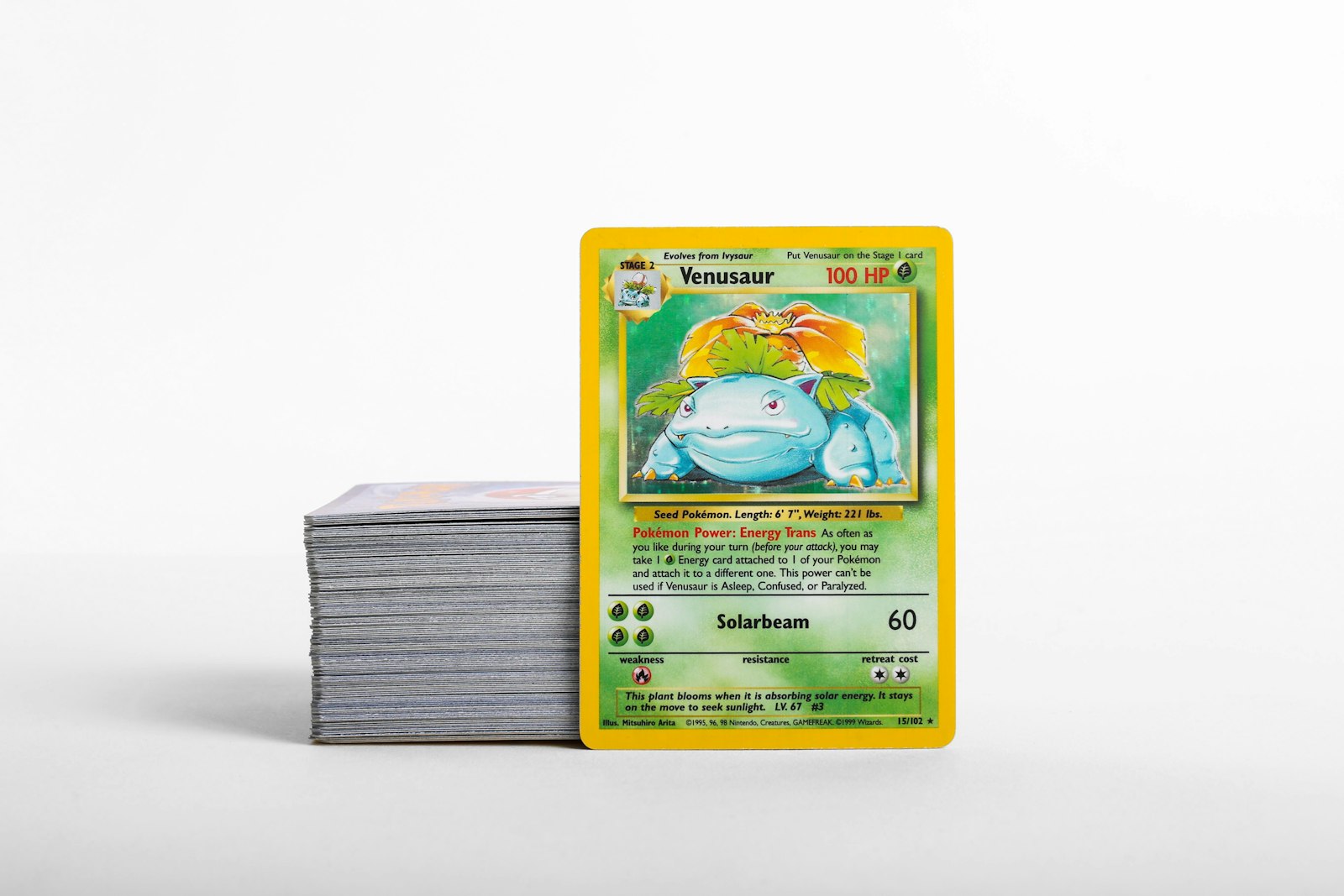
Every Pokemon card collector knows that raw condition directly shapes long-term value, visual appeal, and preservation goals. However, many collectors overlook early signs of physical degradation until minor flaws turn into noticeable damage. Catching subtle micro-wear before it worsens allows you to assign the correct level of physical protection—whether that means a simple penny sleeve in a bulk box or a double-sleeved setup in a side-loading binder.
By building a repeatable routine to inspect surfaces, edges, and corners under targeted lighting, you can catch wear patterns early and route every card to the exact storage setup it requires.
Why Catching Micro-Wear Early Changes Your Storage Strategy
Micro-wear refers to minor physical flaws that are barely visible under ambient room lighting but become obvious when inspected closely under a single bright light source. These flaws include ultra-faint surface hairline scratches, microscopic corner flaking, slight edge friction, and minor foil clouding.
When a card with minor micro-wear is placed into loose or improper storage, repeated handling accelerates the degradation. A card with early border friction in a loose storage box can quickly develop visible whitening across the back edges. By identifying micro-wear right away, you can isolate fragile copies, upgrade their protective holders, and keep your overall collection organized by condition.
Step 1: Inspect Surface Scratches and Foil Dullness
Modern full-art cards, illustration rares, and vintage holofoils are particularly vulnerable to surface micro-scratches. These marks often occur during improper sleeving, pack-fresh friction, or stacked storage without sleeves.
- Direct Light Angle: Hold the card at a 45-degree angle beneath a desk lamp or bright LED spotlight. Gently tilt the card back and forth to catch light across the foil layer.
- Foil Clouding: Look for hazy patches or dull spots on glossy surfaces, which indicate micro-abrasions from dust or dry sliding.
- Hairline Scratches: Check for fine, straight impression lines that run across the surface without breaking through the ink layer.
If you discover surface micro-scratches on a valuable raw single, avoid tight fit inner sleeves that force dry friction across the card face. Instead, opt for standard soft polypropylene sleeves before placing the card in a binder or holder.
Step 2: Check Edge Whitening and Border Integrity
Edge wear is one of the most common issues on raw cards, especially on dark back borders where white cardstock fibers show through easily. Even minor friction against box dividers or binder pockets can cause whitening to spread.
- Examine the Top Edge: The top edge often shows tiny flecks of whitening from repeated dipping in and out of top-loading binder pages.
- Inspect Side Borders: Slide your eyes along the long edges under direct light to check for microscopic fiber lift or rough factory cuts.
- Assess the Corners: Look closely at each corner tip for rounded fiber wear or tiny pressure pinpoint spots.
Cards showing early edge whitening should be handled with clean, dry hands and placed into archival-safe storage immediately to stop border friction from increasing.
Step 3: Match Card Condition to the Right Protective Sleeve
Not all raw cards need the same protective layer. Matching sleeve thickness and sleeve style to card condition prevents unnecessary physical stress.
- Standard Penny Sleeves: Best for clean, NM bulk, non-foil singles, and cards headed into storage boxes. They offer loose fit protection with zero friction on edges during insertion.
- Perfect Fit / Inner Sleeves: Great for pristine cards slated for double-sleeving, but use caution on cards with existing corner whitening, as tight tolerances can catch rough corner fibers.
- Matte Back Sleeves: Excellent for binder collections because they reduce slippage while protecting back borders from plastic-to-plastic adhesion.
When inserting any card into a sleeve, gently bow the sleeve opening slightly to clear the bottom corners without pinching the edges.
Step 4: Choose Binders vs. Storage Boxes Based on Physical Health
Once a card is sleeved, deciding between a binder page and a rigid storage box depends on both condition tier and how often you plan to view the card.
- Side-Loading Ringless Binders: Ideal for near-mint holos, secret rares, and active set completion goals. Side-loading pockets prevent cards from sliding out and shield edges from dust accumulation.
- Rigid Toploader Boxes: Best for cards showing light surface wear or structural vulnerability that require flat, rigid support to prevent bending or warping.
- Cardboard Storage Boxes with Dividers: Perfect for organized bulk, commons, and duplicates that are already protected in soft sleeves.
Avoid using three-ring binders with metal rings, as loose pages can slip under the metal mechanism and create severe indentations across your cards.
Step 5: Document Card Flaws and Sync Your Digital Inventory
Physical protection is only half the system. Keeping detailed records of card condition ensures you never misplace high-grade copies or confuse a worn binder placeholder with a clean candidate for trading or grading.
Using a dedicated mobile tool like the Pokemon card scanner allows you to quickly capture cards as you sort them. Pairing fast visual scanning with a centralized Pokemon collection app makes it simple to tag specific condition notes, log binder locations, and maintain clean inventory records across all your storage boxes.
When you scan fresh pulls or newly acquired singles, take a second to cross-reference market comps using a reliable Pokemon card price checker. This helps you decide whether a card warrants premium storage gear, such as top-loaders or hard cases, based on its current market tier.
Step 6: Establish a Routine Storage and Environment Audit
Even in high-quality sleeves and binders, environmental conditions can affect card health over time. Moisture and temperature fluctuations cause foil layers to contract differently than paper backing, leading to foil curling.
- Control Humidity: Keep storage areas between 40% and 50% relative humidity using silica gel packs in storage bins to absorb excess moisture.
- Block Direct Sunlight: UV rays fade ink and yellow plastic binder pages. Store binders and boxes in dark, climate-controlled rooms.
- Audit Sleeves Periodically: Over several years, soft plastic sleeves can attract ambient dust or break down. Inspect stored cards annually and replace cloudy or stickied sleeves.
Streamline Your Card Intake with PokeSnap
Managing card protection becomes much easier when physical organization and digital inventory work together seamlessly. PokeSnap makes it quick and effortless to scan your Pokemon cards, organize your binder locations, track condition tiers, and monitor collection progress in real time. Download PokeSnap today on iOS or Android to simplify your inventory workflow and keep your collection organized and protected.