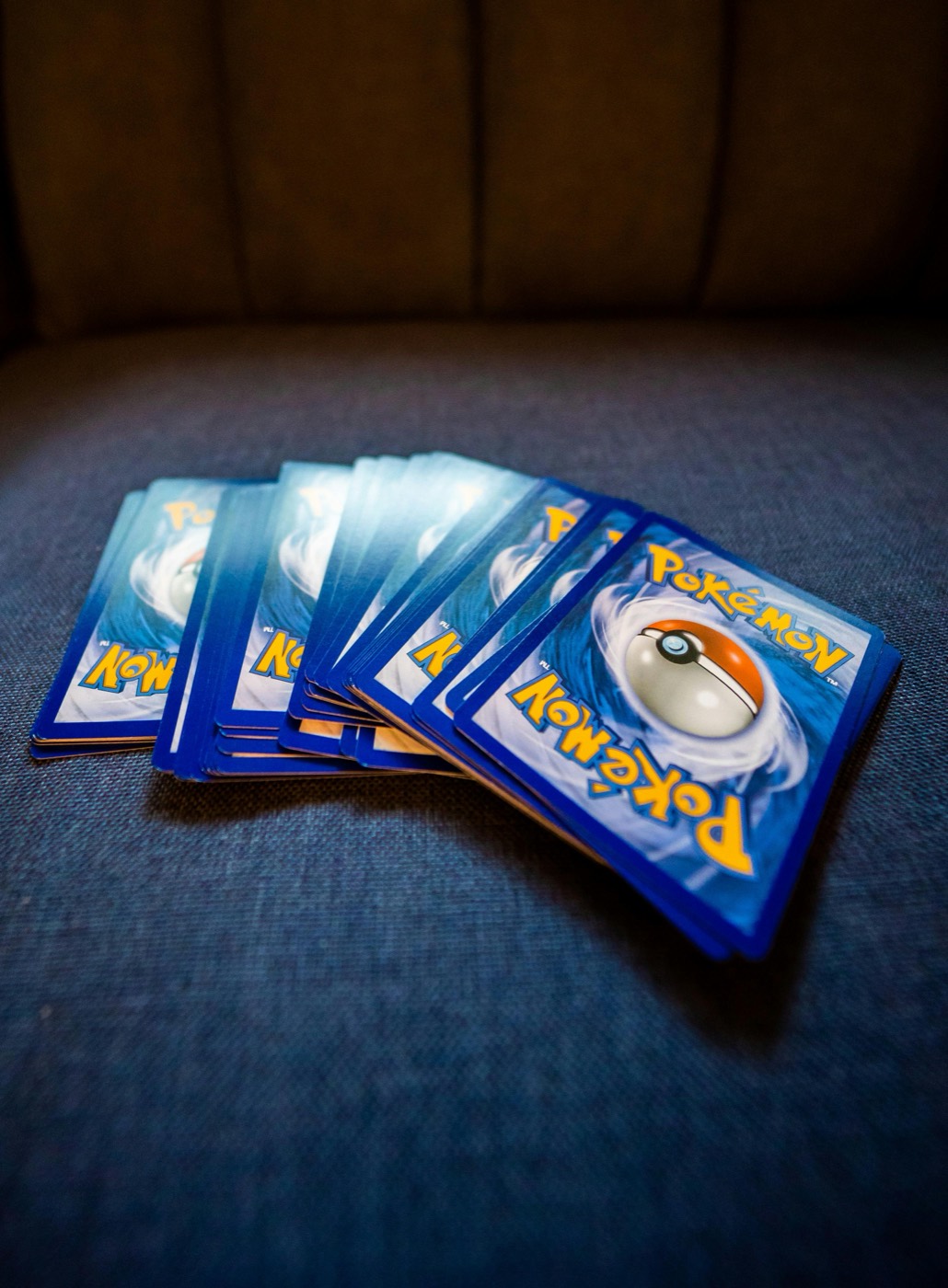
Every growing Pokemon card collection eventually hits the binder wall. You start with a fresh 9-pocket or 12-pocket binder reserved for a specific era or set, but as pack openings, trades, and singles purchases accumulate, binder pages stretch to their physical limit. Forcing extra reverse holos, secret rares, or duplicate hits into already full binder slots causes bowing, page distortion, and corner pressure.
Leaving binders overstuffed also makes it difficult to find specific cards during trades or price audits. To protect your collection and maintain immediate visibility over what you own, you need a systematic storage overflow workflow that transitions extra cards into organized storage containers while keeping your physical setup in sync with your digital catalog.
The Real Risks of Overstuffed Pokemon Binders
When binder pockets are packed beyond design capacity, cards suffer subtle, cumulative wear that reduces condition and collector appeal over time. Recognizing these warning signs early helps you intervene before permanent damage occurs.
- Ring Pinch and Dents: In traditional 3-ring binders, overflowing pages spill toward the spine. Opening or closing the binder catches inner pocket edges under the metal ring, creating crescent-shaped indentations on card borders.
- Pocket Stretching and Slumping: Side-loading binder pockets are sewn or welded to exact dimensions. Inserting two or three sleeved cards into a single pocket permanently stretches the plastic, causing single cards to slide out later.
- Foil Bending and Warping: Densely squeezed pages exert uneven pressure across card surfaces. Holographic cards, which naturally absorb ambient room humidity, react to friction pressure by developing distinct longitudinal curves.
- Surface Scratches from Micro-Friction: Sliding multiple cards in and out of tight pockets scrapes protective sleeves directly against card foil and raw edges.
Establishing Clear Capacity Limits for Binder Pages
To prevent binder overcrowding before it starts, set strict physical rules for how cards enter your binders:
- One Card Per Pocket Rule: Never double-stack raw or sleeved cards inside a single pocket, even for low-value commons or duplicate reverse holos.
- Sleeve Fit Standards: Standardize on thin penny sleeves or precise Japanese-fit inner sleeves designed specifically for standard card dimensions so pocket clearance remains smooth.
- Page Flex Clearance: When holding a binder vertically, pages should lie flat against each other without bulging outward along the spine or center seam.
If closing your binder requires pressing down on the front cover or pulling hard on the outer zipper, the binder has already exceeded safe capacity.
The Three-Tier Routing Framework: Keep, Transfer, and Staging
When a binder becomes full, do not randomly pull cards to free up space. Use a structured three-tier routing system to categorize cards based on set importance, condition, and trade status.
Tier 1: Core Binder Copies (Keep)
These are your primary set hits, high-grade personal collection cards, and main binder placeholders. They remain in the main binder permanently in set-number or chronological order.
Tier 2: Active Trade and Sell Stock (Transfer)
Secondary copies of illustration rares, playable staples, and high-demand foils move directly into dedicated trade binders or top-loader storage boxes. These cards need to stay accessible for local trade nights or marketplace listings.
Tier 3: Archive Bulk and Set Duplicates (Staging)
Standard commons, uncommons, basic energies, and excess non-foil duplicates move into multi-row cardboard storage boxes or rigid plastic storage cases labeled by set symbol and expansion era.
Scanning and Indexing Overflow Cards Before Storage
Moving cards out of binders into secondary storage boxes runs the risk of creating "invisible inventory"—cards you own but cannot quickly locate. The key to maintaining control is logging every overflow card before it leaves your desk.
Using a fast Pokemon card scanner lets you capture set symbols, card numbers, and variant details in seconds. As you pull duplicate hits or overflow commons from your binders, scan each card directly into your digital system.
- Verify Variant Identifiers: Confirm whether the scanned card is a regular print, reverse holo, or parallel variant so your digital record matches physical stock precisely.
- Group by Box Location: Assign a simple location tag (such as Box A - Scarlet & Violet Sets or Box B - Vintage Duplicates) within your inventory system as you pack the container.
- Track Estimated Value: Run your scanned batch through a reliable Pokemon card price checker to flag unexpected price movements among uncommon foils or playable staples before filing them away.
Building an Efficient Storage Box Organization System
Physical storage boxes require structure to remain usable over time. Follow these filing principles when setting up overflow containers:
- Use Rigid Dividers: Separate card sets using thick plastic or cardstock dividers featuring printed set symbols and set number ranges (e.g., 001/198 to 100/198).
- Orient Cards Consistently: Store cards vertically in multi-row boxes, facing forward in set-number order. Avoid packing cards horizontally or stacking them face-up in piles.
- Control Internal Movement: Fill empty row gaps with foam blocks or bubble wraps so cards remain upright and supported without bending when boxes are moved.
- Label Box Exteriors: Place high-visibility labels on the front and sides of storage boxes detailing the set names, era spans, and card types inside.
Keeping Physical Storage and Digital Trackers in Sync
An overflow storage workflow only works if your digital inventory stays completely aligned with your physical containers. When you complete trades, open new packs, or restructure binder pages, update your records immediately.
A unified Pokemon collection app allows you to search your entire collection by Pokemon name, artist, or set number without opening a single box or flipping through physical binder pages.
When you need to pull a card for a set upgrade or sale, check your app to pinpoint the exact storage box row where that copy lives. After removing the card from physical storage, adjust your digital quantity count right away to eliminate inventory discrepancies.
For additional organization strategies on binder layouts, storage hardware, and set completion, explore our index of collection management guides on our blog.
Prevent Binder Overcrowding with PokeSnap
Managing a growing collection shouldn't mean guessing which boxes contain your duplicate hits or risking damage to overstuffed binder pages. With PokeSnap, you can instantly scan new pulls, track duplicate counts, organize your card locations, and maintain a accurate digital inventory directly from your phone. Download PokeSnap today to streamline your intake workflow and keep your binders organized.