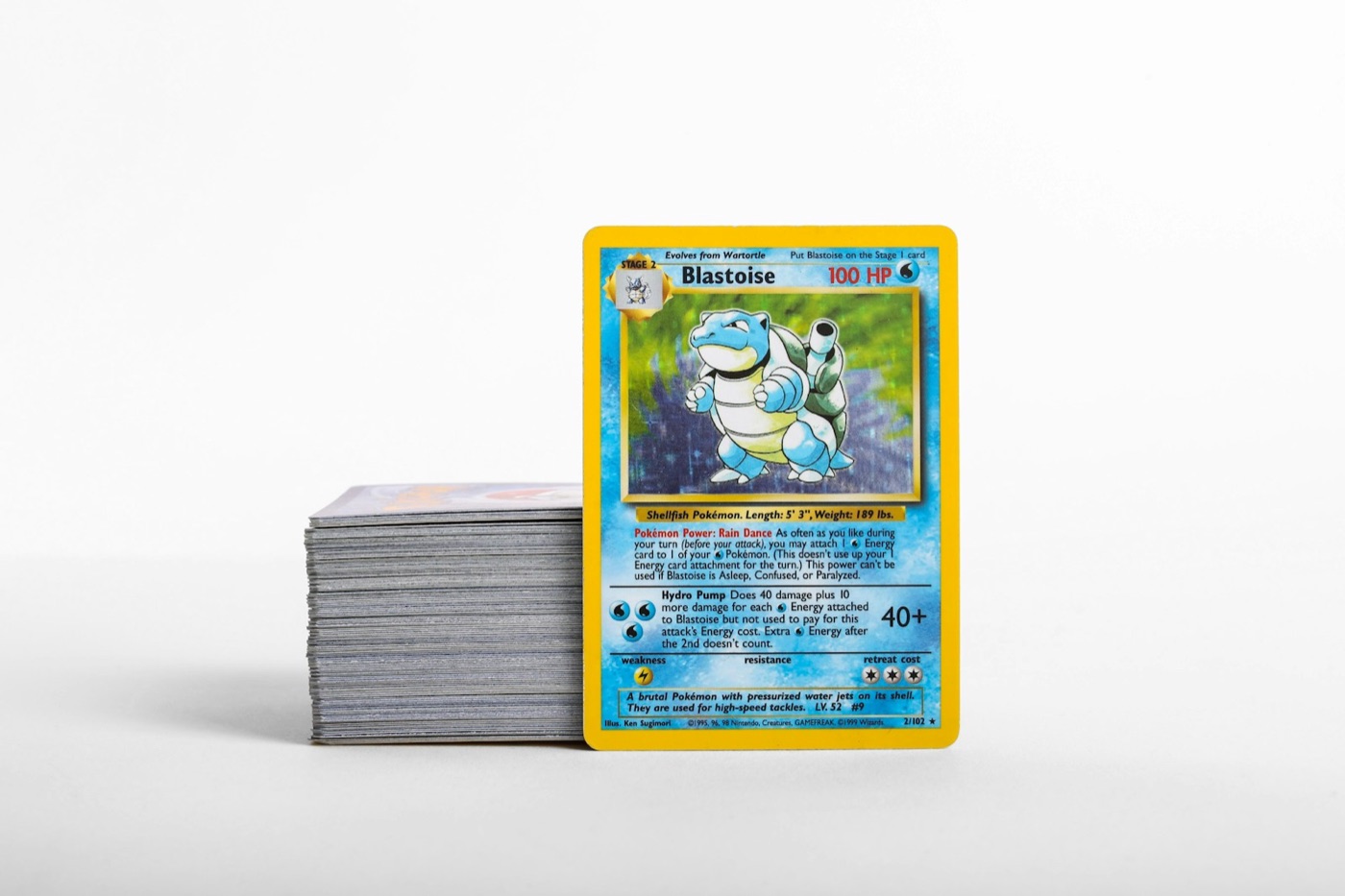
Every active Pokemon card collector knows the feeling of the "limbo pile." It starts with a few loose packs, grows with a weekend trade night, and completely boils over after you rip a full booster box. Suddenly, your desk is covered in unsorted stacks, and you have no idea which cards are logged, which are duplicates, and which are still waiting to be cataloged.
Trying to inventory your cards one by one—picking up a card, searching for it, entering its details, sleeving it, and putting it away—is a massive time-waster. It turns a fun hobby into tedious data entry.
To keep your collection organized without losing your weekends, you need a structured, high-speed inventory pipeline. By separating your physical sorting, digital scanning, and final storage into distinct phases, you can catalog hundreds of cards in a fraction of the time. Here is how to set up your pipeline.
1. The Anatomy of a High-Speed Inventory Pipeline
A successful inventory pipeline relies on a simple industrial concept: batch processing. Instead of handling each card individually from start to finish, you move your entire batch of new acquisitions through four distinct, optimized phases:
- Phase 1: Intake & Prep: Clearing the workspace and grouping raw cards.
- Phase 2: Batch Sorting: Organizing cards by set, rarity, or type before cataloging.
- Phase 3: Rapid Scanning: Digitizing the sorted stacks with a fast mobile scanner.
- Phase 4: Archival Storage: Moving cards to their permanent physical homes (binders, top loaders, or bulk boxes) and syncing your digital folders.
By focusing on one task at a time, you build muscle memory, reduce decision fatigue, and keep your physical space clean.
2. Phase 1: Setting Up Your Physical Intake Station
Before you touch a single card, you need to set up your physical workspace. Trying to organize cards on a cluttered desk or a soft carpet invites damage and slows you down. Set up a dedicated flat surface with the following layout:
- The Scanning Surface: Lay down a clean, matte black playmat. This provides a high-contrast background that helps your scanner camera instantly detect card borders.
- The Sleeve Station: Keep a stack of penny sleeves and top loaders on your non-dominant hand side. Having them pre-staged prevents you from fumbling with packaging mid-workflow.
- The Sorting Bins: Use empty ETB (Elite Trainer Box) boxes or plastic sorting trays to hold different categories of cards as you separate them.
- The Lighting Setup: Position a desk lamp to illuminate your playmat from an angle. Avoid direct overhead light, which creates harsh glare on glossy or holographic card surfaces and interferes with camera detection.
3. Phase 2: Pre-Sorting Workflows (The Secret to Scanner Speed)
Never scan cards directly out of a freshly opened pack or a random trade pile. Raw, unsorted stacks slow down your digital logging because you constantly have to switch mental gears between different sets, languages, and rarities.
Instead, run your cards through a quick pre-sorting workflow. Group your cards into three main categories:
- Hits and Rares: Any card that requires immediate sleeving (ultra rares, illustration rares, secret rares, and valuable holos).
- Set Fillers and Reverse Holos: Clean, unplayed commons, uncommons, and reverse holos that you intend to keep for binder sets.
- Bulk and Duplicates: Common cards destined for storage boxes or trade piles.
If you collect foreign releases, create a dedicated stack for them. When you want to scan Japanese Pokemon cards, keeping them separate from your English cards allows you to maintain a steady, uninterrupted scanning rhythm without constantly toggling filters.
4. Phase 3: The Rapid Scanning Protocol
Once your cards are sorted into neat stacks on your matte playmat, it is time to digitize them. This is where a dedicated pokemon card scanner becomes your most valuable asset.
To achieve maximum scanning speed, follow this physical routine:
- Set Your Camera Height: Hold your phone at a consistent height of about 8 to 12 inches directly above the playmat.
- The Slide-In Technique: Keep your phone stationary in one hand. Use your dominant hand to slide a card from your sorted stack into the camera's field of view on the playmat.
- Instant Verification: Let the scanner detect the card. Once the app registers the match, slide the card out of the frame with your next card, pushing the scanned card into a "completed" pile.
- Scan Raw When Possible: If you are cataloging a large batch of binder cards, scan them before putting them into sleeves or binder pages. This eliminates plastic glare and ensures the camera captures the sharpest possible image of the set symbol and card art.
5. Phase 4: Archival Storage & Digital Syncing
Now that your physical cards are scanned and your digital list is populated, you must transition them to their permanent homes. Your digital organization should mirror your physical storage so you can easily find any card in your collection later.
Use a modern pokemon collection-app to organize your scanned list into custom digital folders that match your physical setup:
| Physical Storage Format | Digital Folder Name | Sorting Rule | | :--- | :--- | :--- | | Master Binder | Set Name (e.g., 151 Master Set) | Sorted numerically by set number | | Trade Binder | Trade Binder - Mid/High Tier | Grouped by type or rarity for quick viewing | | Bulk Storage Boxes | Bulk Commons/Uncommons | Sorted by set and color | | Top Loader Box | High Value Raw | Sorted by set release date |
As you place the physical cards into their sleeves, binders, or storage boxes, move the scanned cards in your app into the corresponding digital lists. This step ensures your digital inventory remains a perfect, real-time replica of your physical shelves.
6. Troubleshooting Common Pipeline Bottlenecks
Even the best workflows can hit roadblocks. If you find your inventory process slowing down, check for these three common bottlenecks:
- The Glare Issue: If your scanner is struggling to recognize a card, glare is usually the culprit. Angle your desk lamp slightly away from the center of your playmat, or try scanning with natural, indirect window light.
- The Variant Confusion: When scanning reverse holos or special promo prints, the art may look identical to the standard print. Always do a quick visual check on your screen during the scan to ensure the app has logged the correct variant of the card.
- The Backlog Trap: Do not let your intake pile grow larger than 100 cards. It is much easier to run a 10-minute inventory pipeline twice a week than it is to spend four hours cataloging a massive mountain of cards at the end of the month.
7. Streamline Your Inventory with PokeSnap
Building a high-speed inventory pipeline is the best way to keep your Pokemon card collection organized, searchable, and safe from damage. By separating physical sorting from digital logging, you spend less time managing spreadsheets and more time enjoying your cards.
To make your inventory pipeline as fast and seamless as possible, you need a tool built for speed. PokeSnap turns your smartphone into a high-performance scanner and collection tracker. Simply point your camera, scan your cards in seconds, and watch your digital binders organize themselves automatically.
Ready to clear your desk and organize your collection? Download PokeSnap today and experience the ultimate hassle-free inventory workflow.