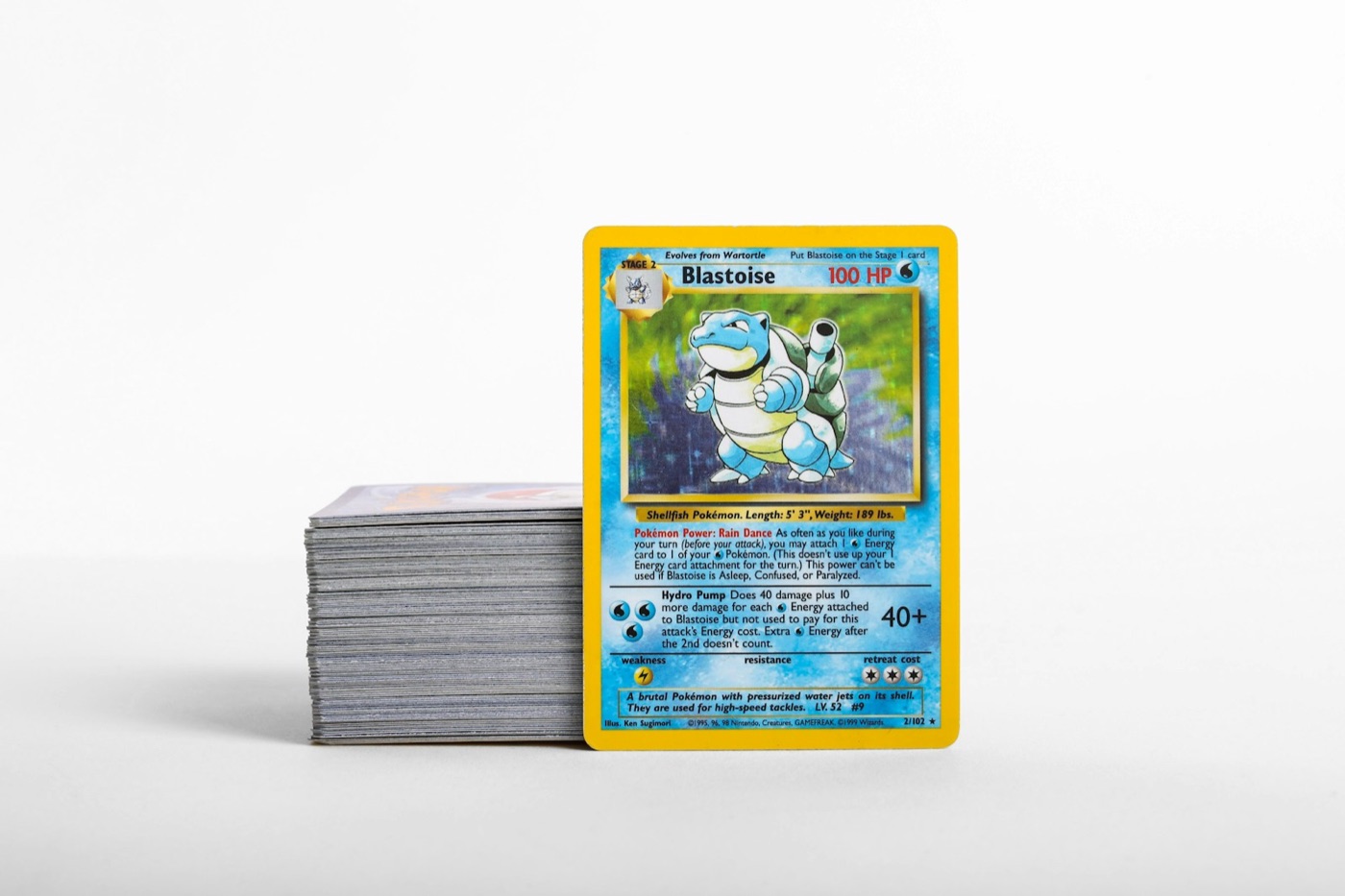
The primary reason Pokemon card collections spiral out of control isn't a lack of storage gear—it is the lack of a repeatable workflow. We have all been there: you open a few booster packs, pull a couple of beautiful cards, and leave the remaining bulk, reverse holos, and code cards sitting in a messy stack on your desk. Within a few weeks, those small stacks merge into an intimidating mountain of cardboard.
To stop the clutter before it starts, you need an intake system that is fast, organized, and easy to maintain. The "Clean-Desk" inventory system is a three-stage physical-to-digital workflow designed to help you sort, scan, and file new card additions with zero friction. By combining a structured physical desk layout with a digital tracking routine, you can keep your collection perfectly organized without turning your hobby into a chore.
The Clutter Problem: Why Traditional Card Cataloging Fails
Most collectors approach card organization backward. They buy cards, pile them up, and promise themselves they will sort them "sometime this weekend." When the weekend arrives, the sheer volume of cards makes the task feel like a second job.
Traditional cataloging methods fail for three main reasons:
- Overwhelming Backlogs: Letting cards accumulate makes the eventual sorting session take hours instead of minutes.
- Physical-Digital Mismatch: If you try to log your cards into a spreadsheet hours or days after sorting them physically, you are highly likely to make data entry errors, miss duplicates, or misidentify set variants.
- Lack of Defined Routing: Without a clear destination for every card type, cards default to sitting in temporary piles that slowly spread across your living space.
By adopting a clean-desk workflow, you eliminate the backlog by processing cards in small, manageable batches the moment they enter your home.
The Clean-Desk Philosophy: Three Rules for Card Inventory
To make this system work, you must commit to three core rules every time you open a booster pack, receive a mail day package, or return from a local trade night:
- Never Open More Than You Can File: If you only have ten minutes, don't rip open an entire booster box. Only open what you have time to physically sort, digitally scan, and store away.
- Touch Every Card Exactly Twice: The first touch is when you unbox or open the card and place it into its temporary sorting zone. The second touch is when you scan the card and place it directly into its permanent storage home (a binder sleeve, a toploader, or a bulk box).
- Keep Your Digital Ledger Live: Never store a card physically without logging it digitally first. Your physical storage and your digital inventory should always be mirror images of each other.
Phase 1: The Sorting Zones (Establishing Your Workspace)
Before you scan a single card, you need to set up your physical workspace. Clear your desk completely and establish three distinct, non-overlapping zones:
- The Intake Zone (Left): This is where raw, unsorted cards land. Keep your unopened packs, mail packages, or raw trade piles here.
- The Scan Zone (Center): This is a completely clear space directly in front of you. Keep your phone mounted on a small stand or held comfortably in your hand, ready to use your mobile Pokemon card scanner.
- The Storage Trays (Right): Set up a few empty card sorting trays, deck boxes, or empty Elite Trainer Box (ETB) containers. Label these trays by their destination: "Binder Hits," "Toploader/Grading Candidates," "Playables," and "Bulk."
This left-to-right physical pipeline ensures that cards flow smoothly through your workspace without getting mixed up or cluttering your desk.
Phase 2: High-Speed Scanning with PokeSnap (The Digital Sync)
Once your workspace is set up, the real work begins in the Scan Zone. Instead of manually typing set names, card numbers, and rarities into a tedious spreadsheet, you can digitize your cards in seconds using a smart Pokemon collection app.
Here is the step-by-step scanning routine:
- Pick up a card from the Intake Zone on your left.
- Place it flat in the Scan Zone in front of you under good, even lighting to prevent glare.
- Scan the card using PokeSnap. The app will instantly recognize the card's artwork, set symbol, and variant (such as reverse holo vs. standard holo).
- Confirm the match and save the card directly to your digital collection ledger.
By using PokeSnap's rapid scanning technology, you can log an entire booster pack's worth of cards in under a minute, keeping your digital records perfectly accurate with minimal effort.
Phase 3: Routing to Binders, Toploaders, and Bulk Boxes
With the card scanned and logged in your digital inventory, it is time for its second and final physical touch. Move the card from the Scan Zone to the appropriate Storage Tray on your right based on its value, condition, and role in your collection:
- Binder Hits: Place cards that belong in your master sets or themed binders directly into clean, side-loading binder pages.
- Toploader/Grading Candidates: Place high-value cards, rare illustration cards, or potential grading candidates into a penny sleeve and a rigid toploader immediately to prevent edge wear or surface scratches.
- Playables: Route competitive trainer cards and deck-building staples into dedicated deck boxes so they are easy to grab when you are building a new deck.
- Bulk: Place common, uncommon, and non-foil rare cards directly into divided bulk storage boxes, organized by card type or set.
By immediately placing each card into its designated home, your desk remains completely clean, and you never have to deal with unsorted "mystery piles" again.
Maintaining the System: The Weekly 10-Minute Reset
Even the best systems can experience minor drift over a busy week of trading and buying. To keep your inventory pristine, schedule a weekly 10-minute collection reset.
During this quick routine, you should:
- Clear the Intake Zone: Ensure no stray cards or empty booster wrappers have accumulated on your desk.
- Verify Digital Sync: Open your digital collection app and quickly review your recent additions to make sure everything was saved correctly.
- Check Market Trends: Use a reliable Pokemon card price checker to see if any of your recent pulls or trades have experienced significant market movement, helping you decide if certain cards should be moved from your binders to protective toploaders.
- File Away Overflow: If your temporary storage trays on the right are getting full, transfer those cards to your long-term storage boxes or permanent binders.
For more practical advice on managing your collection, storing your cards safely, and mastering set completion, explore our comprehensive guides on the PokeSnap blog.
Take Control of Your Pokemon Card Inventory Today
An organized collection brings joy, while a cluttered desk only brings stress. By implementing the Clean-Desk inventory system, you can spend less time sorting through messy piles and more time enjoying your favorite cards.
Ready to streamline your inventory workflow? Download PokeSnap today on iOS or Android to turn your phone into the ultimate Pokemon card scanner and collection tracker. Scan your cards, track your values, and organize your collection with ease!