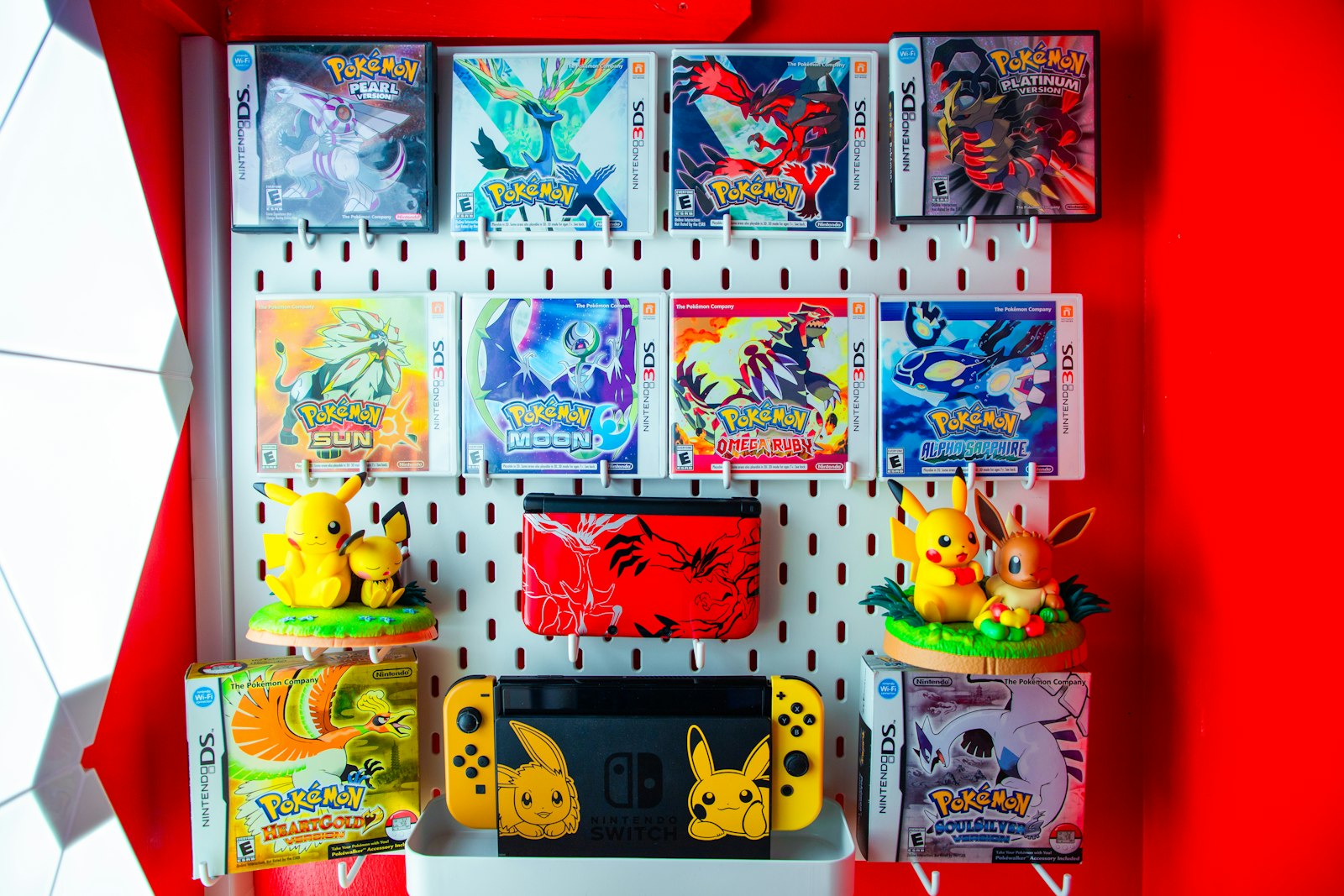
Managing a growing collection that includes both raw Pokemon singles and sealed boxes often leads to inventory friction. Cards end up scattered across binders, while booster boxes, tins, and loose packs get stacked in closets without a clear index. Trying to track these completely different formats inside one unorganized pile creates duplicate purchases, misplaced hits, and incomplete set records.
The solution is a dedicated two-track inventory system. By separating physical handling and digital tracking into two distinct pipelines—one for flat singles and another for volumetric sealed items—you can maintain total control over your collection regardless of how fast it expands. Here is how active collectors structure a clean, zero-backlog workflow.
Why Raw Singles and Sealed Products Need Separate Workflows
Raw cards and sealed products present opposite organizational challenges:
- Raw Singles require friction protection, immediate sorting by set or condition, and rapid visual identification.
- Sealed Products demand spatial planning, weight management, tear protection for outer acrylic or shrink wrap, and batch box tracking.
When collectors force both formats into the same filing workflow, inventory tracking breaks down. Loose cards sit un-scanned next to heavy Elite Trainer Boxes, while modern hits remain unsorted in temporary boxes. Structuring your physical setup into two parallel streams eliminates physical congestion and keeps your digital records aligned with what sits on your shelves.
Track 1: The Raw Single Filing Pipeline
For raw singles, speed and physical protection are the main priorities. Raw cards should flow through a four-stage intake desk before entering long-term storage:
- Staging Box: Place all incoming booster pulls, trade acquisitions, and mail-day arrivals in a single dedicated top-loader tray.
- Immediate Scanning: Use a reliable Pokemon collection app to scan cards into digital binders before they reach physical storage bins.
- Protective Routing: Apply ultra-clear penny sleeves immediately. Route binder-worthy hits into side-loading pages and place extra duplicates into labeled card storage boxes.
- Location Tagging: Assign each physical box or binder a simple alphanumeric code (e.g.,
BIN-01,BINDER-SV04) in your digital collection software.
If your intake includes international cards, separate your workflow early. Having a clean process to scan Japanese Pokemon cards alongside English releases ensures set numbers and printed variants do not get assigned to the wrong database entry.
[Incoming Single Stack]
       │
       ▼
[Digital Scan & Verification]
       │
       ├─► Master Set Candidate ──► Side-Loading Binder (BINDER-01)
       └─► Trade / Duplicate  ────► Labeled Storage Storage Box (BIN-A)
Track 2: The Sealed Product Volumetric Pipeline
Sealed booster boxes, collection boxes, and packs cannot be processed like flat singles. They require a space-conscious workflow centered around structural protection and batch tagging:
- Group by Packaging Architecture: Store sealed booster boxes in rigid acrylic cases, loose booster packs in specialized pack sleeves or storage trays, and Elite Trainer Boxes in reinforced heavy-duty totes.
- Standardize Shelf Mapping: Label shelf units by row and bay (e.g.,
SHELF-A2). Never store heavy collection boxes directly on top of loose booster packs or fragile blister cards. - Batch Digital Entry: Record sealed inventory with purchase dates, initial acquisition costs, and condition notes regarding shrink wrap integrity or box corner wear.
Separating your physical footprint this way stops bulky collection boxes from crushing card binders while keeping physical access straightforward when you want to retrieve a specific set.
Digital Synchronization: Linking Physical Storage to Digital Records
Having a neat storage room is only half the battle. Your digital records must mirror your physical layout down to the exact shelf and drawer.
Standardizing Identifier Codes
Create a physical labeling convention that matches your digital tags:
S-EVO-01: Sealed items from Scarlet & Violet expansions, Box 1.B-PAR-02: Binder containing Paradox Rift main set cards.BOX-BULK-05: Storage box with excess holo and reverse-holo duplicates.
Whenever you add a card using your mobile Pokemon card scanner, tag the entry with its physical identifier code. When you sell, trade, or move a card, updating the digital tag takes seconds and prevents dead inventory links.
Weekly Maintenance Routine for Active Collections
Without a regular reset routine, intake backlogs return. Set aside 15 minutes once a week to complete three quick maintenance steps:
- Clear the Staging Queue: Scan and file any single cards sitting in temporary intake trays.
- Verify Recent Sales & Trades: Remove traded items from your digital tracker and update binder placeholders.
- Audit Location Tags: Double-check that new sealed additions or upgraded binder copies are logged under the right physical location code.
Running this brief audit prevents uncataloged stacks from accumulating on your desk and keeps your digital collection totals honest.
Pricing Context Across Both Tracks
Maintaining clear physical tracks makes price tracking significantly more accurate. When singles and sealed goods are logged separately in your app, you can quickly evaluate market changes without confusing raw condition grades with sealed product values.
Using an integrated Pokemon card price checker alongside your location tags allows you to quickly spot which binders or storage boxes hold your most valuable cards. It also simplifies trade night prep—you can identify high-value duplicates in your trade bins without flipping through every page of your personal collection.
Streamline Your Inventory Setup with PokeSnap
Building an organized two-track inventory system is easier when your tools work as fast as your workflow demands. PokeSnap makes digital cataloging instant—just point your camera at any Pokemon card to scan, identify, and log it into your collection in seconds.
Whether you are cataloging binder hits, tracking set progress, or organizing trade duplicates across storage boxes, PokeSnap keeps your physical cards synchronized with accurate digital records. Explore more organization tips on our collection blog or download PokeSnap today to bring effortless order to your collection!