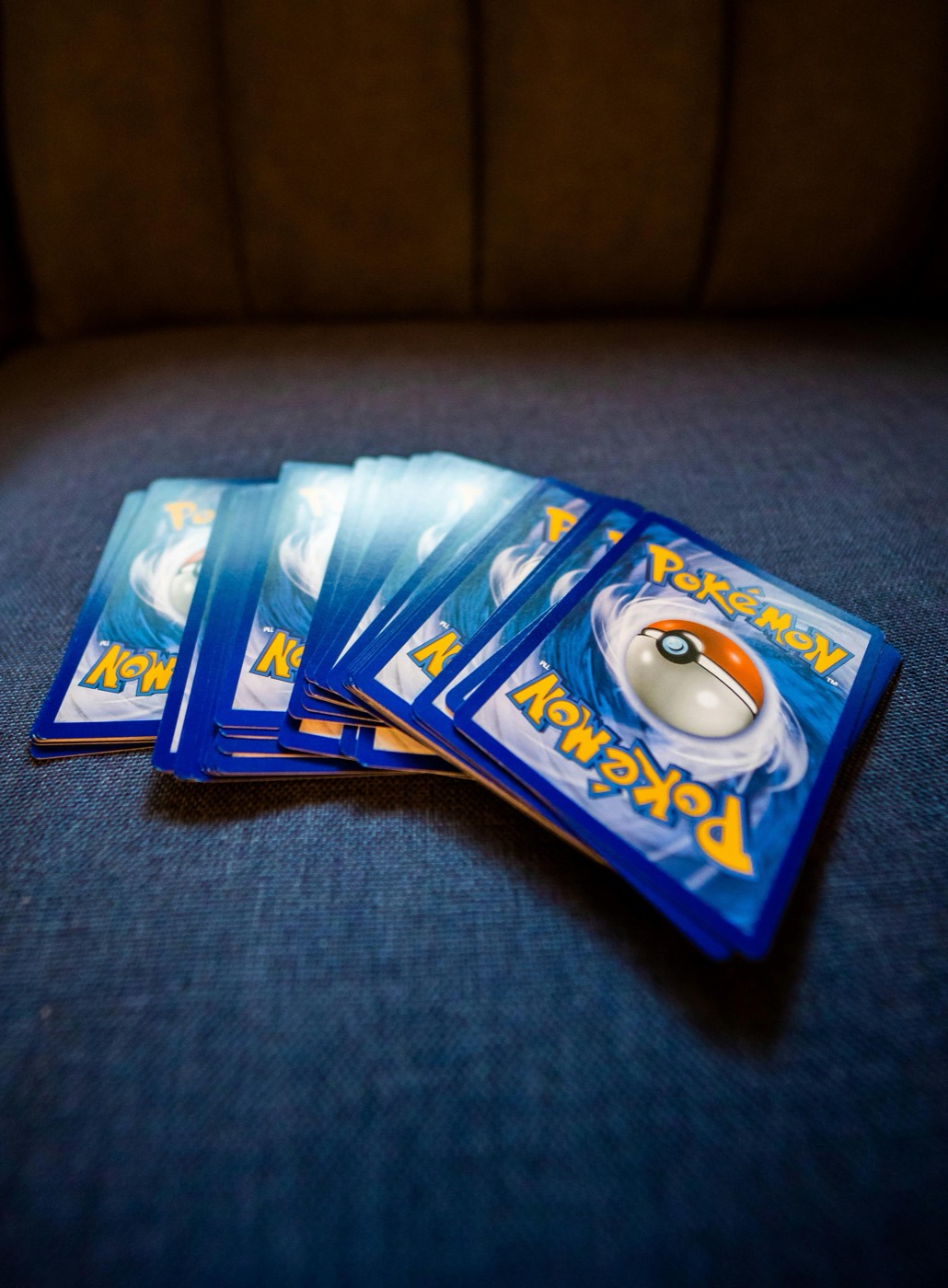
As a Pokemon TCG collection grows, managing individual cards, trade binders, and unsorted piles can quickly become overwhelming. Without an intentional physical inventory workflow, new purchases sit on desks for weeks, trade extras clutter master set binders, and duplicate copies get misplaced in bulk boxes. The most effective way to eliminate cataloging friction is to implement a structured, zone-based storage system.
By categorizing your storage space into three distinct zones—Intake Staging, Main Vault, and Overflow/Trade—you create an automated pipeline for every card that enters your household. Here is how to construct a scalable inventory system that keeps your collection secure, accessible, and perfectly synchronized.
Why Unstructured Storage Creates Inventory Chaos
Most collection disorganization occurs when collectors attempt to file newly acquired cards immediately into permanent storage without a clear protocol. Opening booster packs or receiving a parcel from an online purchase creates immediate loose inventory. When cards are placed directly into binders without being cataloged, set gaps are overlooked, duplicates are accidentally rebought, and condition tracking becomes unreliable.
A zone-based workflow solves this problem by separating the intake phase from final archival filing. Instead of treating every card as a permanent binder fixture right away, each card moves through specific stages based on its verification, cataloging status, and ultimate purpose within your collection.
Zone 1: The Intake Staging Station
Zone 1 is a dedicated physical space—typically a desk surface, sorting tray, or temporary storage box—where all uncataloged cards land first. Nothing enters your primary binders or long-term storage boxes until it passes through Zone 1.
To operate an efficient staging station, equip Zone 1 with basic inspection tools:
- Soft Penny Sleeves and Toploaders: Ready to protect raw hits immediately upon unboxing.
- Microfiber Cloth and Surface Lighting: For auditing surface dust and inspecting foil condition before filing.
- A Temporary Sorting Tray: Divided compartments for hits, playable staples, bulk, and set filler.
When new cards arrive from a mail day or pack opening, place them directly into Zone 1. This prevents loose cards from drifting across your living space and establishes a clear queue for cataloging.
Zone 2: The Main Collection Vault
Zone 2 contains your permanent collection. This zone is dedicated exclusively to cards you intend to keep long-term, including master set binders, high-value display slabs, personal favorite Pokemon binder pages, and sealed products.
To keep Zone 2 manageable and easy to navigate:
- Structure Binders by Clear Themes: Organize binders strictly by set number, generation, or artist rather than mixing random themes.
- Use Fixed Placeholders: Maintain dedicated binder slots for missing chase cards so you can see completion gaps instantly.
- Implement One-Copy Rules: Avoid storing excess duplicate copies in master set pages. Save Zone 2 storage space exclusively for your best-condition single copies.
Because cards in Zone 2 are cataloged and filed, this zone should experience relatively low day-to-day flux compared to your staging and trade areas.
Zone 3: Overflow, Trades, and Duplicate Management
Zone 3 stores all secondary inventory—duplicate hits reserved for trade night, bulk stacks organized by energy or rarity, deck-building staples, and cards marked for future selling. By isolating duplicates from your primary binders, you protect your main collection from unnecessary handling during trade negotiations.
Divide Zone 3 into clear physical compartments:
- The Active Trade Binder: High-demand duplicates stored in ringless, side-loading binders ready for local card shows.
- Indexed Storage Boxes: Row-divided corrugated card boxes for common, uncommon, and rare bulk, organized by set or energy type.
- The Grading Queue Box: A small, secure case holding clean copies staged for future grading submissions.
Maintaining a dedicated Zone 3 prevents duplicate clutter from leaking back into Zone 1 or overfilling Zone 2 binders.
Integrating Scanning Software into Your Intake Routine
Physical organization is only half of an efficient inventory workflow; digital cataloging provides the searchability needed to manage your collection accurately. During the Zone 1 intake process, modern collectors use a Pokemon card scanner to log cards before placing them in permanent sleeves.
Instead of manually typing set numbers into spreadsheets, scanning cards at your staging desk lets you identify set variants, record print details, and add inventory items to your digital catalog in seconds. Scanning during the staging phase ensures that every item moving into Zone 2 or Zone 3 is already reflected in your total binder count.
Physical-to-Digital Indexing and Reconciliation
To keep your physical storage and digital tracking perfectly synced, map your physical containers to digital tags within your Pokemon collection app. If a card resides in your Sword & Shield Master Binder in Zone 2, its digital location tag should mirror that location.
Perform a quick audit of your staging station at the end of each session:
- Verify that all scanned cards from Zone 1 have been physically routed to their destination in Zone 2 or Zone 3.
- Check market values using a reliable Pokemon card price checker before placing high-tier duplicates into trade binders.
- Clear all empty penny sleeves and packaging waste from Zone 1 so the desk is completely reset for your next intake session.
Maintaining Your Inventory System Long-Term
A three-zone storage system requires minimal effort to maintain once established, provided you stick to a simple weekly routine:
- Batch Process Weekly: Process Zone 1 in scheduled batches rather than cataloging individual cards immediately upon opening a single booster pack.
- Audit Trade Binders Monthly: Remove cold trade duplicates from Zone 3 trade binders and file them into bulk storage to keep trade pages fresh.
- Inspect Protective Gear: Periodically inspect binder pages and sleeves for dust or clouding, replacing worn protection before long-term damage occurs.
By keeping physical boundaries strict between staging, main vaulting, and duplicate storage, your inventory stays organized regardless of how quickly your collection grows.
Streamline Your Card Intake with PokeSnap
Building an organized storage system is much easier when your digital tracking tools match your physical workflow. PokeSnap turns your smartphone into a high-speed inventory assistant, allowing you to scan fresh intake cards, check set details, and manage binder gaps in seconds. Explore more organization strategies on our blog or download PokeSnap today to keep your Pokemon card collection perfectly structured from staging desk to main vault.