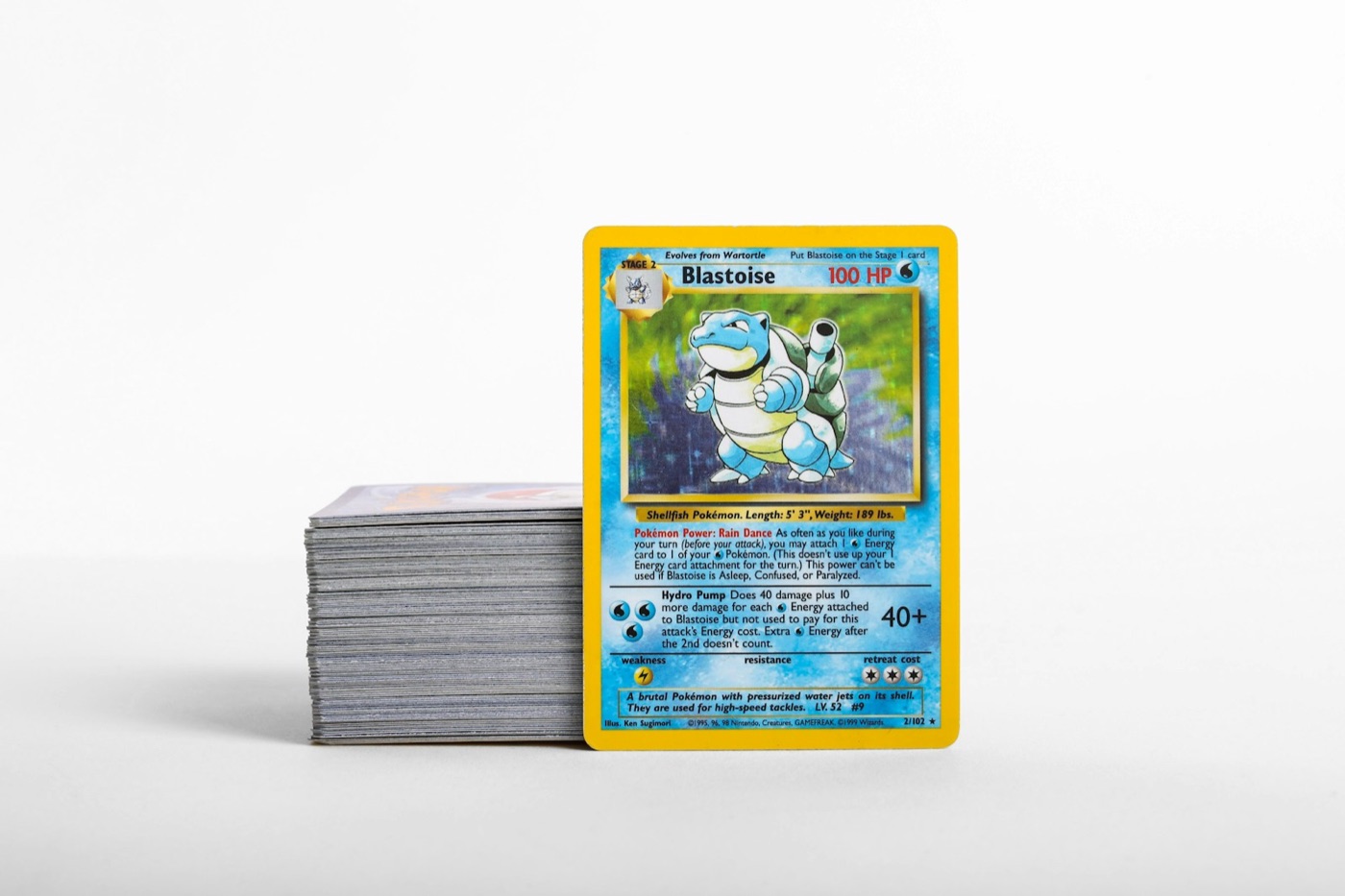
Acquiring a new Pokemon card lot is one of the most exciting moments for a collector. Whether you picked up a bulk box from a local garage sale, won an online auction, or traded for a binder full of older cards, the thrill of the hunt is undeniable. However, once that massive box of unsorted cards is sitting on your desk, reality sets in.
Without a structured workflow, processing a large lot of cards can quickly turn into a chaotic chore. Valuable cards can easily get mixed up with standard bulk, duplicates can slip through unnoticed, and you can quickly lose track of what you actually own.
To keep your collection organized and protect your investment, you need a systematic physical-to-digital inventory pipeline. Here is a practical, step-by-step guide to processing a new Pokemon card lot efficiently and safely.
Phase 1: The Initial Triage (Physical Sorting)
Before you open any digital tools or look up individual values, you must establish physical order. Trying to scan cards directly from a chaotic pile will only slow you down and increase the risk of damaging the cards. The goal of this phase is to break the massive stack into manageable groups.
- Separate by Rarity and Card Type: Create three primary stacks. Stack A is for obvious "hits" (Ultra Rares, Secret Rares, Illustration Rares, and older vintage cards). Stack B is for holos and reverse holos. Stack C is for standard common, uncommon, and Trainer cards.
- Keep an Eye Out for Condition: As you sort, look for cards with obvious damage (creases, heavy edge wear, or water damage). Set these aside in a separate "damage" pile so you do not accidentally group them with near-mint copies later.
- Handle with Care: Always wash and dry your hands before handling unsorted cards. Avoid sliding cards roughly against one another, as dust and grit between raw cards can cause micro-scratches on holographic surfaces.
Phase 2: Setting Up a Clean Cataloging Station
Now that your cards are roughly grouped, prepare your environment for cataloging. A clean, organized workspace prevents physical damage and speeds up your digital tracking process.
- Use a Flat, Soft Surface: Never catalog cards on a bare wooden or plastic table. Use a clean fabric playmat or a microfiber cloth to protect the backs of your cards as you move them around.
- Optimize Your Lighting: Bright, indirect light is essential. Avoid direct sunlight, which can cause glare and make scanning difficult. Good overhead lighting helps you spot surface wear, scratches, and print lines, and ensures your camera can capture card details clearly.
- Keep Supplies Within Reach: Have a stack of penny sleeves, top loaders, and labeled storage boxes ready on your desk. Protecting valuable cards should happen immediately after they are identified.
Phase 3: High-Speed Digital Cataloging
With your physical station prepared, you can begin building your digital records. Manually typing card numbers, set names, and variations into a spreadsheet is incredibly tedious. Instead, leverage technology to do the heavy lifting.
Using a dedicated pokemon collection app allows you to build a searchable digital portfolio in minutes. Rather than guessing set symbols or matching tiny numbers in the corner of the card, a high-quality pokemon card scanner will instantly recognize the card artwork, set, and variant.
To scan efficiently:
- Work in Batches: Scan your high-value "hits" stack first, followed by holos, and then bulk if you wish to track it.
- Verify the Scan: Quickly confirm that the scanner has matched the correct version of the card (for example, distinguishing a standard print from a reverse holo variant).
- Log Quantities: If the lot contains duplicates, adjust the digital quantities in your app immediately rather than scanning the same card ten times.
Phase 4: Checking Values and Identifying Key Targets
Once your cards are logged digitally, you can evaluate the total value of your new acquisition. This step is crucial for determining how to store, trade, or sell your new additions.
Use a built-in pokemon card price checker to view current market valuations for the cards you have scanned. This helps you split your lot into three action-oriented categories:
- Keepers: Cards that fill gaps in your personal collection or master sets.
- Trade/Sell Binder Candidates: Valuable duplicates or cards outside your collecting goals that can be used to fund future purchases.
- Bulk Storage: Low-value cards that can be stored safely in bulk boxes for future bulk trades or sales.
Phase 5: Matching Card Value to the Right Protection
Now that you know exactly which cards carry real value, you must match their physical storage to their digital worth. Not every card requires a heavy plastic case, but valuable cards should never be left loose.
- The Penny Sleeve Standard: Every holographic card, reverse holo, and low-end rare should go into a clean penny sleeve before being filed away. This protects the delicate foil surface from scratching.
- Top Loaders for Hits: Any card valued over a threshold you choose (such as $5 or $10) should be sleeved and placed into a rigid top loader. This prevents bending, corner dings, and surface indentation.
- Binder Selection: For cards you want to display, use side-loading, acid-free binders. Avoid three-ring binders with metal rings, as they can pinch and damage cards near the inner margin over time.
Phase 6: Filing and Labeling Your Inventory
Your digital inventory is only as good as your physical organization. If your app says you own a card, but you cannot find it in your boxes, your system has failed. Finish your workflow by filing everything away systematically.
- Label Your Storage Boxes: Use clear, removable labels on your bulk boxes. Label them by set, era, or card type (e.g., "Scarlet & Violet Bulk - Commons").
- Organize Binders by Set or Rarity: If you are building master sets, arrange cards in numerical order according to the set checklist. If you are building a trade binder, group similar rarities together so potential trading partners can browse easily.
- Perform a Quick Audit: Before putting your boxes on the shelf, double-check that the total card count in your digital app matches your physical stacks. This ensures your records remain 100% accurate from day one.
Streamline Your Inventory Workflow with PokeSnap
Processing a newly acquired Pokemon card lot does not have to be a stressful, all-day project. By following this structured workflow, you can turn a messy pile of cards into a beautifully organized, fully cataloged collection with minimal effort.
Ready to speed up your sorting and cataloging? Download PokeSnap today. With its fast, accurate card scanner, built-in price checker, and seamless collection tracking tools, PokeSnap is the ultimate companion for organizing your Pokemon cards. Scan your new lots, track your duplicates, and watch your collection grow with ease.