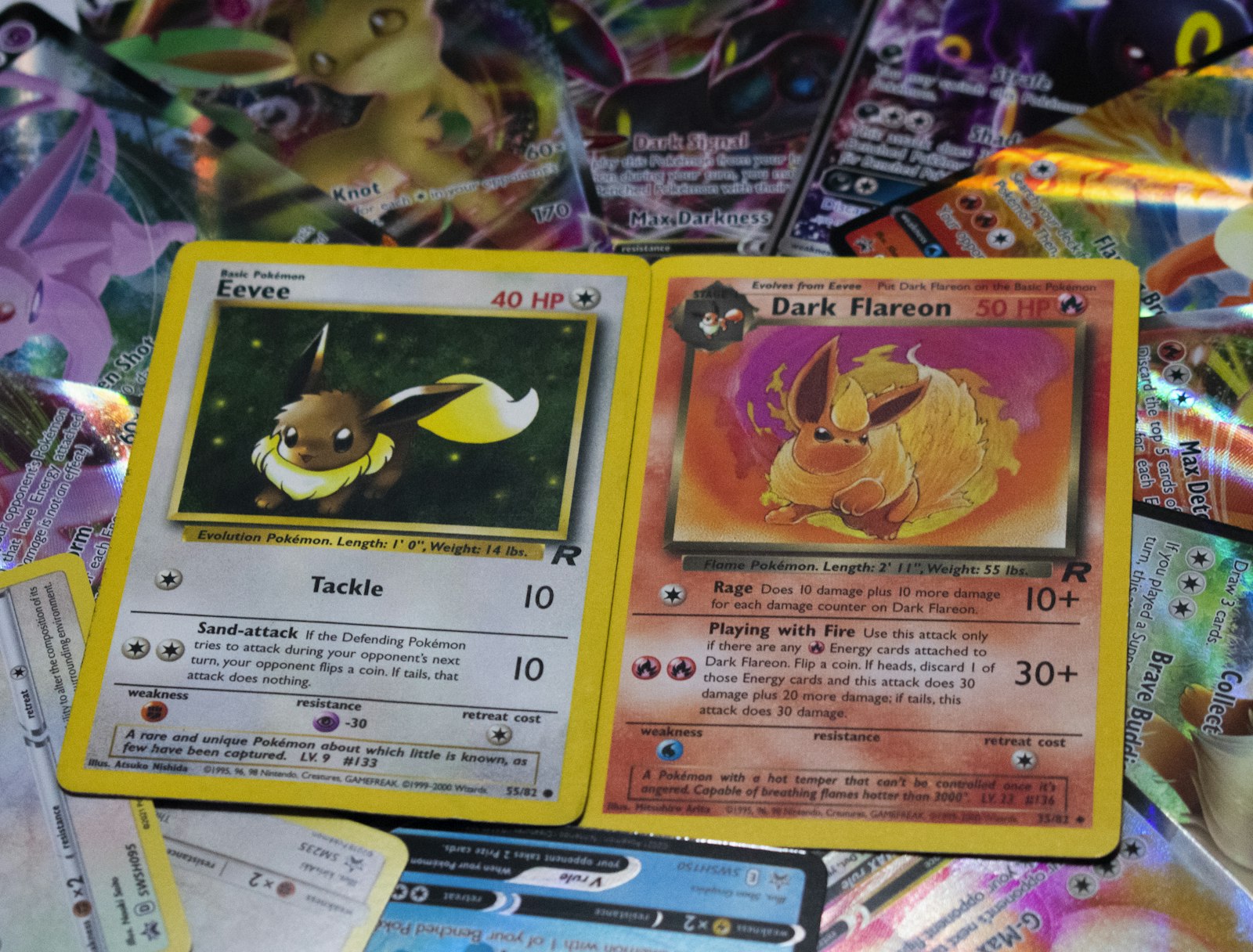
Accuracy starts before the app sees the card
Pokemon card scanner accuracy depends on more than the camera. The app needs a clean view of the card, enough text detail to read, and enough context to separate similar printings. A scanner can be fast and still be wrong if glare, tilt, or a cropped collector number hides the clues that matter.
The goal is not a perfect studio setup. The goal is a repeatable scan habit that gives the app the same useful information every time.
Give the scanner the full card, not just the artwork
Many wrong matches happen because the frame only shows the character art or the card name. Pokemon cards repeat names across sets, promos, languages, and reprints. The exact match often depends on smaller details:
- Collector number
- Set symbol
- Regulation mark or era detail
- Language
- Variant cues such as reverse holo, promo stamp, or alternate art
When possible, keep the whole card in frame and avoid cutting off the bottom line. The lower area often carries the identity clues that separate one printing from another.
Use light that reduces glare, not light that looks dramatic
Foil glare can hide numbers and make OCR unreliable. Bright overhead light is not always better if it bounces directly into the sleeve. Try a soft side angle, tilt the card slightly, or move the light source instead of forcing the scanner to read through reflections.
If you are scanning sleeved cards, wipe the outside of the sleeve first. A clean sleeve is usually safer than pulling a valuable card out just to scan it.
Confirm the exact set when names repeat
If the app offers a shortlist, do not choose only by card name. Check the set and collector number before saving. This matters most for popular Pokemon, trainer staples, promos, and cards that have been reprinted many times.
For manual verification, pair the scanner with the set symbols guide. A few seconds of set checking prevents messy collection data later.
Scan in batches, review in small groups
Long scanning sessions get sloppy when every match is accepted instantly. A better workflow is to scan a batch, pause briefly, and review the matches before putting the cards away. During the review, look for:
- Cards with the same name but different set numbers.
- Cards that were scanned at an angle or under glare.
- Promos or stamped variants.
- Japanese cards mixed into an English pile.
The bulk scanning guide is useful if you want a faster physical workflow without sacrificing match quality.
Treat uncertainty as a feature
A good scanner should not pretend every frame is certain. If the app asks you to confirm a close match, that confirmation step is protecting your inventory. Accepting a wrong match creates more cleanup than one extra tap.
This is especially true for cards you plan to sell, trade, grade, or insure. The more important the card, the more important exact identity becomes.
Record corrections immediately
If you spot a bad match, fix it while the physical card is still in front of you. Waiting until later creates another problem: now you have to find the card again. Add condition notes, variant details, and quantity while the scan context is fresh.
The collection tracker guide explains why scan accuracy and inventory accuracy are really the same workflow. A correct scan is only useful if the saved record stays correct.
The simple rule
To improve Pokemon card scanner accuracy, show the full card, reduce glare, verify set details, and review uncertain matches before saving. Faster scanning is useful only when the final collection record is trustworthy.