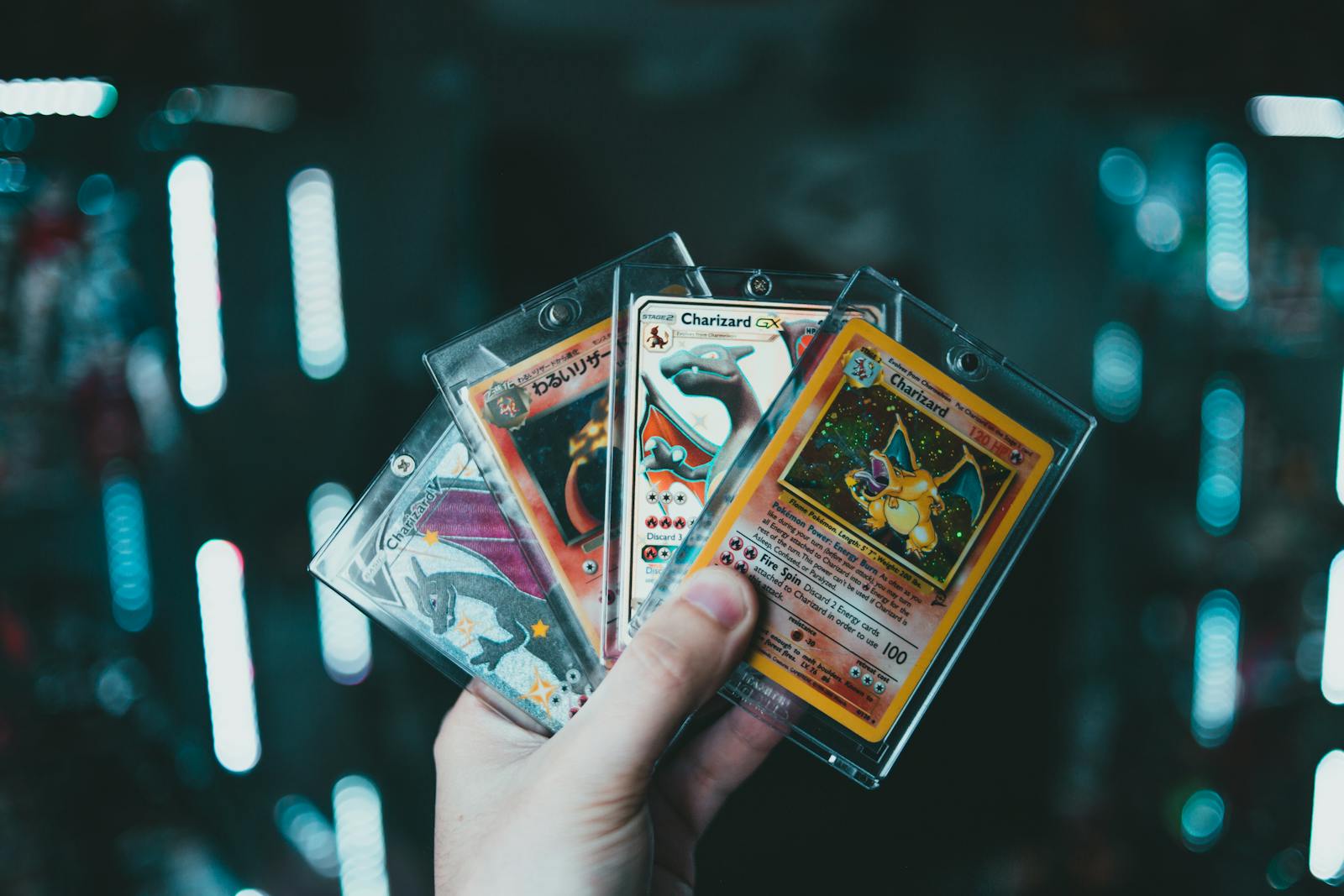
Card shows move faster than home sorting
A Pokemon card scanner is useful at a card show only if it supports the deal instead of slowing it down. You may have bad lighting, crowded tables, sleeves, top loaders, and limited time to decide whether a card is worth buying or trading for.
The scanner should help answer a few practical questions fast: what exact card is this, is the price reasonable, do I already own it, and should I log it now?
Prepare before you walk in
Do the slow work before the show. Update your collection, wants list, trade binder, and price targets at home. Then the scanner becomes a confirmation tool instead of your only system.
Before leaving, check:
- your wants list
- duplicate counts
- trade binder inventory
- budget range
- high-priority sets or characters
- battery and network reliability
The Pokemon card show prep checklist is the broader setup. This guide focuses on the scanner workflow during the event.
Scan only when identity is uncertain or value matters
Not every common card needs a scan at the table. Use the scanner when the result affects a decision:
- similar reprints or promos
- Japanese cards you want to confirm
- higher-value singles
- cards with unclear set numbers
- purchases that might duplicate something you already own
For routine bulk, take notes and process later. For deal-critical cards, scan before money or trades change hands.
Use the scan to confirm exact identity
Card shows are full of similar-looking cards in sleeves and cases. A quick scan can prevent the classic mistake of comparing the wrong version or missing a promo detail.
If the scan result is ambiguous, confirm the set symbol and collector number manually. The Pokemon card reprint guide is useful for cards where the artwork alone is not enough.
Pair identity with price context
Once the card is identified, use the Pokemon card price checker to sanity-check the asking price. Keep condition in mind. A clean near-mint comp does not automatically apply to a copy with whitening, dents, or surface scratches.
For condition-heavy buys, compare with how to inspect Pokemon cards before you buy before you commit.
Log pickups before the bag gets messy
After buying or trading for a card, add it to your collection quickly or mark it for later review. Card shows create a lot of small memory failures: cards move between boxes, bags, sleeves, binders, and receipt piles.
Logging the card now helps prevent:
- rebuying the same card later in the show
- forgetting condition notes
- losing track of trade value
- mixing new pickups with existing inventory
- overstating missing-card gaps after the event
Keep the interaction polite
Scanning at a table should not feel like you are auditing the seller aggressively. Ask before handling a card, keep the card over the table, avoid removing it from protection unless permitted, and do not block other buyers while researching too long.
If the decision needs more time, step aside, review your notes, and come back if the card still makes sense.
The simple rule
Use a Pokemon card scanner at a card show for decisions that need exact identity, price context, or inventory confirmation. Prepare your lists before the event, scan only when it changes the decision, check condition, and log pickups before the details disappear.
If you trade as much as you buy, pair this with the Pokemon card trade night checklist.