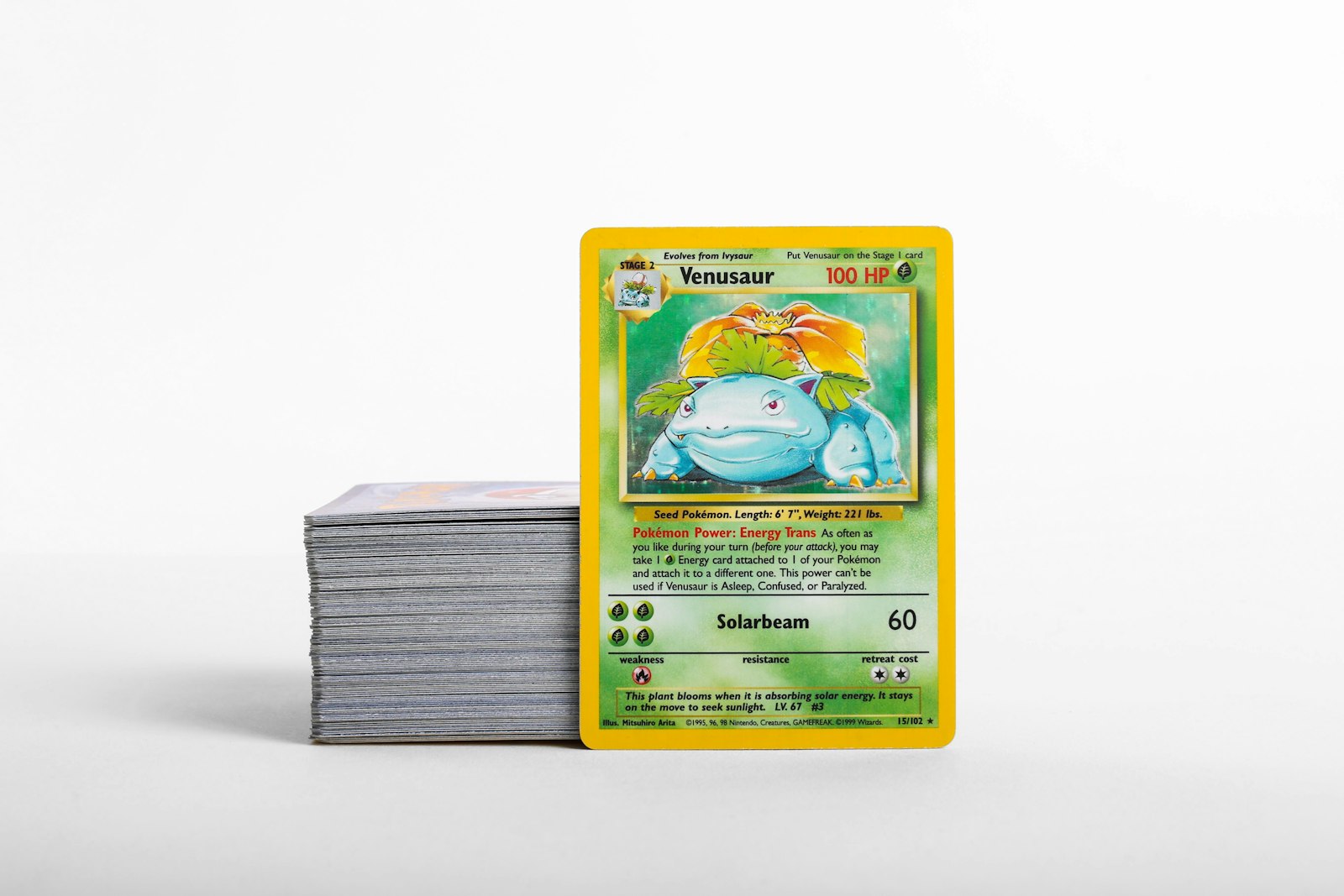
Most physical wear on raw Pokemon cards does not occur while they sit quietly on a shelf. Instead, edge whitening, corner snags, and micro-scratches happen when cards are actively moved—shifted from penny sleeves into binder pages, transferred from storage boxes into toploaders, or re-organized after a large collection overhaul.
Every time a card is handled, pushed into tight pockets, or pinched along its borders, it faces mechanical stress. By establishing a calm, deliberate handling routine and matching card protection to real storage needs, collectors can preserve crisp corners and immaculate surfaces for years to come.
Why Storage Transfers Present the Highest Wear Risk for Raw Cards
When a raw single rests inside a side-loading binder or a rigid plastic case, it is shielded from dust and friction. However, the moment you decide to reorder binder pages, prep cards for trade night, or move hits into long-term storage boxes, risk increases significantly.
Several physical hazards emerge during transfer:
- Friction wear: Sliding an unsleeved or loosely sleeved card against tight plastic binder pockets can create hairline scratches across shiny holofoil surfaces.
- Corner compression: Forcing a soft corner into a narrow pocket opening can instantly bend or split paper fibers.
- Border whitening: Grabbing cards by raw edges with excess finger pressure strips blue ink from classic Pokemon card backs.
- Static electricity: Vinyl mats and low-humidity rooms can create static attraction, pulling micro-dust into sleeves where it acts like sandpaper against card surfaces.
Understanding these risks allows you to design a smooth intake and transfer workflow that eliminates unnecessary physical contact.
Identifying the 3 Handling Traps That Degrade Card Condition
Even experienced collectors occasionally fall into habits that compromise raw card condition. Recognizing these three main handling traps will immediately improve your preservation standards.
1. Forceful Pocket Insertion
When a binder page pocket feels tight, pushing down on the top edge of a raw card exerts extreme downward force on the bottom corners. If the card catches the bottom seam, the corner will buckle or roll backward. Always expand binder pockets gently or use a smooth inner sleeve to guide the card into place.
2. Edge Pinching During Extraction
Attempting to pull a card out of a tight sleeve or binder pocket by pinching the top edge creates localized pressure points. This leaves skin oils on delicate card paper and frequently leads to top-edge indentations. Instead, use soft sleeve tails or gently slide the card upward from the pocket base.
3. Overcrowding Binder Rows and Storage Boxes
Stuffed binder pages or tightly packed storage boxes place constant lateral pressure on cards. Over time, surface compression flattens paper grain, presses debris into foil surfaces, and causes adjacent cards to stick together. Always leave enough clearance in storage rows for cards to slide smoothly without force.
Matching Protection Levels to Card Wear and Storage Destinations
Not every raw card requires the exact same protective format. Matching the tier of protection to the card's value, foil finish, and expected handling frequency prevents both damage and unnecessary bulk in your storage setup.
| Card Type / Value Tier | Primary Sleeving | Storage Holder | Recommended Storage Location | | :--- | :--- | :--- | :--- | | Bulk & Standard Rares | Single Penny Sleeve | Standard Card Box | Acid-free cardboard storage box | | Binder Collection Cards | Archival Inner / Penny Sleeve | Side-Loading Binder Page | D-ring or ringless zip binder | | High-Value Hits & Holos | Double Sleeved (Inner + Standard) | 35pt Rigid Toploader | Storage box or top-loader binder | | Grading Candidates | Semi-Rigid Sleeves / Penny Sleeve | Semi-Rigid Holder Box | Dedicated pre-grade storage box |
Using a reliable Pokemon card price checker during your sorting process helps you quickly determine whether a fresh pull or newly acquired single warrants an upgrade from a basic binder page to a rigid top loader or semi-rigid holder.
Step-by-Step Routine for Transferring Cards Safely
Follow this simple, standardized routine whenever you move cards between storage formats or update your physical collection layout.
Step 1: Prepare a Clean Work Surface
Clear your table of drinks, food, and clutter. Lay down a clean, non-abrasive playmat or microfiber desk mat. This cushioned base prevents cards from sliding across hard surfaces if dropped.
Step 2: Wash and Dry Your Hands
Clean hands eliminate skin oils, grease, and dirt that cause permanent fingerprint marks on foil surfaces. Avoid heavy hand lotions right before handling raw cards, and consider nitrile gloves when handling high-value vintage items.
Step 3: Use the Slide-and-Tap Method
When inserting a raw card into a penny sleeve, never force it. Hold the sleeve open at the top corner, slide the card in halfway at a slight angle, and let gravity finish the job with a gentle tap on your desk mat. This avoids pushing directly on raw paper corners.
Step 4: Audit Condition Before Re-housing
Inspect corners, edges, and surface texture under a direct light source before sealing or binder-filing a card. Catching minor wear early allows you to document condition accurately before long-term storage.
Environmental Auditing: Managing Desk Setup, Humidity, and Static
Environmental factors during a storage overhaul play a major role in card preservation. Foil cards are especially sensitive to atmospheric changes.
- Humidity Control: Keep room humidity between 45% and 55%. High humidity causes foil cards to curl, while extreme dry air makes paper brittle.
- Direct Sunlight: Never set up your sorting desk under direct sunlight. UV rays begin degrading surface inks and clear sleeve plastic surprisingly fast.
- Dust and Air Movement: Avoid running ceiling fans directly above your workspace while re-housing cards. Moving air lifts fine dust particles that easily settle inside fresh sleeves.
Keeping Physical Storage Changes Synced with Your Digital Inventory
A flawless physical storage system is only as effective as your tracking records. If you move fifty cards from a temporary stack into set binders without updating your collection tracker, finding specific singles later turns into a frustrating search.
Whenever you transfer cards between boxes or binders:
- Scan cards quickly using a mobile Pokemon card scanner to log incoming singles or verify set printings.
- Update folder tag locations inside your Pokemon collection app so you know exactly which binder row or box holds each item.
- Check updated condition notes against your digital ledger before closing out your session.
For more practical organizing tips, set layout strategies, and handling routines, explore the detailed guides on our blog.
Protect Your Collection while Streamlining Your Storage Workflow
Preserving your Pokemon card collection comes down to consistency. By handling cards carefully, choosing the right sleeves, and avoiding forceful pocket insertion, you protect raw cards from avoidable wear.
Ready to pair your physical protection routine with effortless digital management? Download PokeSnap today on iOS and Android. Instantly scan cards to identify printings, monitor estimated values, track set completion, and organize your binders with complete confidence.