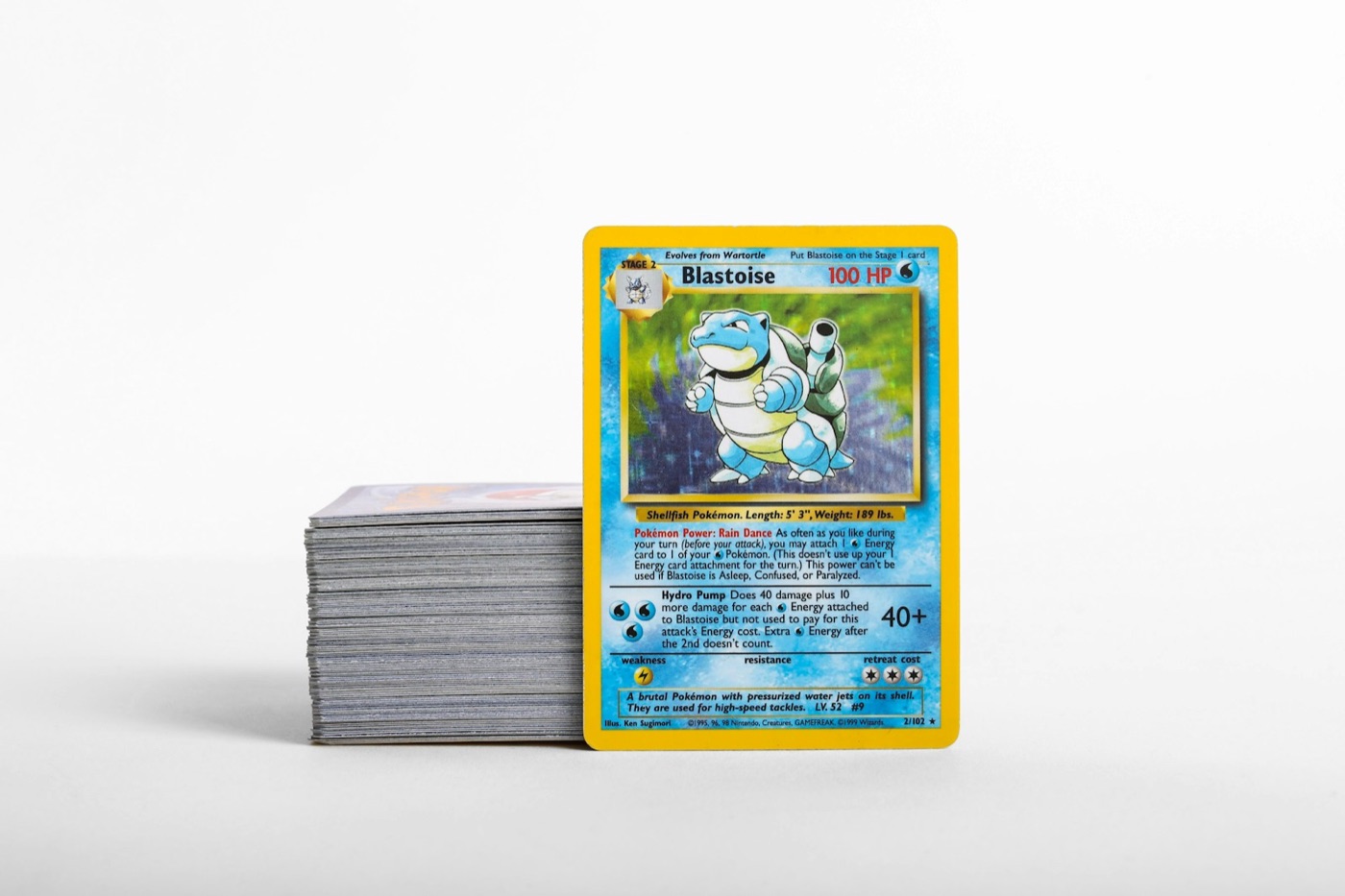
To stop loose Pokemon cards from piling up on your desk after pack openings, trade nights, or mail days, you need a repeatable single-session intake routine. Leaving unsorted cards in temporary stacks causes handling wear, misplaced hits, and complete confusion about what you actually own.
A single-session intake protocol processes every incoming card through four defined stages—inspection, scanning, sleeving, and filing—before any card leaves your workstation. By combining a systematic physical desk setup with a accurate mobile collection tracker, you keep your binders organized and your digital records perfectly synchronized.
Here is how to set up an efficient Pokemon card processing routine that handles any intake volume without creating catalog backlogs.
Setting Up a Three-Zone Intake Station
Organization breakdowns usually happen when active cataloging mixes with long-term storage. To maintain momentum during intake, divide your workspace into three distinct physical zones before opening a single envelope or booster pack:
- The Staging Zone (Left): Unopened packs, trade mailers, and raw unsorted stacks sit here. Nothing in this zone has been cleaned, inspected, or cataloged.
- The Processing Zone (Center): A soft micro-fiber or felt playmat equipped with your scanning device, card sleeves, top loaders, and inspection microfiber cloth.
- The Archival Zone (Right): Pre-labeled binder storage boxes, open binder pages, and bulk storage trays ready to receive fully documented cards.
Organizing your desk linearly prevents raw, uncataloged cards from accidentally mixing with items you have already scanned and sleeved.
Phase 1: Physical Triage and Raw Surface Inspection
Before opening your tracking app, run a quick physical triage on the incoming stack. Handling dirty or dusty cards near your digital scanning surface can scratch delicate foils or smudge protective sleeves.
- Surface Dusting: Gently wipe raw cards with a clean microfiber cloth to remove factory dust or paper debris.
- Condition Sorting: Group cards into rough physical wear tiers (pack-fresh hits, lightly handled singles, binder-grade rares, and play-wear bulk).
- Format Allocation: Decide immediately whether a card is bound for a master binder, a hard shell top loader, a trade binder, or a bulk storage box.
Separating cards by their intended storage destination before cataloging speeds up your scanning pace and keeps your protective supplies within arms reach.
Phase 2: Rapid Digital Scanning and Variant Verification
Once raw cards are triaged, move them into the central processing zone for cataloging. Manually typing set numbers, expansion names, and variant printings into spreadsheets slows down processing and leads to typing mistakes.
Using a fast Pokemon card scanner lets you identify cards in seconds using your phone camera. When cataloging modern or vintage expansions, pay close attention to critical metadata fields:
- Set Number and Symbol: Verify that the scanned entry matches the expansion logo and set number printed at the bottom of the card.
- Foil and Finish Variants: Differentiate standard holos, reverse holos, full arts, and alternate art printings so your inventory reflects exact printings.
- Language Differences: If you collect global releases, make sure to scan Japanese Pokemon cards with a tool that accurately distinguishes Japanese expansion codes from English equivalents.
- Condition Notes: Tag cards with obvious edge whitening, micro-scratches, or foil clouding right away inside your app.
Digitizing your intake immediately adds fresh items to your global total inside your Pokemon collection app, giving you an accurate picture of missing set gaps and duplicate counts.
Phase 3: Immediate Protection and Sleeving Protocols
Never scan a card and set it aside bare on your desk. The moment a card is verified in your app, apply its permanent protective sleeve before moving it toward the archival zone.
Follow a consistent protection hierarchy based on card rarity and condition:
| Card Category | Primary Sleeve | Secondary Case / Holder | Destination | | :--- | :--- | :--- | :--- | | Standard Bulk / Commons | None or Penny Sleeve | Storage Box Dividers | Sorted Bulk Trays | | Reverse Holos / Rare Singles | Archival Penny Sleeve | 9-Pocket Binder Page | Set Expansion Binder | | High-Value Ultra Rares / Hits | Perfect Fit / Standard Matte | Toploader or Semi-Rigid | Protective Slab/Toploader Storage | | Vintage / Mint Grail Candidates | Soft Penny Sleeve | One-Touch Magnetic Case | Locked Storage / Display Case | | Trade Dupes | Standard Penny Sleeve | 4-Pocket / 9-Pocket Trade Binder | Active Trade Binder |
Sleeving cards immediately after scanning prevents surface friction while you transition them into binders or boxes.
Phase 4: Physical Archival and Location Syncing
An accurate digital inventory is only useful if you can physically find the card when you want to trade, sell, or view it. The final step of the intake session is placing sleeved cards into their designated permanent storage slots.
Maintain an intuitive indexing method across your physical setup:
- Expansion Set Binders: Store main set singles numerically by set index number. Leave structured binder placeholders for missing cards identified during your scanning session.
- Bulk Storage Boxes: Label box rows by expansion era and card type (Supertype, Energy, Trainer, Pokemon). Keep duplicate commons and uncommons organized in straight numerical runs.
- Toploader Storage Trays: Arrange high-value singles alphabetically by Pokemon name or chronologically by set release.
If you move a card from your intake desk into a secondary binder or box, update its physical location tag inside your digital tracker to stop inventory drift.
Weekly Inventory Maintenance and Comp Checks
To prevent your processing routine from bogging down over time, perform a quick 10-minute workstation reset at the end of every intake session:
- Clear all empty pack wrappers, top loader shipping tape, and mailer boxes from your staging zone.
- Restock your penny sleeves, top loaders, and binder pages so your desk is prepped for the next intake.
- Open your Pokemon card price checker to review updated market comps on newly added high-value hits.
- Reconcile any unfiled duplicates in your trade binder before heading to local league events.
Streamline Your Intake Workflow with PokeSnap
Building an organized Pokemon card collection requires smart habits and the right digital tools. PokeSnap turns tedious cataloging sessions into a smooth, instant scanning process. Simply point your iPhone camera at raw cards, trade pickups, or Japanese imports to identify expansion details, log condition notes, and track your set progress instantly.
Stop letting loose cards overwhelm your desk. Download PokeSnap today on the App Store and build a clean, accurate inventory routine for your entire collection.