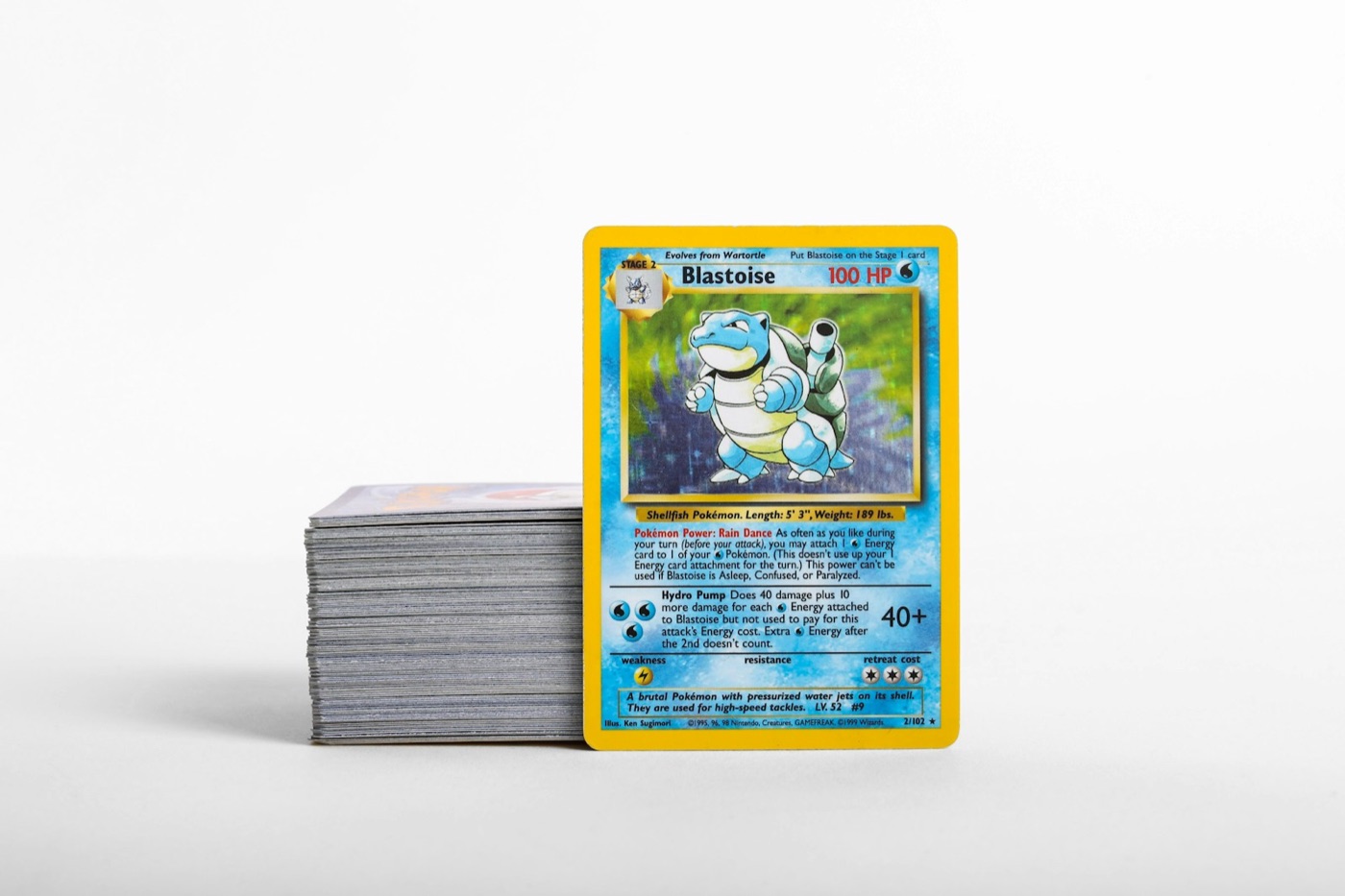
Every active Pokemon card collector knows the feeling of a growing pile of raw cards sitting on the corner of a desk. Whether you just cracked open a booster box, returned from a local trade night, or received a stack of mail day packages, keeping your inventory organized can quickly turn into a chore. When your collection grows into thousands of cards, standard sorting methods fall apart.
To maintain control over your collection without spending all your free time typing into spreadsheets, you need a high-volume inventory workflow. This guide outlines a practical, step-by-step system to sort, scan, categorize, and store your cards efficiently, ensuring your digital records stay perfectly aligned with your physical storage.
The Friction of Growing Collections: Why Standard Sorting Fails
Many collectors start by sorting cards alphabetically or purely by set number as they open them. While this works for a single binder, it quickly becomes unsustainable as your inventory scales. Every time you get a new card, you are forced to shift dozens of other cards to make room in your binders or boxes.
Without a dedicated inventory pipeline, three things inevitably happen:
- The Backlog Pile Grows: Unsorted cards sit in temporary boxes, making them impossible to find when you want to trade, sell, or inspect them.
- Double-Buying Duplicates: You purchase cards you already own because your digital tracker is outdated or incomplete.
- Lost Value Context: You lose track of which cards are in pristine condition and which are relegated to bulk boxes.
To prevent this, you need a workflow that treats collection management like an assembly line: physical intake, digital identification, categorization, and final storage.
Phase 1: Setting Up the Physical Intake Zone
Before you open a single app or touch a card sleeve, you need a dedicated physical workspace. Trying to sort cards on a cluttered desk leads to mixed stacks, misplaced cards, and avoidable physical wear.
Set up three distinct zones on your table:
- The Intake Pile: This is where all raw, uncataloged cards land immediately after purchase, trade, or pack openings.
- The Processing Station: A clean, flat surface (ideally covered by a soft, clean playmat) where you inspect, sleeve, and scan each card.
- The Outbox Trays: Temporary storage containers (like empty Elite Trainer Box shells or plastic sorting trays) labeled by their final destination (e.g., "Binder Hits," "Trade Box," "Bulk").
Before scanning, group your incoming cards by physical type. Sorting them into rough piles of holos, ultra rares, and common bulk first makes the digital cataloging phase much faster because you can handle similar protection needs (like penny sleeves and top loaders) in batches.
Phase 2: Rapid Digital Cataloging
Once your physical cards are grouped, it is time to build your digital record. Manually searching for set symbols and card numbers is the slowest way to inventory. Instead, leveraging a high-quality Pokemon card scanner cuts your logging time down to seconds per card.
To get the most accurate and rapid results during your scanning session:
- Optimize Your Lighting: Avoid direct overhead glare, which can obscure set numbers and foil patterns. Indirect, natural light or an angled desk lamp works best.
- Contrast the Background: Place your cards on a dark, non-reflective playmat. This helps the scanner camera instantly identify the card's borders and crop the image accurately.
- Batch Your Scans: Scan all cards destined for your trade binder first, then move to your personal collection sets. Keeping your scan sessions organized by destination makes assigning them to digital folders in your Pokemon collection app incredibly simple.
Phase 3: Handling Language Variants and Special Prints
A major bottleneck in high-volume cataloging is dealing with foreign prints, particularly Japanese cards. Japanese sets often feature different set lists, card numbers, and rarity structures compared to their English counterparts.
If you regularly import cards or buy Japanese booster boxes, do not mix them with your English inventory during the intake phase. Keep them completely separate and use a specialized tool to scan Japanese Pokemon cards in their own dedicated batch. This prevents cross-language mismatch errors and ensures your digital inventory correctly tracks the exact printing you own. Once identified, log these variants into specific sub-folders in your digital tracker so you always know your language distribution at a glance.
Phase 4: Mapping Digital Folders to Physical Locations
A digital inventory is only useful if you can actually find the physical card when you need it. The biggest mistake collectors make is keeping a single, massive digital list with no physical location data.
To fix this, create a strict mapping system between your digital folders and physical storage:
- Binder Collections: Name your digital folders to match your physical binders (e.g., "Sword & Shield Master Binder" or "Vintage Holos Binder").
- Storage Boxes: If you use multi-row cardboard boxes for extra hits, label each box and row (e.g., Box A, Row 1) and tag that location to the cards in your digital app.
- Trade Inventory: Keep a dedicated "Trade Binder" folder in your collection app. Whenever you move a card out of your personal collection and into your trade binder, update its digital folder immediately. This allows you to quickly use a Pokemon card price checker to verify values during a trade night without flipping through every page of your physical binders.
Phase 5: The 15-Minute Weekly Audit
Even the best inventory systems can drift over time. You might pull a card for a friend, sell a single online, or slide a card into a deck without updating your app.
To prevent your digital records from becoming obsolete, establish a 15-minute weekly maintenance routine:
- Check the Outbox: Ensure any cards left in your temporary processing trays are scanned and moved to their permanent physical homes.
- Reconcile Trades and Sales: Delete or transfer any cards that left your possession during the week.
- Verify a Random Page: Pick one random page in your trade binder and cross-reference it with your digital list. If it matches perfectly, your workflow is working. If not, adjust your intake habits to ensure every transaction is logged.
Streamline Your Inventory with PokeSnap
Managing a high-volume Pokemon card collection does not have to feel like a second job. By setting up a dedicated physical intake zone, batching your scans, and keeping your digital folders mapped directly to your physical binders and boxes, you can maintain a flawless inventory with minimal effort.
If you are ready to retire the manual spreadsheets and speed up your cataloging workflow, download PokeSnap. With its fast, accurate scanner, comprehensive database, and easy-to-use collection management tools, PokeSnap is the perfect companion for active collectors looking to organize their inventory like a pro.