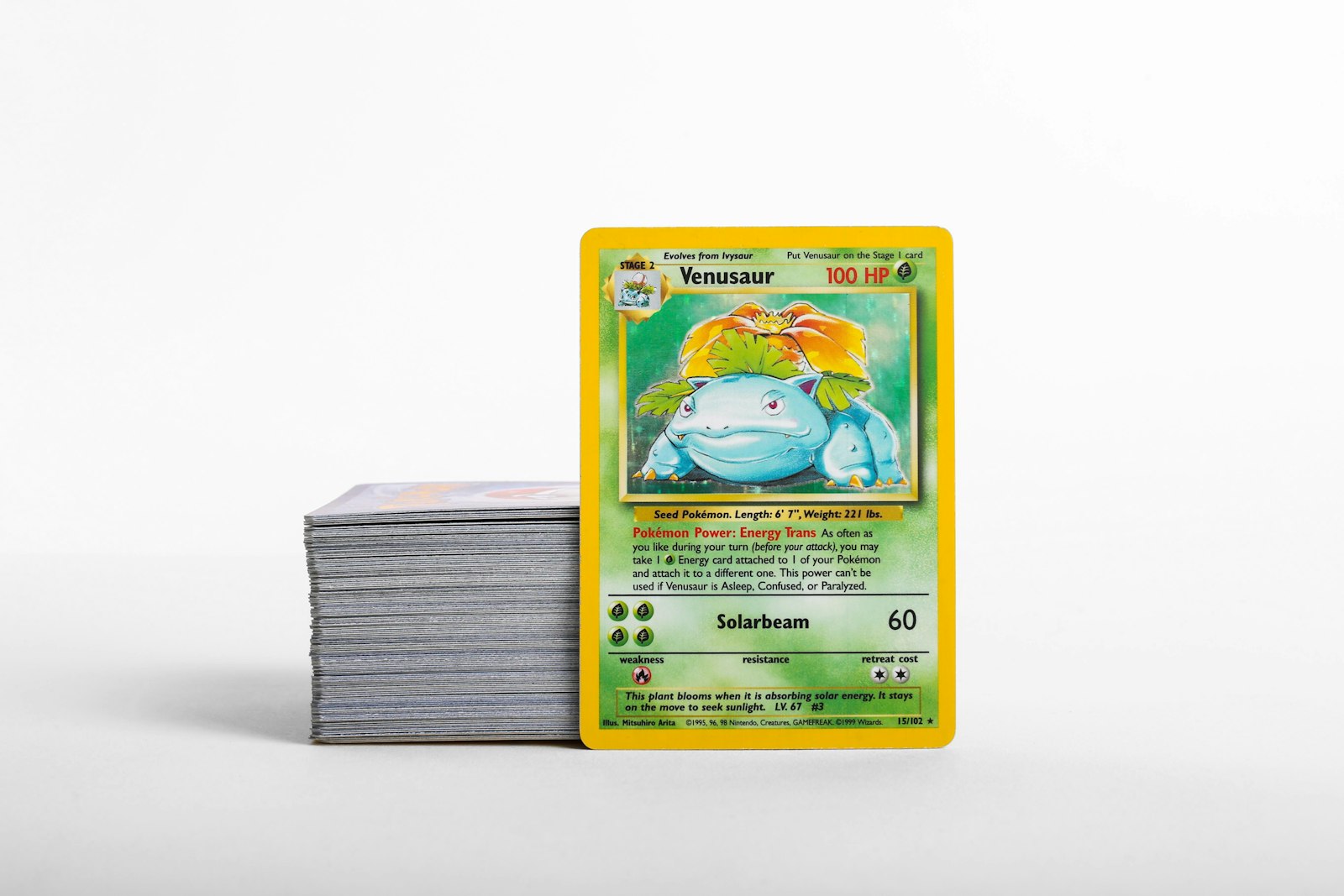
Even the highest-quality protective gear does not last forever. Over time, plastic sleeves absorb dust, binder pockets stretch, and hard cases accumulate micro-scratches that obscure card surface condition. Many collectors invest heavily in penny sleeves, side-loading binders, and rigid holders when they first buy a card, but then leave those supplies untouched for years. When protective gear begins to break down, it stops safeguarding your collection and can actually create unnecessary friction and surface wear.
Maintaining your storage supplies is just as essential as choosing the right gear in the first place. By setting up a simple routine to inspect and replace worn sleeves, pages, and cases, you preserve the exact condition of your raw cards while keeping your collection easy to view and organize.
Why Protective Gear Degrades and Threatens Raw Pokemon Cards
Protective supplies are designed to take the brunt of environmental exposure, friction, and handling so your cards do not have to. Penny sleeves shield delicate foil surfaces from skin oils, binder pages prevent edge rubbing during flipping, and hard cases protect against bending during transit.
However, polypropylene and plastic materials undergo natural wear as they are used:
- Surface friction: Sliding cards in and out of sleeves creates microscopic abrasions on the inner walls of the plastic.
- Dust collection: Static electricity attracts dust and tiny particles, trapping them against card surfaces inside worn sleeves.
- Plasticizer degradation: Cheaper or older plastics can become cloudy, stiff, or slightly tacky over long periods.
- Seam failure: Frequent binder browsing pulls at pocket seams, causing them to split or loose tension.
When sleeves become dirty or loose, grit trapped inside acts like sandpaper every time the card shifts. Recognizing when supplies are past their prime prevents subtle wear before it alters a card's grade or trade appeal.
Identifying the Signs of Worn Penny Sleeves and Perfect Fits
Penny sleeves and inner sleeves (perfect fits) are your card's first line of defense. Because they sit directly against the card border and foil, any issue with the sleeve immediately impacts the card itself.
Inspect your sleeves for these specific visual and physical red flags:
- Cloudiness or Hazing: Hold the sleeved card up to direct lighting. If the clear film looks dull or milky, dirty oil or dust has built up on the plastic.
- Corner Wrinkles and Flanging: The corners of soft sleeves often bend outward after repeated handling. Flanged sleeve corners catch on binder pocket edges during insertion, risking bent card corners.
- Stretching and Slump: If a soft sleeve feels loose or buckles along the edges, it no longer holds the card snugly, allowing foreign particles inside.
- Wavy Side Seams: If the heat-sealed edges of a perfect fit look distorted or feel brittle, the seam may burst during re-sleeving.
When updating sleeves on valuable singles or set hits, use a reliable Pokemon card scanner to re-confirm card details, set symbols, and condition tags before sealing the card into fresh protection.
Checking Binder Pages for Cloudiness, Stretching, and Pocket Friction
Binder pages bear the brunt of physical interaction when you browse your collection. Whether you use ringless side-loading binders or loose multi-ring pages, the pockets wear down from the pressure of turning pages and pulling cards for trades.
Loose Pocket Tension
Side-loading pockets rely on tight plastic tension to keep cards seated flat. If a card slips out easily when you tilt the page, the pocket material has stretched out. Loose pockets allow cards to shift into page seams, causing edge whitening along the top or side borders.
Clouded Viewing Windows
Clear page overlays accumulate light scratches every time pages rub together. When the plastic loses crystal transparency, you may be tempted to remove cards unnecessarily just to take a clear look. Clean, clear pages eliminate the need for frequent physical handling.
Ring Pinch Hazards
If you use three-ring binders, regularly check the inner pocket edges closest to the metal rings. D-rings and O-rings can dent binder pages if pages settle unevenly when closed. If a page shows ring indentations near the margin, retire that page immediately to protect adjacent cards.
When Toploaders and Semi-Rigid Holders Need Replacement
Toploaders and semi-rigid holders (like Card Savers) are intended for mid-to-high value singles, trade piles, and cards staged for grading. Because these outer cases are rigid, collectors often assume they last indefinitely. However, heavy outer wear can ruin their effectiveness.
Replace rigid cases when you notice:
- Deep Surface Scratches: Deep gouges make it difficult to inspect the card's surface without taking it out of the holder.
- Internal Dust Pockets: Dust settling inside an unsealed toploader settles at the bottom channel, creating friction against the bottom card edge.
- Warping or Bending: PVC holders exposed to heat or pressure can bow. Storing cards inside curved rigid cases puts continuous stress on the card paperboard.
- Cracked Edges: Brittle plastic along top corners can snag penny sleeves or scratch fingers during handling.
Always double-sleeve cards with a fresh penny sleeve before placing them inside a toploader. Never insert a raw, unsleeved card directly into a rigid holder.
A Step-by-Step Maintenance Routine for Active Collections
Rather than attempting to review thousands of cards at once, integrate supply maintenance into your normal cataloging workflow. Following a structured routine keeps inventory maintenance manageable.
+-----------------------------------------------------------------------+
|                   SUPPLY MAINTENANCE WORKFLOW                         |
+-----------------------------------------------------------------------+
|  1. QUARTERLY BINDER INSPECTION                                       |
|     Flip through binder pages under bright light.                     |
|     Identify cloudy pockets, loose seams, or bent sleeve corners.     |
+-----------------------------------------------------------------------+
|  2. CLEAN DESK PREPARATION                                            |
|     Clear a dust-free surface. Lay down a clean microfiber mat.       |
|     Stage fresh penny sleeves and replacement pages nearby.           |
+-----------------------------------------------------------------------+
|  3. CAREFUL EXTRACTION & RE-SLEEVING                                  |
|     Gently pinch sleeve top edges to slide card out without pressure. |
|     Discard old sleeves; never reuse dirty plastic on clean cards.    |
+-----------------------------------------------------------------------+
|  4. DIGITAL INVENTORY LOGGING                                         |
|     Scan the refreshed card into your collection tracker app.         |
|     Verify set numbers, condition notes, and storage location.        |
+-----------------------------------------------------------------------+
By cycling through one or two binders every few months, your entire physical collection stays in top shape without turning maintenance into an overwhelming chore.
How to Pair Physical Sleeve Refreshing with Digital Collection Records
When you pull cards out for supply updates, take advantage of the opportunity to update your digital collection records. As raw cards age or move between binders, keeping your digital ledger synchronized prevents duplicate buys and mislabeled storage locations.
Using a dedicated Pokemon collection app allows you to attach specific condition tags and storage locations to every card in your inventory. As you re-sleeve cards:
- Log any minor flaw updates or edge whitening noted during inspection.
- Confirm the card's current storage bin, binder number, or page layout.
- Check current price estimates using a Pokemon card price checker to decide whether a card deserves an upgrade from a soft sleeve to a rigid holder.
Keeping physical protection in sync with digital tracking gives you complete confidence in the security and accuracy of your collection.
Keeping Your Cards Protected for the Long Haul
High quality sleeves, binders, and toploaders are a small investment compared to the value and sentiment tied to your Pokemon cards. Inspecting your protective gear regularly, replacing hazy or stretched plastic, and maintaining a clean handling setup ensures your raw cards remain pristine for years to come. Treat your storage supplies as disposable shields—when they show wear, swap them out and keep your collection fully protected.