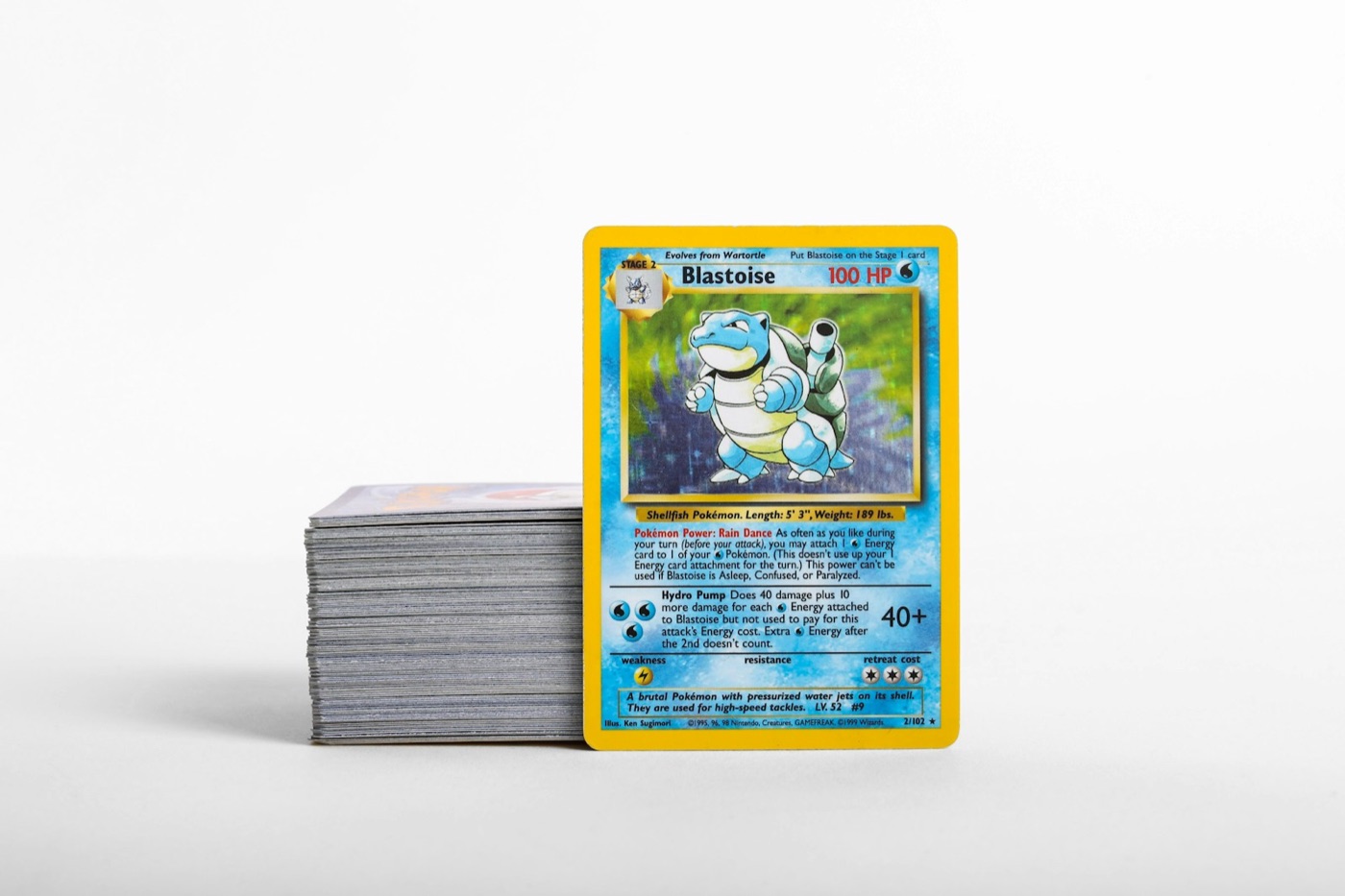
Every active Pokemon card collector eventually encounters the intake bottleneck. After a pack opening, a trade night, or a local card show, new acquisitions inevitably pile up on a desk or kitchen table. Without a clear system, these loose stacks turn into unsorted boxes, duplicates get accidentally rebought, and tracking your binder progress becomes an overwhelming task.
Maintaining order across a growing collection does not require endless hours of manual data entry. Instead, it requires a standardized filing workflow. By breaking your inventory management into clear physical stages and integrating digital tools, you can process new cards quickly, protect high-value singles, and ensure your physical binders match your digital inventory.
The High Cost of Unstructured Pokemon Card Storage
When new acquisitions enter a collection without a structured process, friction develops in three distinct areas:
- Condition Risk: Cards left in loose piles on a desk are subject to corner dings, edge wear, surface dust, and accidental spills.
- Duplicate Inflation: Without immediate visual or digital confirmation, collectors frequently buy extra copies of cards they already own.
- Inventory Drift: A physical collection that does not align with your record app makes evaluating trades or checking set completion frustrating.
To solve this, serious collectors rely on a batch-processing workflow. Rather than filing each card individually the moment it arrives, you run new additions through a dedicated intake system.
Step 1: Establish a Dedicated Intake Staging Area
Your filing workflow begins at your workspace. Designate a clean, flat surface specifically for sorting and scanning. Keep the following supplies within arm's reach before opening any mail or pack boxes:
- Microfiber cloth: To gently remove light dust from table surfaces.
- Penny sleeves and perfect-fit sleeves: Standardized protection for incoming hits.
- Toploaders and semi-rigid holders: Clean sleeves for higher-value raw cards or potential grading candidates.
- Sorting trays or multi-row boxes: Physical dividers labeled Binders, Trade, Grading, and Bulk.
By establishing a physical staging area, you stop loose cards from drifting into random desk corners or unorganized stack boxes.
Step 2: Instant Identification and Scanning
Once your staging area is ready, process your new batch using a dedicated mobile tool like PokeSnap. Scanning cards directly at the intake station eliminates manual searching through massive set lists.
When scanning incoming cards, keep these practical points in mind:
- Lay the card flat under clear, indirect lighting to prevent foil glare on holos and Illustration Rares.
- Verify the set symbol, card number, and variant (such as reverse holo vs. standard holo) before confirming the scan.
- Check estimated market context in your pokemon card price checker to know immediately if a card belongs in a protective toploader or standard binder page.
Digitizing each card during intake ensures that your digital inventory is updated long before the card enters a physical binder page or storage box.
Step 3: Grade Triage and Protective Sleeving
Before routing a raw card to its permanent physical home, conduct a quick three-point inspection:
- Edges and Corners: Look for minor whitening, rough cuts, or corner folds.
- Surface: Inspect the foil under a angled light source for print lines, scratches, or dullness.
- Centering: Check top-to-bottom and left-to-right border balance.
Cards that meet your personal standard for potential professional grading should be sleeved immediately in penny sleeves and inserted into clean semi-rigid holders, then placed into a dedicated Grading Queue box. Cards destined for your binder collection should be penny-sleeved and routed straight to set storage.
Step 4: Routing Cards to Physical Storage Locations
To maintain total physical order, every card must belong to one of four clear physical categories:
Master Set Binders
Organized numerically by set release. Fill binder gaps systematically using set lists in your pokemon collection app. Place cards into side-loading binder pages with penny sleeves for max surface protection.
Trade and Sale Binders
Cards that are duplicates or outside your collecting scope belong in dedicated trade binders. Group these by card type, high-value hits, or rarity tiers so they are easy to navigate during local meetups.
Protective Toploader Bins
High-value singles, modern chase cards, or vintage holos that are not in graded slabs fit best in toploader boxes. Organize these by set or generation using rigid physical card dividers.
Sorted Bulk Storage
Common, uncommon, and non-holo rare duplicates belong in sturdy cardboard storage boxes (such as 3200-count shoe boxes). Sort these by set number or energy type so you can easily pull cards when building decks or selling bulk lots.
Step 5: Syncing Physical Dividers with Digital Folders
A physical storage system is only as effective as its digital mirror. If your storage box contains 500 loose hits, searching through it physically wastes valuable time.
Ensure that your digital tracker reflects the exact location of your high-value inventory. Create custom tags or folders in your app matching your physical storage labels (e.g., Binder 1: Scarlet & Violet, Toploader Box A, Grading Submission #3). When you move a card physically from a trade binder to a personal master set, update the tag in your app immediately.
Maintaining a Zero-Backlog Weekly Routine
The key to a clean collection is preventing intake backlogs. Set a simple habit: never leave a newly opened pack or delivered mail package in a temporary pile for longer than 48 hours.
- Scan all new arrivals in one short session.
- Apply the correct sleeves and toploaders based on card condition.
- File cards into their designated binder pages, trade books, or storage bins.
- Confirm that your digital collection counts match your physical page count.
By following this structured intake protocol, you spend less time searching through messy stacks and more time enjoying a clean, curated, and valuable Pokemon card collection.
Ready to streamline your filing workflow? Download PokeSnap to scan incoming cards instantly, cross-reference market values, and keep your binders and storage boxes perfectly synchronized.