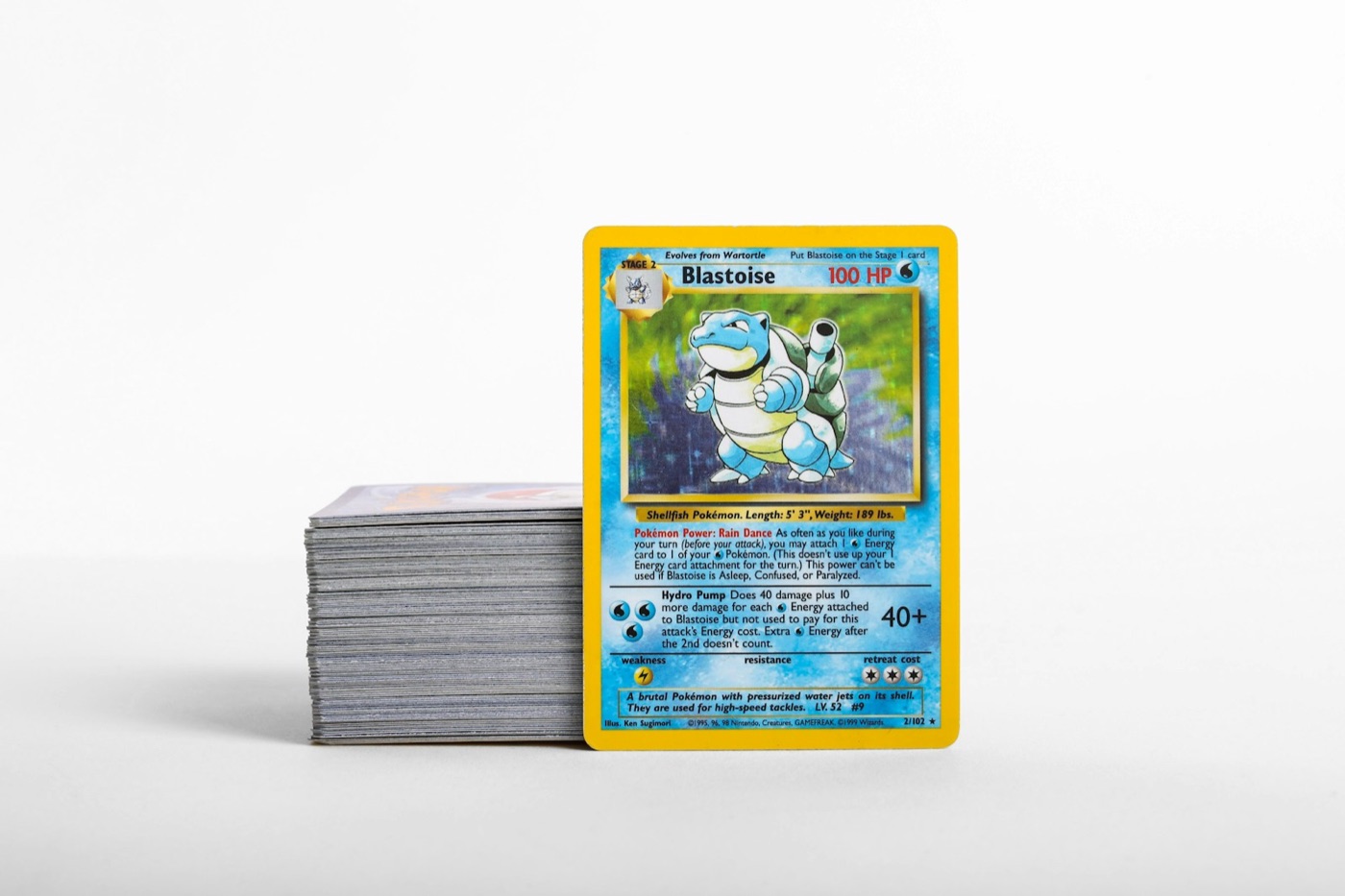
Every active collector knows how fast unsorted Pokemon cards accumulate. Mail day deliveries, trade night acquisitions, box breaks, and weekend pack openings frequently end up in loose stacks on desks, nightstands, or coffee tables. Without an intentional intake routine, these temporary holding piles quickly turn into collection chaos.
When raw cards sit unsorted, it becomes difficult to remember which duplicates you own, which set gaps you recently filled, or where a high-value hit was placed. A structured staging station solves this issue by establishing a repeatable physical-to-digital inventory workflow.
Here is how to design and execute a high-efficiency staging station routine for your Pokemon cards.
Why Unsorted Pokemon Card Piles Create Collection Chaos
Leaving raw cards loose on a desk or piled in temporary boxes exposes them to preventable risks. Edge whitening, corner nicks, and surface scuffs often happen while cards are being moved around working spaces or shuffled into temporary stacks.
Beyond physical wear, unsorted piles create administrative headaches:
- Duplicate Overbuying: Purchasing singles you already possess because they are buried in an unsorted pile.
- Inaccurate Trade Binders: Bringing outdated trade binders to local events because recent pulls were never cataloged.
- Lost Set Momentum: Neglecting missing binder slots because newly acquired set fillers remain unindexed.
By routing every incoming card through a single intake desk, you ensure every card is inspected, digitised, protected, and filed immediately.
Setting Up Your Physical Staging Station Area
Your staging station does not require a dedicated room. A clean desk corner or foldable table works perfectly as long as it remains uncluttered and equipped with key organization tools.
Assemble these essentials at your intake station:
- Clean Playmat or Desk Mat: Provides a cushioned, non-abrasive surface to prevent surface friction during sorting.
- Inspection Lighting: A bright desk lamp helps you catch subtle print lines, edge wear, or surface dents before cataloging.
- Protective Gear Supply: Keep penny sleeves, semi-rigid holders, and rigid toploaders within arm's reach.
- Sorting Trays or Dividers: Acrylic trays or plastic bins help segment cards into distinct processing queues.
- Mobile Device Mount: A simple phone stand keeps your camera positioned correctly for batch scanning.
Having your tools pre-positioned eliminates setup friction, making it easy to process small 10-card batches in just a few minutes.
Step 1: The Initial Visual Sorting Pass
Before launching a Pokemon collection app or reaching for sleeves, execute a rapid physical sort. Splitting a bulk pile into refined categories keeps your workspace manageable.
Divide your intake stack into three clear queues:
- High-Value Hits & Special Art Rares: Secret rares, full arts, vintage holos, and grading candidates that require immediate protective sleeving.
- Set Fillers & Playables: Regular rares, uncommons, and commons needed for active binder sets or local deck building.
- General Bulk & Trade Duplicates: Extra copies intended for long-term storage boxes or bulk trade-in lots.
If your intake includes international singles alongside domestic cards, segregate them during this step. Using a dedicated camera workflow to scan Japanese Pokemon cards ensures set codes and card numbers map accurately to non-English expansion databases.
Step 2: High-Speed Mobile Batch Scanning
Once cards are grouped by priority, transition to digital cataloging. Manually typing card names, set numbers, and card variants into spreadsheets is slow and prone to typographical errors.
Using a dedicated Pokemon card scanner accelerates intake by capturing set symbols, card numbers, and artwork instantly from your phone camera.
Follow these best practices during the scan phase:
- Maintain Consistent Overhead Lighting: Glare from overhead bulbs can obscure foil details or set numbers. Angle your light source slightly to reduce reflection.
- Scan Top-Tier Cards First: Index your highest-value pulls first so your digital portfolio value reflects your latest additions right away.
- Confirm Variant Entries: Ensure parallel foils, reverse holos, and promo-stamped variants match the specific database entry before moving to the next card.
When evaluating uncertain cards during this step, check real-time market references with a built-in Pokemon card price checker to decide whether a card belongs in a trade binder or long-term storage.
Step 3: Assigning Protective Storage Tiers
With every card digitally logged, assign each physical card to its permanent storage home based on its value, condition, and collection role:
- Toploaders and Semi-Rigid Holders: Best reserved for high-value hits, prospective grading submissions, and delicate vintage foils.
- Side-Loading Binder Pages: Perfect for master sets, illustration rare showcases, and active trade binder collections.
- Storage Boxes with Acid-Free Dividers: Recommended for sorted bulk, playsets, and extra set duplicates.
Always slide raw cards into a fresh penny sleeve before inserting them into binder pages or plastic top-loaders. This extra step prevents binder page friction and corner snagging.
Step 4: Finalizing Digital Records and Storage Mapping
An intake workflow is complete only when your physical storage matches your digital ledger. If a card is filed into "Binder 3 - Scarlet & Violet Era" or "Box B - Japanese Rare Overflow," reflect that location in your digital app notes.
Taking ten seconds to record storage locations saves hours of searching later when you need to pull cards for a deal, trade night, or grading submission.
Periodically audit your active wantlists against your updated digital index. Seeing completed set numbers advance in real time provides clear guidance on which singles to target during your next purchase.
Maintain a Zero-Backlog Inventory Routine
Building an organized Pokemon card collection is an ongoing routine rather than a one-time project. By enforcing a simple rule—no new card leaves the staging desk without being inspected, scanned, sleeved, and indexed—you protect your cards' condition and preserve complete clarity over your collection.
Ready to streamline your card intake? Download PokeSnap today to turn your phone into an instant card scanner, track set completion, compare market prices, and manage your entire Pokemon card inventory with total confidence.