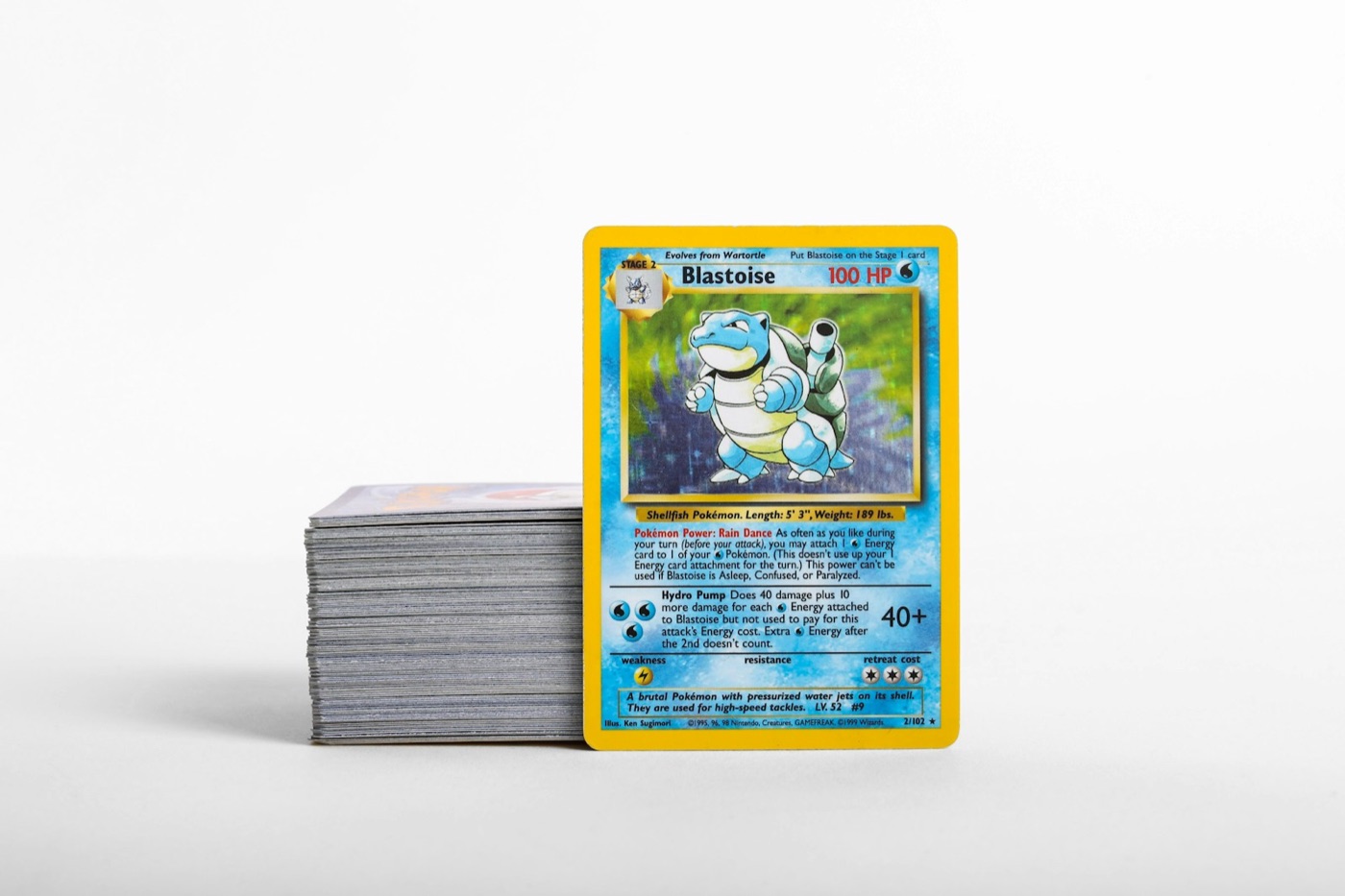
Every collector knows the feeling of bringing home a fresh stack of cards after a mail day, trade night, or pack-opening session. When unsorted cards linger on your desk or sit in random piles across your collection room, cataloging becomes an overwhelming chore. Without a structured intake process, duplicates get misplaced, condition assessments are rushed, and binder organization degrades into chaos.
Creating an unsorted staging queue solves this problem at the root. By establishing a designated physical space and a repeatable processing order, you can triage raw cards efficiently, check details with a Pokemon card scanner, and file every card into its proper home without creating backlogs.
Why Unsorted Piles Ruin Collection Workflows
When unsorted cards pile up without a dedicated holding area, three major friction points emerge:
- Accidental Duplicate Purchases: Cards left in loose stacks are effectively invisible. You might buy or trade for a card you already acquired three days earlier simply because the first copy hasn't been added to your collection database yet.
- Handling Wear: Unsorted cards moved around on a desk, shuffled into temporary stacks, or left near active work areas face elevated risks of surface scratches, edge whitening, and corner dings.
- Cataloging Exhaustion: Trying to sort, scan, check values, sleeve, and place 100 mixed cards into binders in one sitting leads to fatigue and mistakes in your records.
An unsorted staging queue acts as a buffer zone. It separates incoming inventory from your fully archived collection, keeping new additions safe and visible until you are ready to process them in controlled batches.
The Three-Tray Physical Staging Setup
To build a clean staging queue, you do not need expensive furniture or complex organizers. A dedicated section of your desk with three distinct trays or shallow bins creates a seamless physical pipeline.
Tray 1: The Raw Intake Tray
This is where all incoming cards arrive first—whether from sealed pack rips, local trade pickups, or online orders. Cards remain in this tray in the exact state they arrived until you are ready for a focused processing session. Having a single landing point ensures loose cards never scatter across tables or drop into random storage drawers.
Tray 2: The Inspection and Scan Tray
During a processing session, move small stacks from Tray 1 to Tray 2. Here, you perform a brief physical inspection for surface cleanlines, check corners, and run each item through a Pokemon collection app to update your digital inventory. This tray serves as the active workspace where digital logging occurs.
Tray 3: The Outgoing Filing Tray
Once a card is scanned and assigned its sleeve or hard loader, it rests in Tray 3. Cards in this tray are completely cataloged and sorted by destination: binder sets, trade binders, or long-term bulk storage bins. From Tray 3, transferring cards to their final physical binder slot takes only a few minutes.
Step-By-Step Intake Workflow for New Additions
Following a strict step-by-step workflow ensures your physical cards and digital database remain perfectly in sync. Read through our general guides on the PokeSnap blog for broader organizational insights, or use this standardized four-step routine:
Step 1: Batch Prep and Light Cleaning
Gather 20 to 30 cards from Tray 1 onto a clean microfiber desk mat. Ensure your hands are dry and free of oils. Inspect the card surface under bright, direct light to clear off loose dust or debris using a soft microfiber cloth before putting the card in a fresh sleeve.
Step 2: Rapid Digital Scanning
Use your mobile scanner to record each card's identity, set number, and condition grade in your collection tracker. Scanning in small, focused batches keeps processing times under five minutes and prevents software entry mistakes.
Step 3: Sleeve Assignment by Card Tier
Assign protection based on card category as soon as the scan confirms identity:
- Ultra Rares & Hits: Place into a penny sleeve and semi-rigid holder or toploader immediately.
- Binder Fillers & Set Cards: Place into a premium penny sleeve or side-loading binder sleeve.
- Uncommon / Common Bulk: Group into clean penny sleeves by set or store neatly in monster boxes.
Step 4: Final Destination Routing
Move the sleeved cards into Tray 3. Once Tray 2 is clear, move Tray 3 items directly into their assigned collection binders or storage containers. Never leave cards sitting in Tray 3 overnight; finishing the transfer ensures your desk stays clear.
Handling Mixed-Condition and Variant Cards
One common bottleneck in an intake queue is encountering card variants, foreign printings, or cards with minor condition flaws. When you hit a card that requires extra attention, avoid letting it stall your entire batch.
Create a small temporary side-pocket within Tray 2 for "Flagged Items." If a card has an unusual foil pattern, a misprint feature, or surface wear that requires closer condition grading notes, place it in the side-pocket and continue scanning the rest of the batch. Once the main batch is routed to Tray 3, go back and inspect the flagged items individually.
This keeps your main cataloging speed high while ensuring special cards receive the detail-oriented notes they deserve in your digital records.
Best Practices for Queue Maintenance
To ensure your unsorted staging queue continues to save you time rather than becoming another permanent pile of clutter, enforce three simple boundaries:
- Set a Staging Limit: Do not allow Tray 1 to overflow. If Tray 1 reaches capacity (e.g., more than 100 cards), pause new purchases or pack openings until the intake queue is completely cleared.
- Maintain Dedicated Supplies Nearby: Keep a supply of clean penny sleeves, toploaders, and binder pages directly adjacent to your staging trays. Searching for supplies mid-session breaks your momentum.
- Process Mail Days Immediately: Log small daily arrivals right away. Scanning five cards on the day they arrive takes 90 seconds, whereas letting three weeks of deliveries pile up creates a daunting weekend task.
By turning intake into a brief, routine habit, you maintain continuous visibility over your entire collection's value, duplicate count, and set completeness.
Keep Your Physical and Digital Collection Balanced
A disciplined staging zone bridges the gap between raw cards arriving at your door and an organized collection you can proudly browse. When every new pickup is systematically inspected, sleeved, scanned, and filed, your binders stay tidy and your digital records stay reliable.
Ready to streamline your intake workflow? Download PokeSnap today to scan new arrivals in seconds, track set completeness, and manage your entire Pokemon card collection with ease.