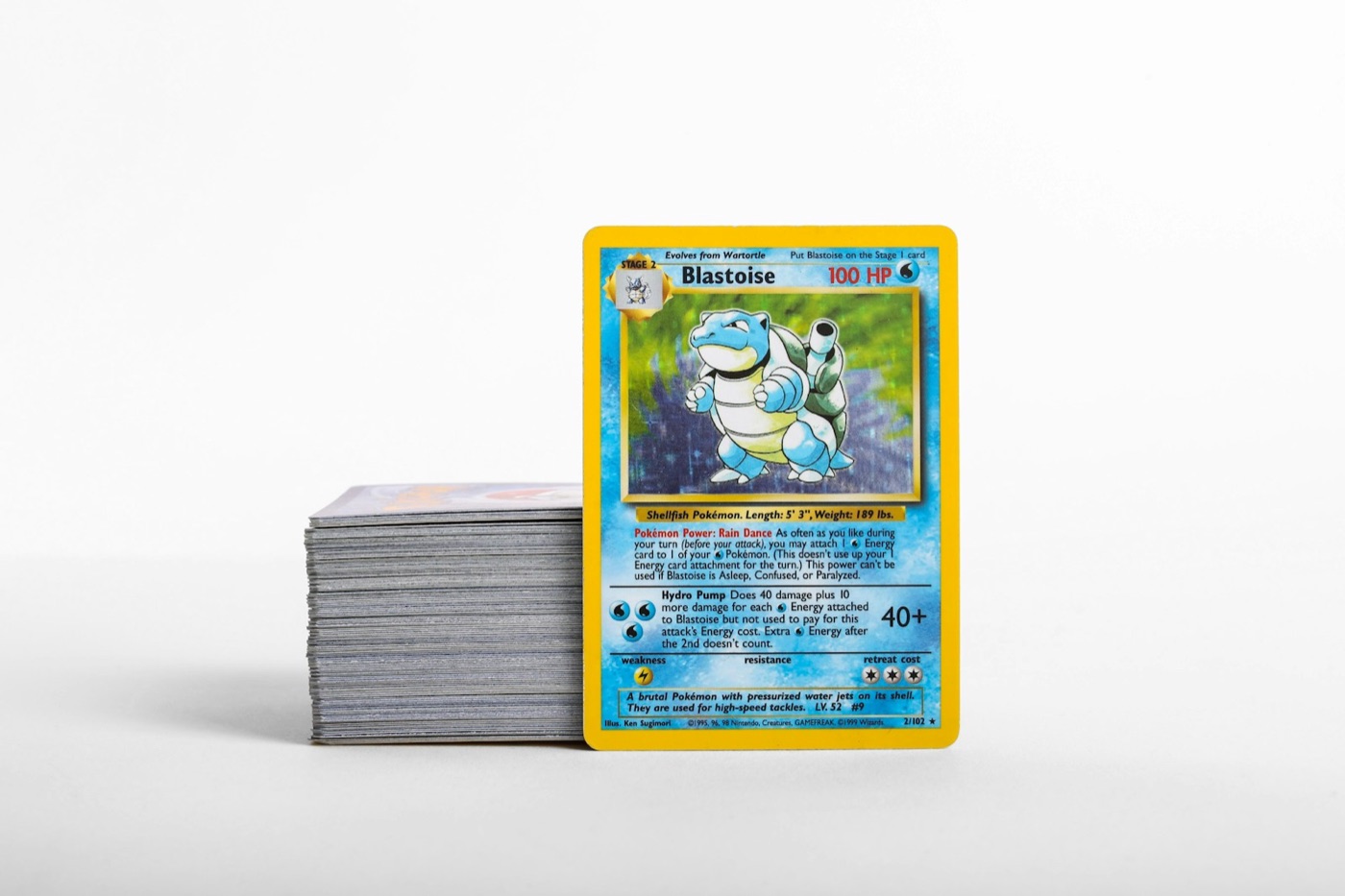
Every collector knows the feeling of a "mail day" pile, a fresh booster box opening, or a newly acquired trade lot sitting on the desk. Without a structured system, these cards quickly turn into cluttered stacks that slowly take over your living space. To keep your collection clean, organized, and searchable, you need a repeatable intake pipeline.
A structured inventory workflow prevents duplicates from slipping into bulk boxes, ensures your most valuable hits are immediately protected, and keeps your digital records perfectly aligned with your physical storage. Here is how to build a highly efficient physical-to-digital intake pipeline to process your Pokemon cards.
1. The Danger of the "Scan-as-You-Go" Trap
Many collectors open a booster pack, pull a card, immediately scan it, and then set it down. While this feels satisfying in the moment, it is one of the least efficient ways to manage an inventory. Scanning cards individually during an active opening breaks your momentum, increases the risk of touching cards with unsleeved hands, and leads to messy piles.
Instead, treat your collection management like an assembly line. By dividing your intake process into distinct physical and digital phases, you can process hundreds of cards in a fraction of the time while keeping your cards safe from accidental surface scratches or edge wear.
2. Phase 1: The Initial Physical Sort
Before you open any app or pull out your phone, you must prepare your physical workspace. Clear a flat, clean surface and establish your sorting zones. Your initial physical sort should categorize cards by condition, rarity, and era before any digital logging occurs.
- The Hit Pile: Any ultra-rare, secret rare, or high-value illustration rare cards go directly into penny sleeves immediately. Set these aside in a dedicated "hits" tray.
- The Holo/Reverse Holo Stack: Keep foil cards separate from non-foil cards. Foil cards are prone to warping if exposed to humidity, so keeping them grouped makes it easier to sleeve them in batches later.
- The Bulk Stack: Common and uncommon non-foil cards should be stacked neatly. Grouping these by set symbol or type at this stage will save you hours of sorting later.
By grouping your cards physically first, you prepare them for rapid, sequential scanning.
3. Phase 2: Batch Scanning and Digital Verification
Once your cards are organized into neat stacks, it is time to digitize them. Using a dedicated pokemon card scanner allows you to process entire piles of cards in seconds rather than typing out set names and card numbers manually.
When scanning your cards, follow these best practices for maximum speed and accuracy:
- Consistent Lighting: Scan in a well-lit room with indirect light to avoid glare on glossy card surfaces or sleeves.
- Work in Batches: Scan your sorted stacks one by one. For example, scan your entire "holo" stack first, then move to your "hits."
- Verify Printing Variants: Ensure your scanning software correctly identifies the difference between a standard holo and a reverse holo variant. If you need to check market trends during this step, use an integrated pokemon card price checker to verify you have logged the exact printing matching your card's physical appearance.
4. Phase 3: Defining Your Physical Storage Zones
After scanning a batch of cards, they must immediately go to their designated physical homes. Never let scanned cards sit in an unlabelled stack, or you will quickly forget which ones have been entered into your database.
Establish four primary physical storage zones:
- The Binder Zone: This is for master sets, favorite art, or specific pokemon lines. Cards going here should be sleeved and placed in side-loading pocket pages.
- The Toploader/Slab Zone: Highly valuable cards or grading candidates go into a penny sleeve, then a rigid toploader, and finally into a dedicated toploader box.
- The Trade Binder: Duplicates or cards you are willing to part with should go straight into your trade inventory so they are ready for your next local card show or trade night.
- The Bulk Storage Box: Low-value commons and uncommons go into cardboard storage boxes, sorted by set, so they are easy to pull if you ever want to sell them in bulk lots.
5. Syncing Physical Locations with Your Pokemon Collection App
A digital inventory is only useful if it tells you exactly where to find a card in the real world. When you log your cards into your pokemon collection app, utilize folders, tags, or custom lists to mirror your physical storage.
For example, if you have a card stored in your "Scarlet & Violet Binder," create a digital folder with the exact same name. If a card is moved to a trade box, update its digital location tag immediately. This simple habit eliminates the frustration of searching through multiple binders and boxes to find a single card when a trade offer comes along.
6. The "One-In, One-Out" Rule for Trade Binders
To keep your inventory from drifting out of sync, establish a strict rule for trades and sales. Whenever a card leaves your physical trade binder, it must be removed from your digital inventory before you pack up your gear.
Similarly, when you acquire a new card via a trade, do not place it into your binder until you have scanned it into your intake folder. Keeping your trade inventory updated in real-time ensures you never accidentally offer a card you no longer own or buy a duplicate of something you just traded for.
7. Maintaining the Routine: The Weekly Cleanout
An intake pipeline only works if you keep it clear. If you let cards accumulate in your "unsorted" tray for weeks, the sheer volume will make the task feel overwhelming.
Dedicate just 10 to 15 minutes at the end of every week to process any loose cards that accumulated from pack openings or mail days. By keeping your intake tray empty, you ensure your digital collection tracker remains a highly accurate, real-time reflection of your physical cards.
Streamline Your Intake with PokeSnap
Building a seamless inventory workflow is easy when you have the right tools. With PokeSnap, you can scan your cards instantly, verify their details, and organize them into custom folders that match your physical binders and boxes perfectly.
Ready to eliminate the clutter and take control of your collection? Download PokeSnap today and experience the ultimate Pokemon card inventory workflow.