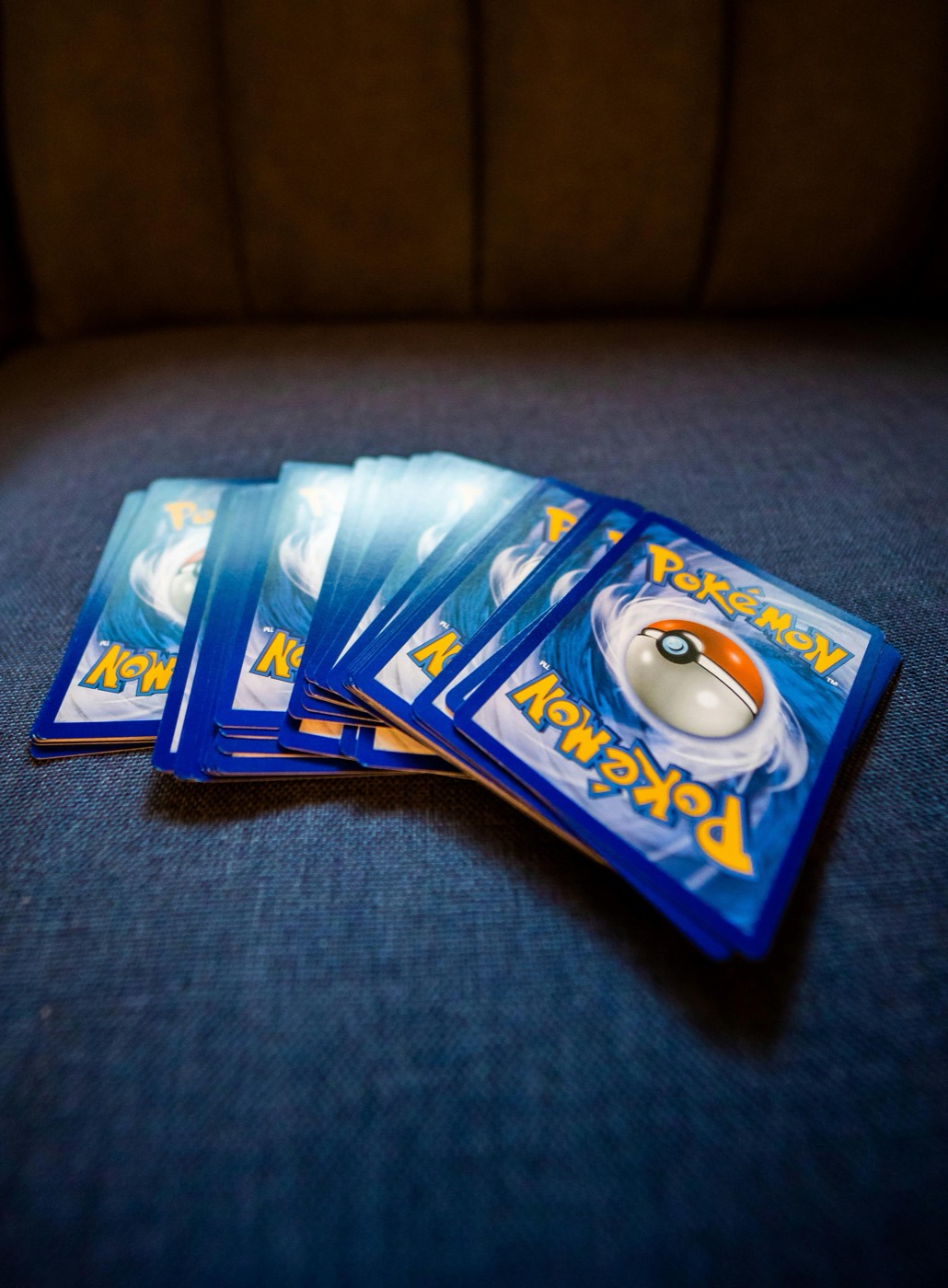
Why Unsorted Pokemon Card Stacks Overwhelm Collectors
Every active Pokemon collector knows the feeling of a growing unsorted stack. Pack openings, trade night pickups, mail day arrivals, and bulk purchases quickly pile up on your desk. Without a structured staging routine, loose singles sit in temporary stacks for weeks, increasing the risk of surface scratches, lost cards, or forgotten duplicates.
Trying to sort cards directly into master binders or specialized storage boxes one card at a time creates constant friction. You spend more time pulling open binder rings or looking up set numbers than actually making progress. To keep your physical collection organized and maintain clean records in your Pokemon collection app, you need a repeatable intake system.
A Five-Box Sorting Protocol breaks down massive piles of raw cards into clean, manageable streams. By separating cards into five dedicated physical containers before doing final placement, you eliminate desk clutter, protect card condition, and speed up your logging routine.
The Five-Box Protocol Framework Explained
The goal of the five-box protocol is to triage every incoming card in a single touch. Instead of deciding the long-term location of individual cards mid-sort, you toss cards into one of five labeled sorting bins based on category and physical destiny.
Here is how the five containers are designated:
- Box 1: High-Value Hits & Ultra Rares — Full arts, illustration rares, secret rares, and high-value vintage cards requiring immediate protective sleeves and top loaders.
- Box 2: Binder Candidates & Set Fillers — Mint or near-mint rares, uncommons, and commons needed to finish active set binders or expansion goals.
- Box 3: Trade & Sale Duplicates — Extra copies of sought-after hits, playables, or popular Pokemon intended for local trade meets or online sales.
- Box 4: Language & Variant Specialization — Alternate language prints such as Japanese Pokemon cards, promos, error cards, and reverse holo variants needing extra indexing.
- Box 5: Clean Bulk & Storage Box Fillers — Common and uncommon non-holo bulk, basic energy, and code cards destined for standard long-term storage boxes.
Using uniform cardboard shoe boxes, plastic sorting trays, or labeled stackable bins keeps your desk layout clean and functional.
Setting Up Your Intake Desk Environment
Before opening a single booster pack or sorting through a fresh lot, prepare your physical workspace to avoid handling wear. Friction against rough desk surfaces can cause minor whitening along raw card borders.
- Surface Preparation: Lay down a clean playmat or felt desk pad. This provides a soft cushion when picking up raw singles.
- Supply Access: Place penny sleeves, semi-rigid holders, and top loaders within arm's reach of Box 1 and Box 3.
- Lighting Setup: Position bright overhead or desk lighting to clearly read collector numbers, set symbols, and check surface condition for faint scratches or foil lines.
- Digital Tool Placement: Mount or prop up your smartphone with a fast Pokemon card scanner ready to capture card details as you process each batch.
Having your supplies arranged logically cuts down on unnecessary movement and keeps raw cards safe during intake.
Running the Batch Scanning and Classification Phase
Once your desk is set up, work through your unsorted pile in continuous batches of 50 to 100 cards. Trying to process thousands of cards in one sitting causes mental fatigue, leading to misfiled variants or missed condition flaws.
Unsorted Intake Stack
       │
       ▼
[ Scan with App ] ──► (Verify Set Symbol & Details)
       │
       ├───────────────────┬───────────────────┬───────────────────┐
       ▼                   ▼                   ▼                   ▼
┌──────────────┐    ┌──────────────┐    ┌──────────────┐    ┌──────────────┐
│ Box 1: Hits  │    │ Box 2: Set   │    │ Box 3: Trade │    │ Box 4/5:     │
│ (Sleeve/TL)  │    │ (Binder Prep)│    │ (Dupes Pile) │    │ Variant/Bulk │
└──────────────┘    └──────────────┘    └──────────────┘    └──────────────┘
Step-by-Step Batch Routine:
- Inspect Card Condition: Briefly examine the corners, edges, and holo surface under your desk light.
- Scan the Card: Tap the screen on your mobile scanner app to instantly log the exact card set, collector number, and variant record into your digital database.
- Sleeve Immediately if High Value: If the card is identified as a rare hit, slide it straight into a fresh penny sleeve.
- Sort into the Protocol Bins: Place the card into its designated protocol box based on your collection goals.
Scanning as you sort ensures your digital inventory reflects physical reality without taking manual notes on paper.
Routing Singles into Binders, Slabs, and Storage Bins
After clearing your raw intake pile into the five protocol boxes, process each container into its permanent physical home.
Processing Box 1 (Hits)
Remove hits from Box 1. Cards targeted for grading go into semi-rigid holders inside a safe storage case. Binder hits get loaded into side-loading pocket pages using archival-safe materials.
Processing Box 2 (Binder Candidates)
Sort Box 2 by set number and set symbol. Cross-reference your set progress in your Pokemon card price checker or collection manager, then insert missing singles into open binder slots.
Processing Box 3 (Trade & Sale Duplicates)
Transfer extra trade binder stock or valuable duplicate hits into your trade binder or dedicated trade storage box. Grouping trade items separately prevents you from accidentally trading away single binder copies.
Processing Box 4 & 5 (Variants and Bulk)
Label long-term bulk storage boxes by era, expansion, or card type. Organize Box 4 Japanese cards or reverse holo variants into indexed card dividers so you can quickly locate specific prints when set requirements change.
Syncing Physical Cards with Your Digital Tracker
A physical inventory system is only as effective as the digital records backing it up. If your binder order shifts or bulk boxes get rearranged, an un-indexed physical collection leads to duplicate purchases.
To maintain complete physical-to-digital alignment:
- Use Location Tags: Group digital tags or custom lists by physical location (e.g., "Binder A - SV Era", "Trade Toploader Box 1", "Bulk Box 2024").
- Perform Quarterly Audits: Periodically check high-value binder pages against your digital list to make sure no cards have been swapped or misplaced.
- Track Duplicate Quantities: Ensure your scanner app updates existing card counts rather than creating duplicate single listings.
Maintaining synced records lets you check your full collection instantly while shopping at card shows or negotiating trades locally.
Establishing a Weekly Maintenance Routine
The key to preventing unsorted card backlogs is small, regular maintenance. Leaving pack pulls on your desk for weeks breaks your sorting workflow and increases handling risks.
Set aside 15 to 20 minutes after pack openings or mail deliveries to process new cards immediately through the five-box protocol. If you don't have time to file cards into final binder pages right away, leaving them categorized inside Boxes 1 through 5 keeps your desk clean and protected until your next dedicated filing session.
For more guides on collection strategy, binder setups, and inventory organization, explore our comprehensive collection blog.
Keep Your Collection Organized with PokeSnap
Streamline your sorting workflow with PokeSnap, the ultimate Pokemon card scanner and collection manager for iOS and Android. High-speed scanning lets you identify set numbers, track card details, check market prices, and update your inventory in seconds—so you spend less time sorting stacks and more time building your dream collection.